EasyManua.ls Logo

Carrera 657 - User Manual

Carrera 657
64 pages
Print Icon
To Next Page IconTo Next Page
Loading...
DESIGNED IN GERMANY
EN
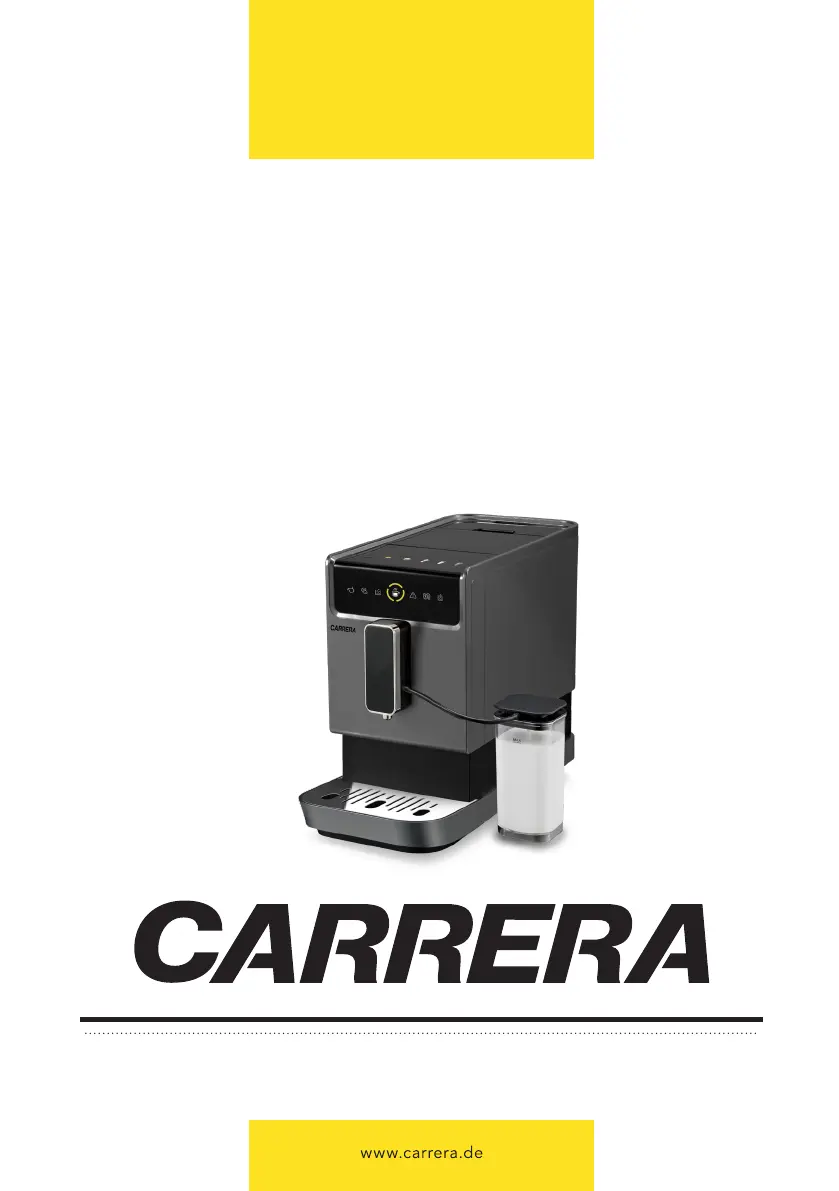
FULLY AUTOMATIC COFFEE MACHINE
Instruction manual
RUS
АВТОМАТИЧЕСКАЯ КОФЕМАШИНА
Инструкция по эксплуатации
657

Table of Contents

Questions and Answers

  • T
    Theresa BrownSep 9, 2025
    Why Carrera 657 Coffee Maker coffee is not hot enough?
    • L
      Luke DunlapSep 9, 2025
      If your Carrera Coffee Maker coffee is not hot enough, the cups may not have been preheated, or the brewing unit might be too cold. Rinse the appliance at least 3 times before making coffee.
  • G
    gmartinezSep 12, 2025
    What to do if Carrera 657 water tank is removed but does not light up?
    • R
      Regina KellerSep 12, 2025
      If the water tank is removed or the water level is very low in the water tank of your Carrera Coffee Maker, but the indicator doesn't light up, the area near the water tank connector might be wet. Wipe the water around the water tank connector.
  • M
    Manuel GrimesSep 13, 2025
    Why Carrera 657 coffee does not come out from spout?
    • J
      jacquelineburnsSep 13, 2025
      If coffee does not come out from the spout of your Carrera Coffee Maker, it might be because the empty system function was used previously. Press the hot water button until water comes out from the spout.
  • J
    Jason LiSep 15, 2025
    What to do if Carrera 657 first cup of coffee is of poor quality?
    • J
      Jaime GallegosSep 15, 2025
      If the first cup of coffee from your Carrera Coffee Maker is of poor quality, it's because the first run of the grinder doesn't produce enough coffee into the brewing unit. Throw the first coffee away; subsequent coffees will be of good quality.
  • H
    Heather MercadoSep 17, 2025
    What to do if Carrera Coffee Maker function keys have no or delayed response?
    • R
      rickydixonSep 18, 2025
      If your Carrera Coffee Maker function keys on the panel have no or delayed response, it could be due to electromagnetic interference, dirt on the panel, or not pressing the touch button correctly. Unplug the appliance and restart it after a few minutes. Clean the panel with a cloth. Press the lower part of the icon of the touch button.

Summary

Safety Precautions

Appliance Overview

Control Panel

Technical Specifications

First Start

Preparing Drinks

Preparing Americano

Preparing Latte Macchiato

Preparing Cappuccino

Preparing Milk Foam

Preparing Hot Water

Additional Settings

Adjusting the Grind

Descaling

Cleaning & Maintenance

Cleaning the Body and Control Panel

Auto Cleaning of the Brewer

Manual Cleaning of the Brewer

Cleaning the Drip Trays and Coffee Grounds Container

Cleaning the Water Tank

Cleaning the Automatic Milk Froth System

Cleaning the Milk Container and Connection Milk Tube

Troubleshooting

Carrera 657 Specifications

General IconGeneral
BrandCarrera
Model657
CategoryCoffee Maker
LanguageEnglish

Related product manuals