EasyManua.ls Logo

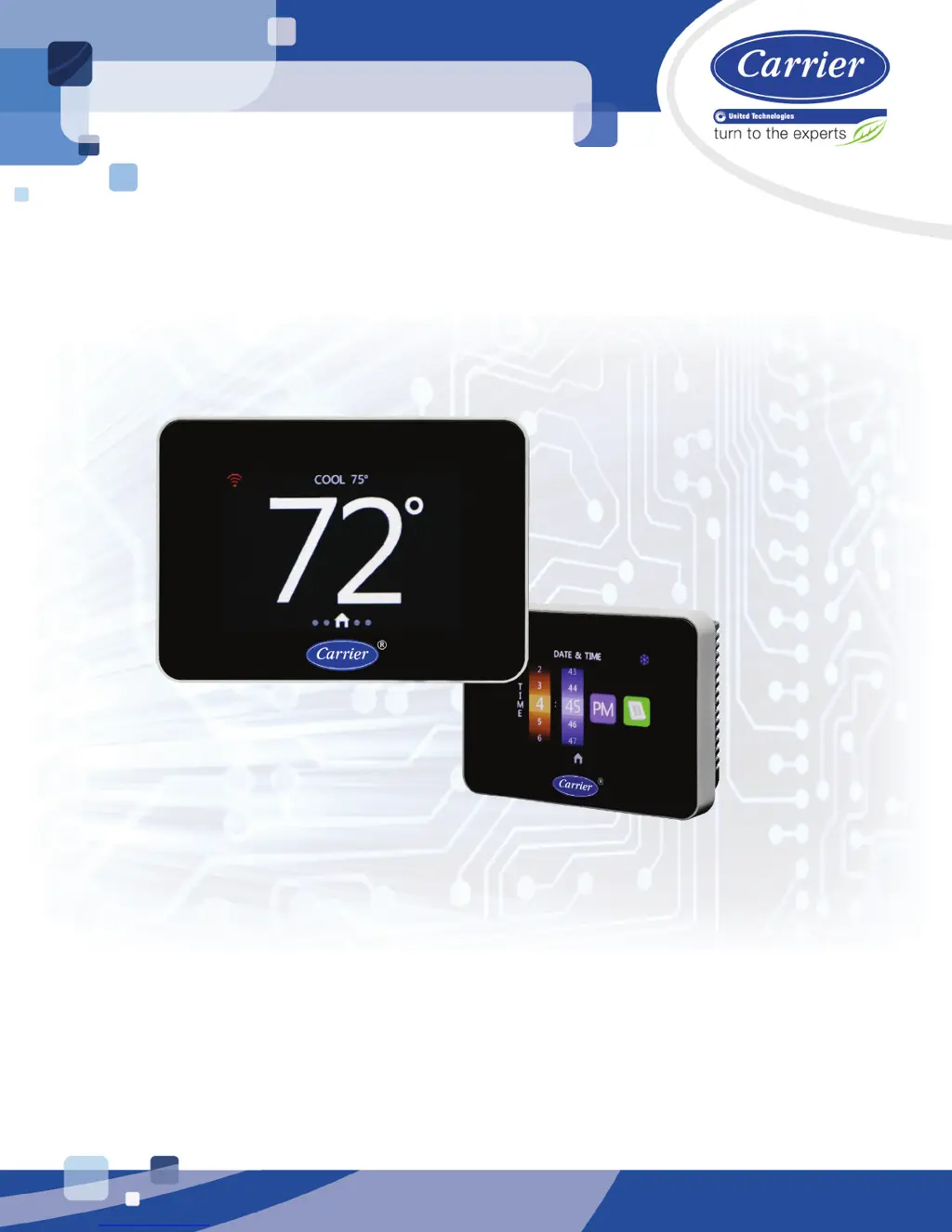
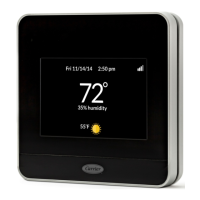
Carrier Connect - User Manual

Carrier Connect
48 pages
Print Icon
To Next Page IconTo Next Page
Loading...
C
C
a
a
r
r
r
r
i
i
e
e
r
r
C
C
o
o
n
n
n
n
e
e
c
c
t
t
W
W
i
i
-
-
F
F
i
i
T
T
h
h
e
e
r
r
m
m
o
o
s
s
t
t
a
a
t
t
I
I
n
n
s
s
t
t
a
a
l
l
l
l
a
a
t
t
i
i
o
o
n
n
G
G
u
u
i
i
d
d
e
e
CARRIER CORPORATION ©2017
A member of the United Technologies Corporation family · Stock symbol UTX · Catalog No. 11-808-579-01 · 11/3/2017

Questions and Answers

  • F
    Frank SkinnerAug 17, 2025
    How to fix Carrier Thermostat if the display does not turn on?
    • A
      Amy SmithAug 17, 2025
      If the display of your Carrier Thermostat does not turn on: * Check terminals R and C on the thermostat base. * Verify the power is 24 Vac +/-10%. * Make sure that the green LED on the base is flashing at 1 Hz. If the green LED is not flashing and you have 24 Vac on terminals R and C, the thermostat needs to be replaced.
  • Z
    zmasseyAug 20, 2025
    What causes HUM SENSOR FAILURE on Carrier Thermostat?
    • A
      andrewpatelAug 20, 2025
      A HUM SENSOR FAILURE on your Carrier Thermostat can be caused by the humidity sensor timing out or if the humidity reading is greater than 99%.
  • C
    Cassandra MurilloAug 22, 2025
    What does ID TEMP RANGE HIGH mean on Carrier Connect Thermostat?
    • B
      Benjamin AveryAug 23, 2025
      ID TEMP RANGE HIGH on your Carrier Thermostat means the indoor temperature is greater than 99.0°F.
  • B
    Brandy CarterAug 25, 2025
    What does ID TEMP RANGE LOW mean on Carrier Thermostat?
    • B
      Brenda SheltonAug 26, 2025
      ID TEMP RANGE LOW on your Carrier Thermostat means the indoor temperature is less than 40.0°F.
  • B
    Briana WrightAug 28, 2025
    What causes HUMIDITY RANGE HIGH on Carrier Connect Thermostat?
    • J
      James RobertsonAug 28, 2025
      HUMIDITY RANGE HIGH on your Carrier Thermostat is caused by a humidity reading greater than 90%.
  • C
    charles20Aug 30, 2025
    What causes HUMIDITY RANGE LOW on Carrier Connect?
    • S
      Sara OconnorAug 30, 2025
      HUMIDITY RANGE LOW on your Carrier Thermostat is caused by a humidity reading less than 10%.
  • M
    michael27Sep 2, 2025
    What does ID TEMP SENSOR HIGH mean on Carrier Connect Thermostat?
    • M
      mharrisSep 2, 2025
      ID TEMP SENSOR HIGH on your Carrier Thermostat means the temperature reading is greater than 122°F.
  • T
    Tiffany HughesSep 5, 2025
    What does REMOTE SENSOR HIGH mean on Carrier Connect?
    • T
      Toni MorrisSep 5, 2025
      REMOTE SENSOR HIGH on your Carrier Thermostat means the remote temperature is greater than 122°F. This is displayed only if REMOTE SENSOR is set to INDOOR or AVERAGE.
  • C
    chadwadeSep 8, 2025
    What does HUM TEMP SENSOR HIGH mean on Carrier Thermostat?
    • K
      Kevin BennettSep 8, 2025
      HUM TEMP SENSOR HIGH on your Carrier Thermostat means the humidity sensor temperature is greater than 122°F. This is displayed only if using humidity temperature as a backup source during a fault condition with the primary temperature sensor.
  • O
    Olivia Davies MDSep 10, 2025
    What causes ECONOMIZER FAULT on Carrier Connect Thermostat?
    • A
      amy84Sep 12, 2025
      ECONOMIZER FAULT on your Carrier Thermostat is caused by contact closure on remote sensor input, as determined by the Economizer.

Summary

Carrier Connect Wi-Fi Thermostat Overview

What is the Carrier Connect Wi-Fi Thermostat?

Introduces the thermostat, its capabilities, and package contents.

Specifications

Lists technical details like power, operating range, dimensions, and compliance.

Installation and Wiring Procedures

Wiring the Carrier Connect Wi-Fi Thermostat

Provides wiring diagrams for various HVAC system types and configurations.

To wire and mount the thermostat

Step-by-step instructions for physically mounting the thermostat base and faceplate.

To connect a remote input (sensor or contacts)

Details wire specifications and diagrams for connecting remote sensors or contacts.

Mobile Connectivity and Setup

Registering and setting up a mobile device

Guides users through downloading, registering, and connecting the Connect™ App.

Using the Connect website or app

Explains how to access and utilize thermostat functions via web or mobile interfaces.

System Configuration

Configuring the system

Explains how to navigate and access system settings on the thermostat.

To configure advanced SYSTEM SETTINGS

Details advanced system parameters and their configuration options.

Thermostat Operation and Interface

System Operation Overview

Explains how the thermostat controls heating, cooling, and other system functions.

Navigating Thermostat Screens

Describes the primary user interface screens and their navigation.

Key Interface Screens

Covers Home, Setpoint, Mode, Humidity, Fan, and Program screens.

Advanced and Utility Screens

Explains Date/Time, Backlight, Filter, Log, and Lockout features.

Service, Testing, and Troubleshooting

Service Information

Displays dealer/installer contact information, editable via mobile app or transfer.

Installation Test

Guides users through field testing the thermostat's outputs.

Troubleshooting and Faults

Provides guidance on common issues, fault definitions, and power outage recovery.

Document Revision History

Carrier Connect Specifications

General IconGeneral
ConnectivityWi-Fi
DisplayTouchscreen
Voice ControlAmazon Alexa, Google Assistant
GeofencingYes
Energy ReportsYes
TypeSmart
Power SourceHardwired
FeaturesRemote Access
CompatibilityiOS and Android
AlertsSystem Alerts
InstallationProfessional installation

Related product manuals