3
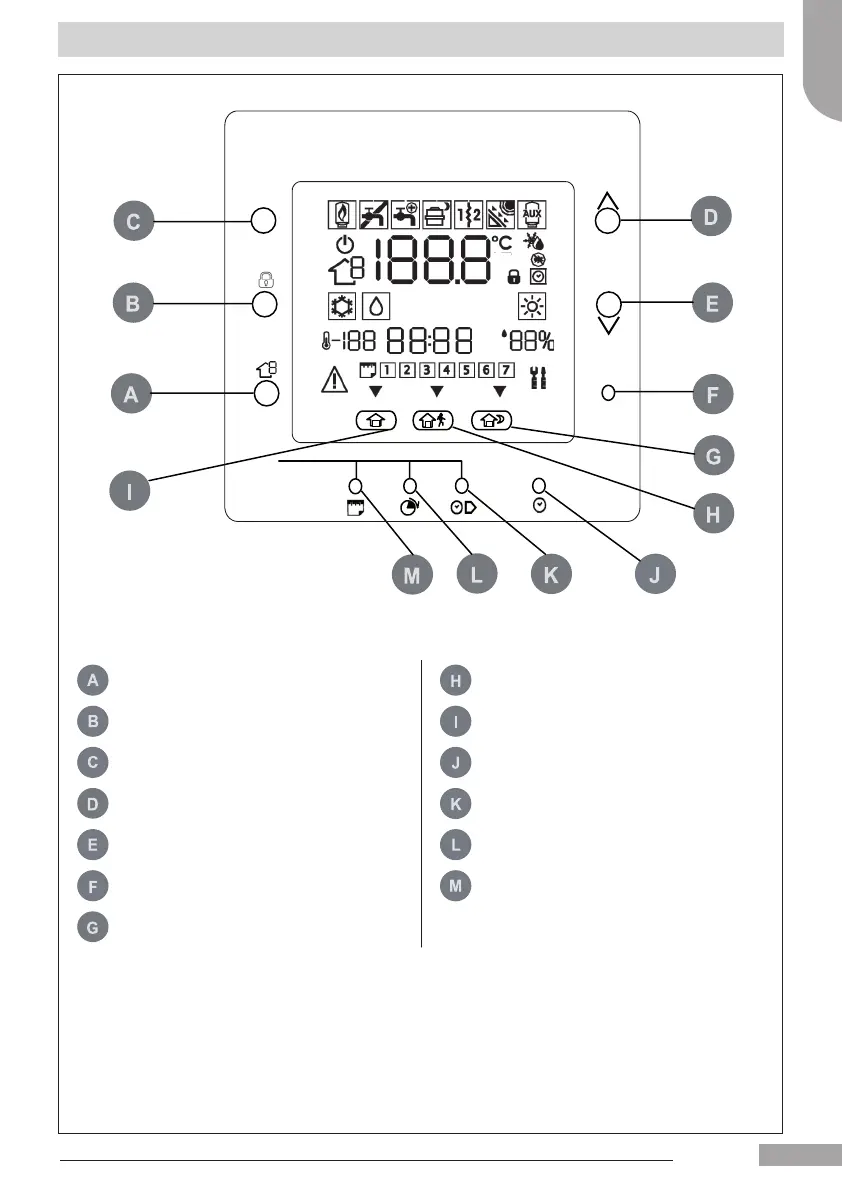
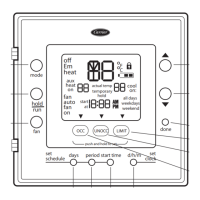
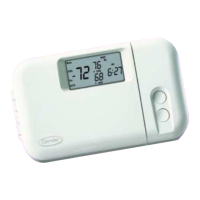
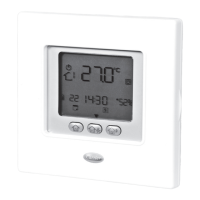
Button Identication
OK
M
P
ZONE Selects the Zone AWAY Select "away" room set point
RUN/HOLD
Activate/ Deactivate the schedule
program
HOME Select "home" room set point
MODE Mode selection
D/H/M
SET CLOCK
Adjust clock
UP Up key for set point and menù START TIME
Display the period start times for
schedule settings
DOWN Down key for set point and menù PERIOD
Display the programming time
periods for schedule settings
OK Conrm the settings selected DAYS
Display weekdays for schedule
settings
SLEEP Select "sleep" room set point
English
129H84_GB_8.indd 3 23/07/12 16.29






 To Next Page