5
Introduction
Programming the user interface
Setting the time and day
To set the time and day follow the steps below.
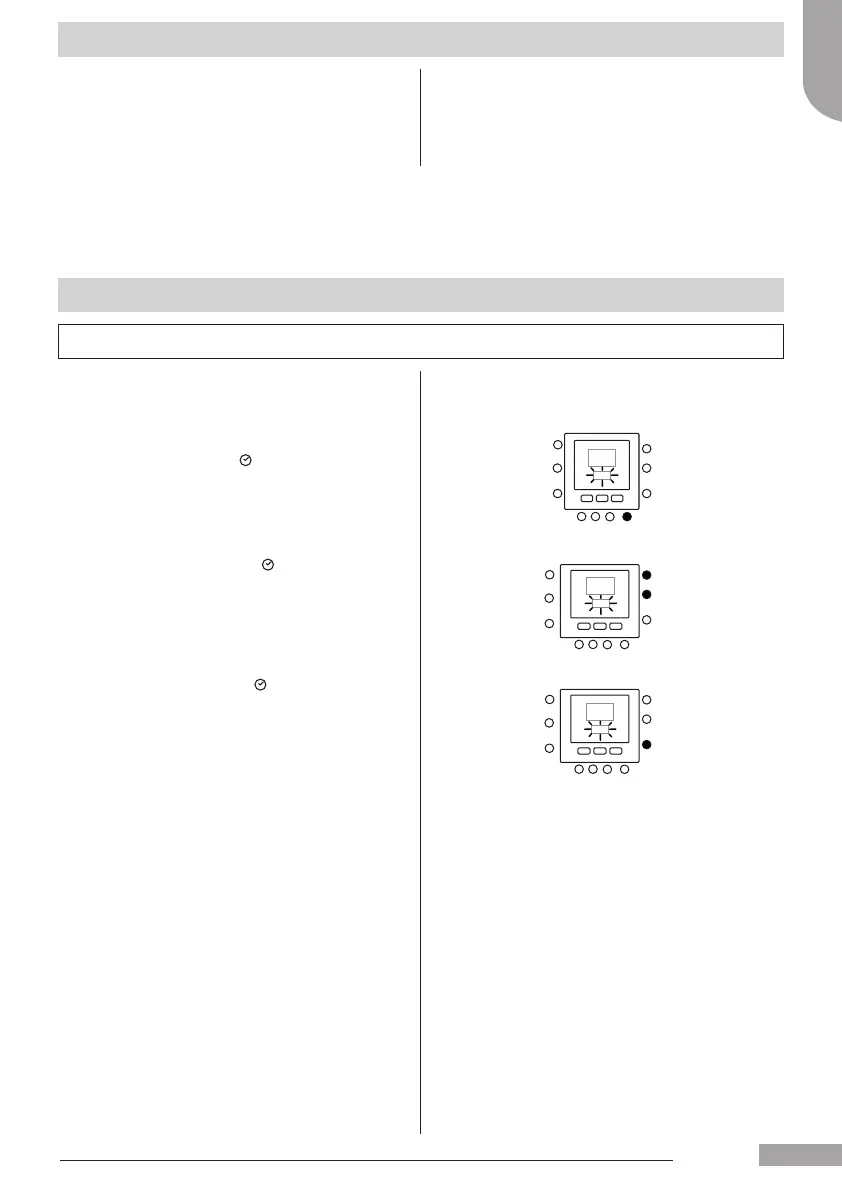
1. Open the lid.
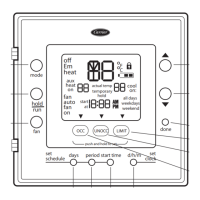
2. Press D/H/M SET CLOCK ( ) button.
3. Press the up or down button, to change the hour.
Stop on the correct hour.
4. Press the D/H/M SET CLOCK (
) button to set the
minutes.
5. Press the up or down button to change the minutes.
Stop on the correct number.
6. Press the D/H/M SET CLOCK (
) button to set the day.
7. Press the up or down button to change the day
Stop on the correct number.
8. Press OK button or close the lid.
Note: Set the time only on master user interface or on user
interface connected to level 3 board. All the other user
interfaces will be automatically updated.
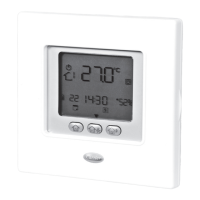
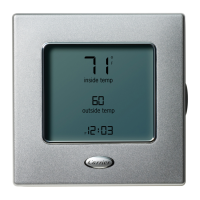
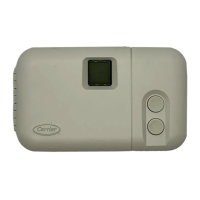
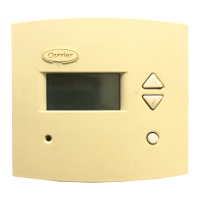
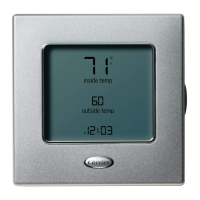
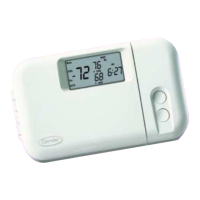
Carrier programmable user interface is a unit/wall--
mounted, low voltage device dedicated to control the room
comfort and the complete behaviour of the system installed.
A variety of features are provided including separate
heating/cooling set-points, virtual zone management,
system management, keypad lockout, backlighting, and
scheduling for all week days with 4 periods.
This manual covers usage, conguration and installation of
the user interface.
Note: the user interface will mount the front cover (lid) only in
case of wall installation.
Ignore references to lid in case of unit installation.
English
129H84_GB_8.indd 5 25/07/12 11.49






 To Next Page