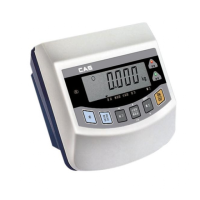
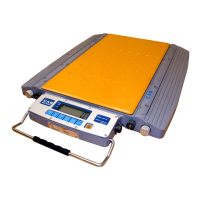
CAL 1(Enter ‘Calibration’ mode to start CAl 1.)
Function : Maximum Capacity setting
Setting range from 1kg to 99999kg
Used key LCD screen Description
Input by digit input
method.
ENTER key : Move to
the next menu.
5kg
200kg
Used key LCD screen Description
key : Input the next
division
key : Input the
previous division
ENTER key : Move to
the next menu.
0.001kg
0.5kg
CAL 2
Function : Minimum Division setting
Setting range from 0.001kg to 50kg
Min. Min. Min. Min. Min.
division division division division division
1 0.001kg 4 0.01kg 7 0.1kg 10 1kg 13 10kg
2 0.002kg 5 0.02kg 8 0.2kg 11 2kg 14 20kg
3 0.005kg 6 0.05kg 9 0.5kg 12 5kg 15 50kg
Used key LCD screen Description
Input by digit input
method.
ENTER key : Move to
the next menu.
Set the span weight
to 5kg
Set the span weight
to 200kg
CAL 3
Function : Span weight setting
Setting range from 1kg to 99999kg
24



 To Next Page
 Loading...