SECTION 2 - CONTROLS, INSTRUMENTS AND OPERATION
2ï49
When the display restarts, the object pool loading
icon appears in the Status area on the Home Screen.
This process may take several minutes.
When the new object pools are loaded for the various
applications, the screens will switch to the newly
selected language.
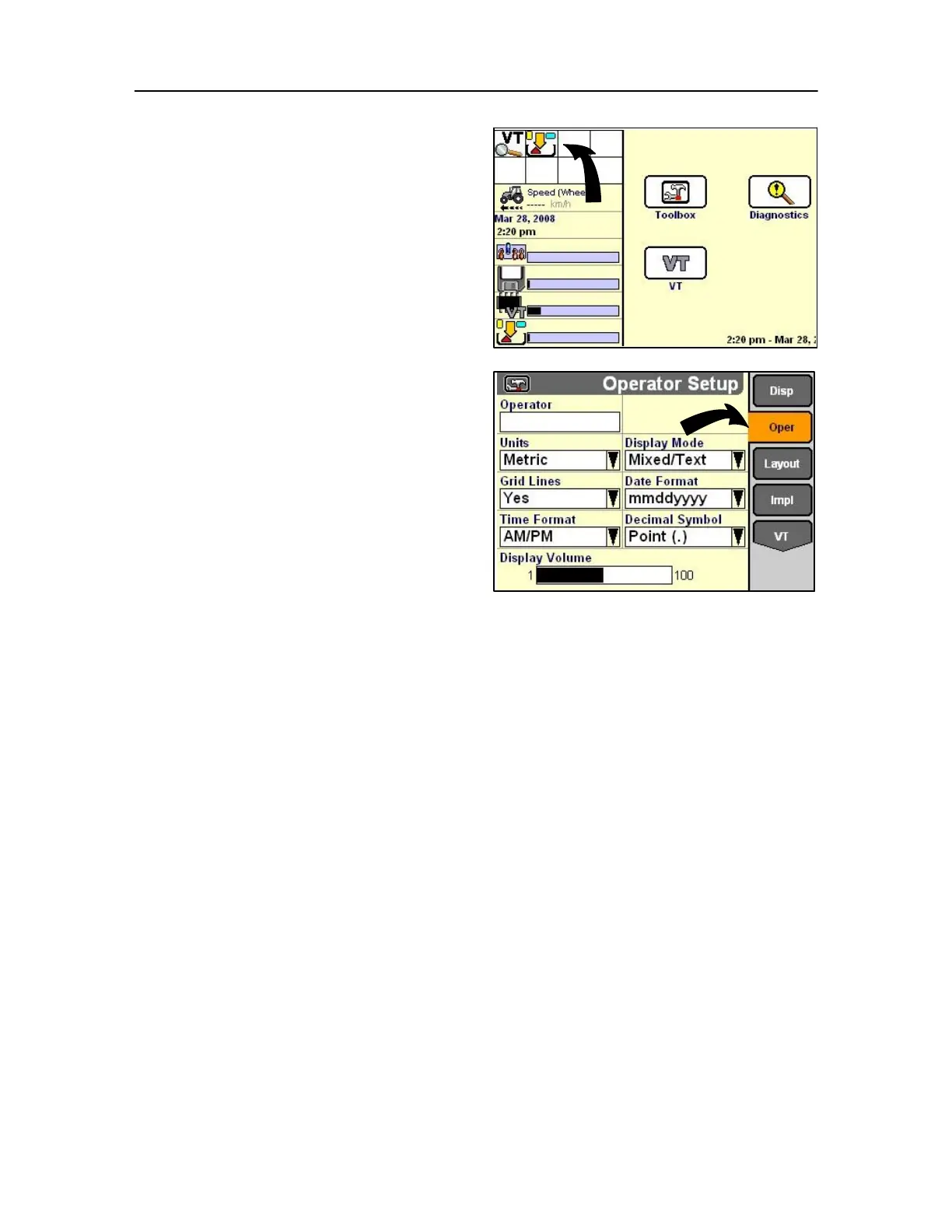
Operator set-up screen
As before select the toolbox on the main screen and then
select the OPER soft key or encoder.
IMPORTANT: Before creating a new operator or editing an
existing operator, review and make all changes to the
settings first, Units, Display Mode, etc.
The settings saved with the operator name are the
settings selected on this screen at the time the name is
created or edited.



 To Next Page