SECTION 2 - CONTROLS, INSTRUMENTS AND OPERATION
2ï61
2. The switchbox,
3. Function on the switchbox.
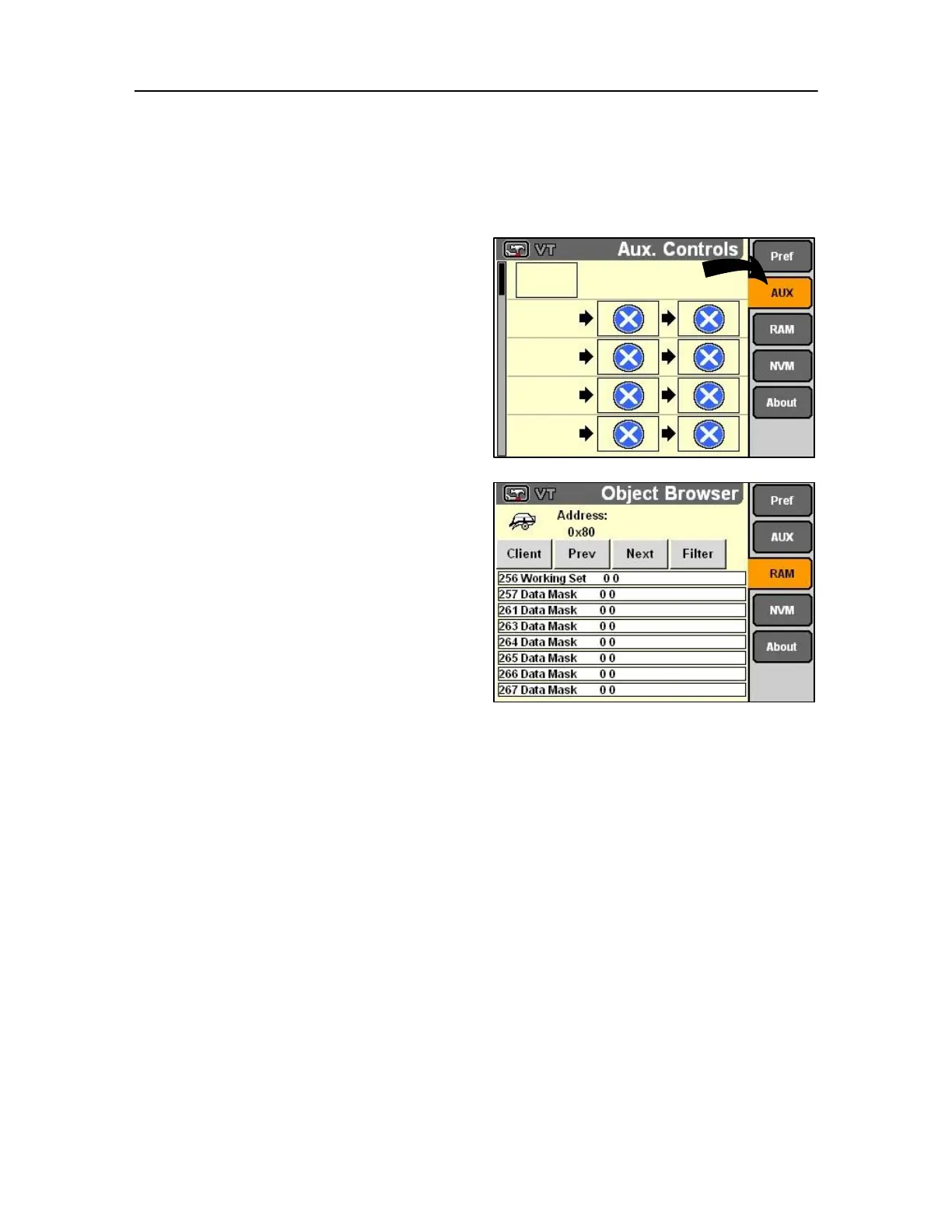
NOTE: These illustrations shown explain the operation of
the Aux. Controls screen and do not represent a particular
implement.
From the monitor Preferences screen, highlight and
Select AUX to display the Aux(iliary) Controls screen.
RAM and NVM browser screens
From the monitor Preferences screen, highlight and
Select RAM to display the Object Browser screen.
The browser screen shows:
• what software objects are loaded into display
RAM,
• what clients are connected,
• and the CAN addresses for the above.
NOTE: Autosteer system software and ISO
implements are monitor clients. 127
This highly technical information is provided for
implement developers to test their compatibility with
the monitor application.



 To Next Page