SECTION 2 - CONTROLS, INSTRUMENTS AND OPERATION
2ï112
ERROR MESSAGES (ORANGE)
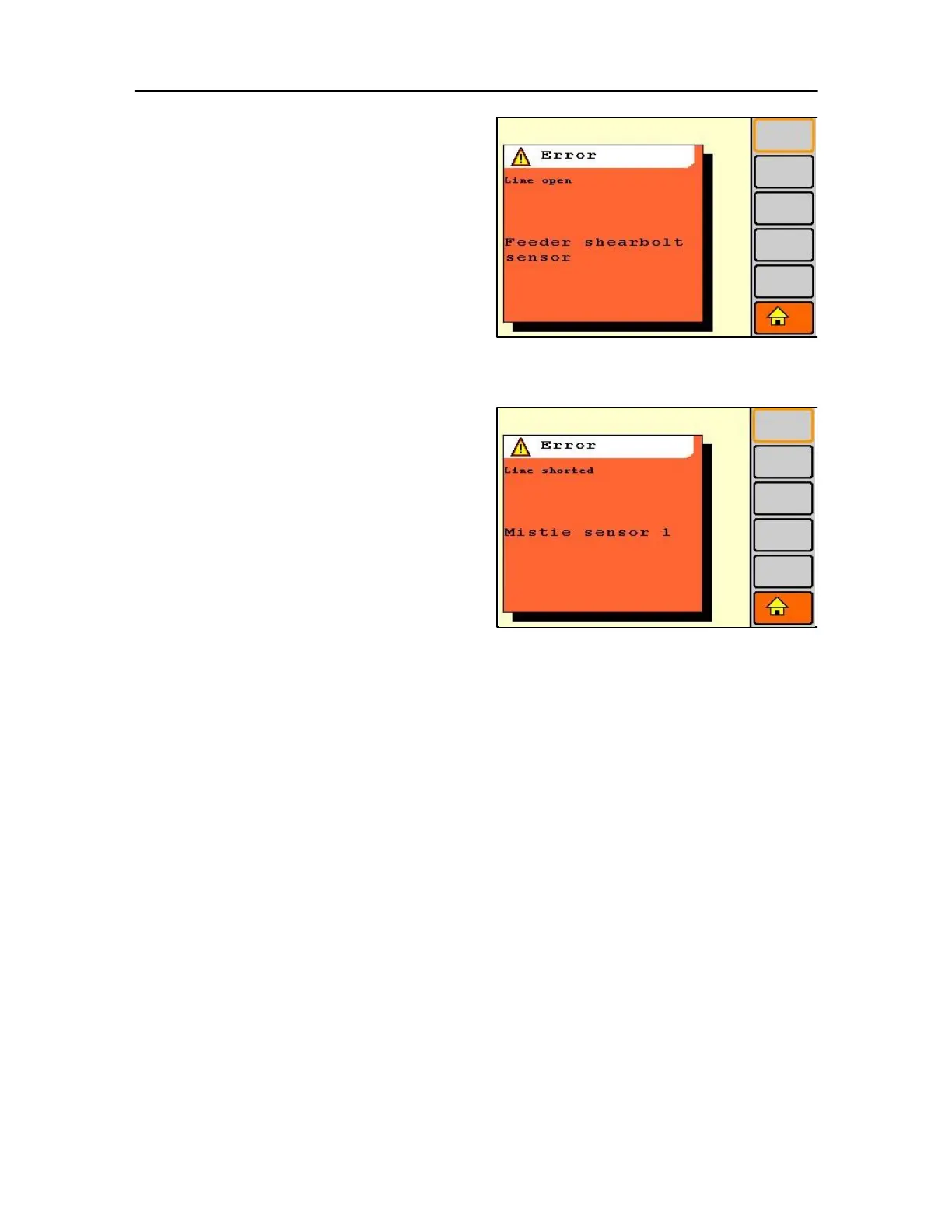
IMPORTANT: Only an example of error screens are now
reviewed, as options are installed and software changes
made new screens will appear that are not shown here.
A short description of the error will appear in the
message window together with an indication of the
cause (i.e. line open).
The error message can be cleared by pressing the
escape key. The symbol (1) will remain in the
indicator bar as long as the fault stays in the system.
An overview of all active errors can be found in the service
mode.
Error Mistie function
When a mistie sensor fails, the ''error mistie sensor''
message (with an indication of the nature of the
failure) together with a warning indicator which will
appear on the screen.
Press the ''escape'' key to clear the message. This
will disable the sensor to prevent the error message
from re-appearing every next knotter cycle.
The warning indicator (1) however remains on the
screen to remind the operator that the system is not
monitoring possible misties on this sensor anymore.
This error-state indication will remain until the
affected mistie sensor circuit is repaired.



 To Next Page