17
4. If you agree to be bound by the agreement, click Yes.
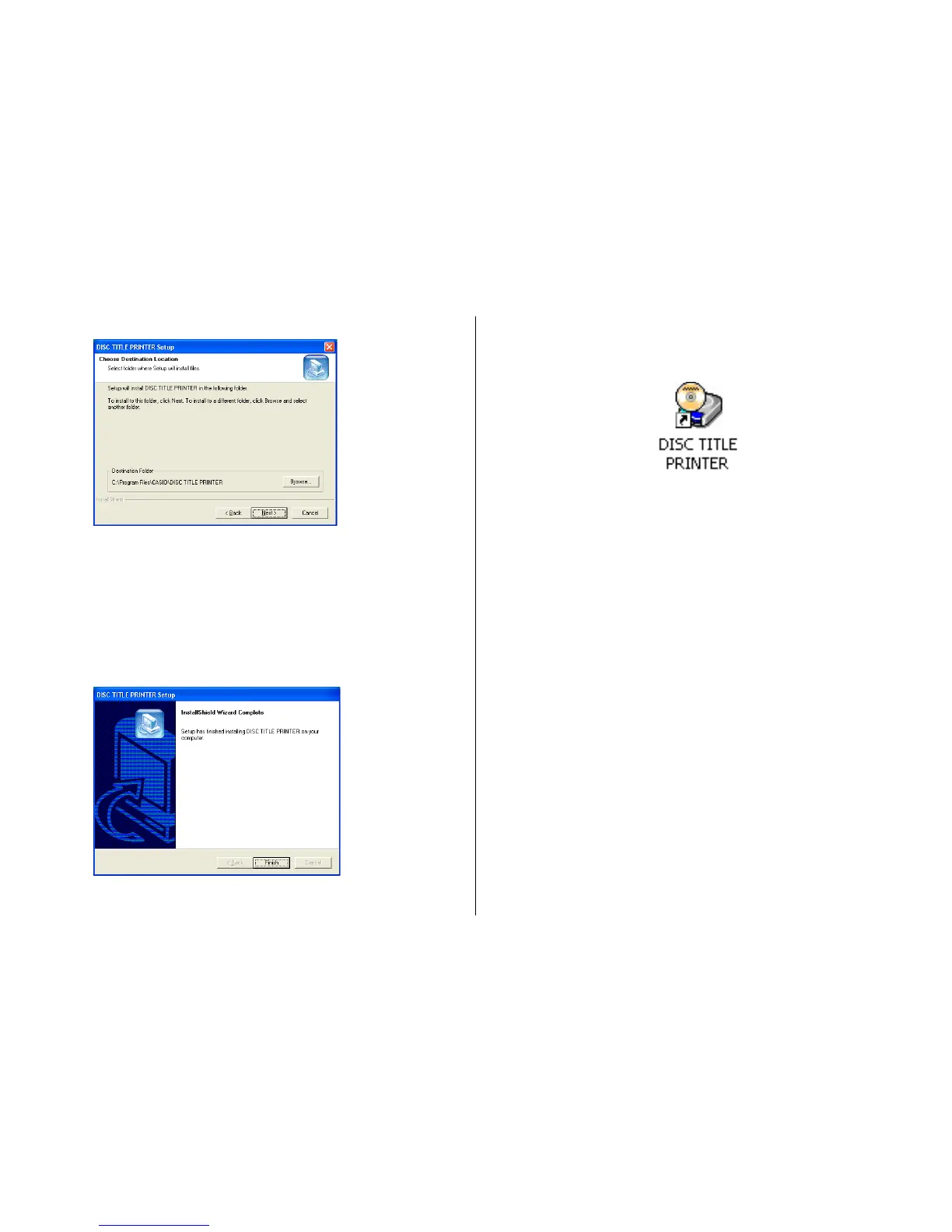
5. Check the installation location, and then click Next.
• This starts installation.
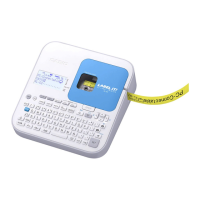
• A screen appears to let you know when the installation is complete.
Note
The InstallShield Wizard Complete screen may not appear in some cases.
If you can see the DISC TITLE PRINTER icon on your computer’s desktop,
it means that the application is installed properly.
If you want to change the installation location, click Browse.
6. Click Finish.
A DISC TITLE PRINTER shortcut icon should be on your Windows
desktop.


 To Next Page