33
Using the Assistant Feature
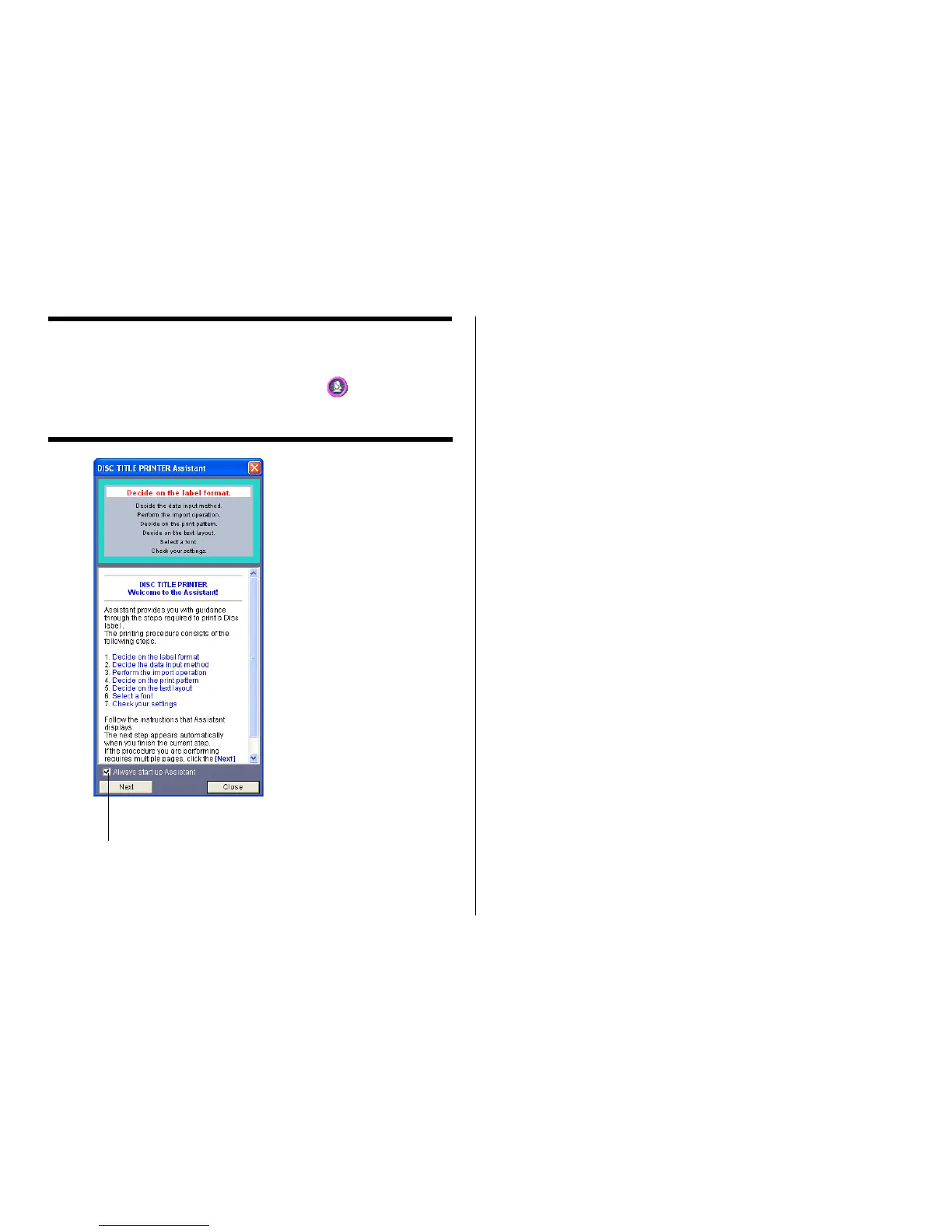
The Assistant feature provides you with step-by-step guidance for creating
labels and performing other operations. Clicking the button on the main
window displays the Assistant screen. The Assistant screen does not appear
while the Free Text or Free Design label template is displayed.
Using the Assistant Screen
When you are unsure of DISC TITLE PRINTER application operations...
Follow the instructions on the Assistant screen for quick and easy labels.
Even after you are accustomed to making labels...
Since the Assistant screen changes in accordance with the operation you are
performing on the main window, you can refer to it whenever you need a bit of
advice.
When this option is selected, the Assistant
screen appears whenever you start up the
DISC TITLE PRINTER application.


 To Next Page