18
To uninstall the application
1. Click the Windows Start button, and then click Control Panel.
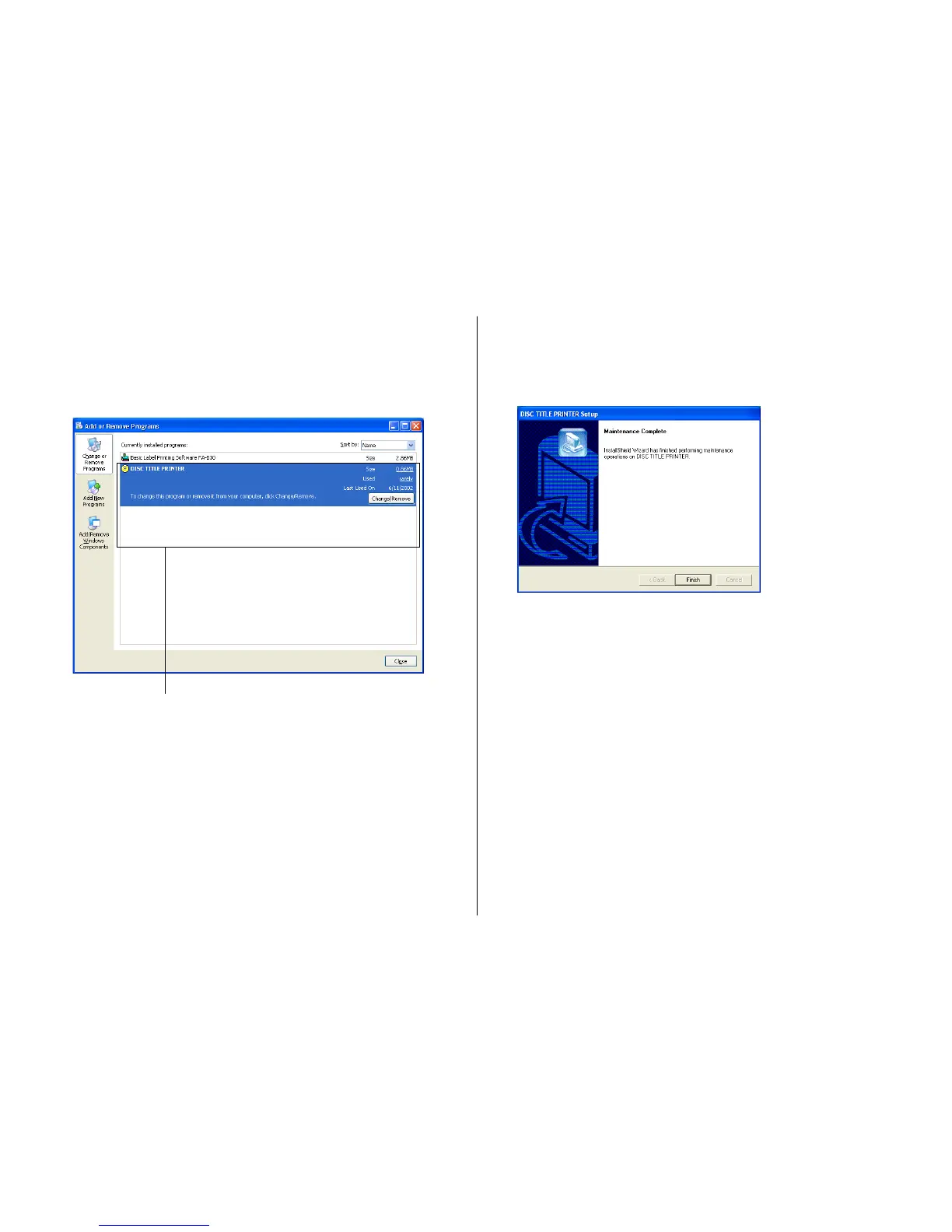
2. Click the Add or Remove Programs icon.
This causes the Add or Remove Programs dialog box to appear.
3. In the list of installed software, click DISC TITLE PRINTER to select it.
4. Click the Change/Remove button.
Note
Some files may cause a separate confirmation dialog box to appear before
they can be deleted. If you are unsure about where you should keep a file,
select No.
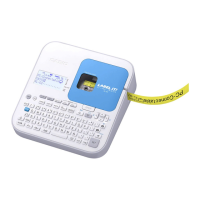
5. Click Finish.
This deletes the DISC TITLE PRINTER application.
List of installed software


 To Next Page