64
To align fields
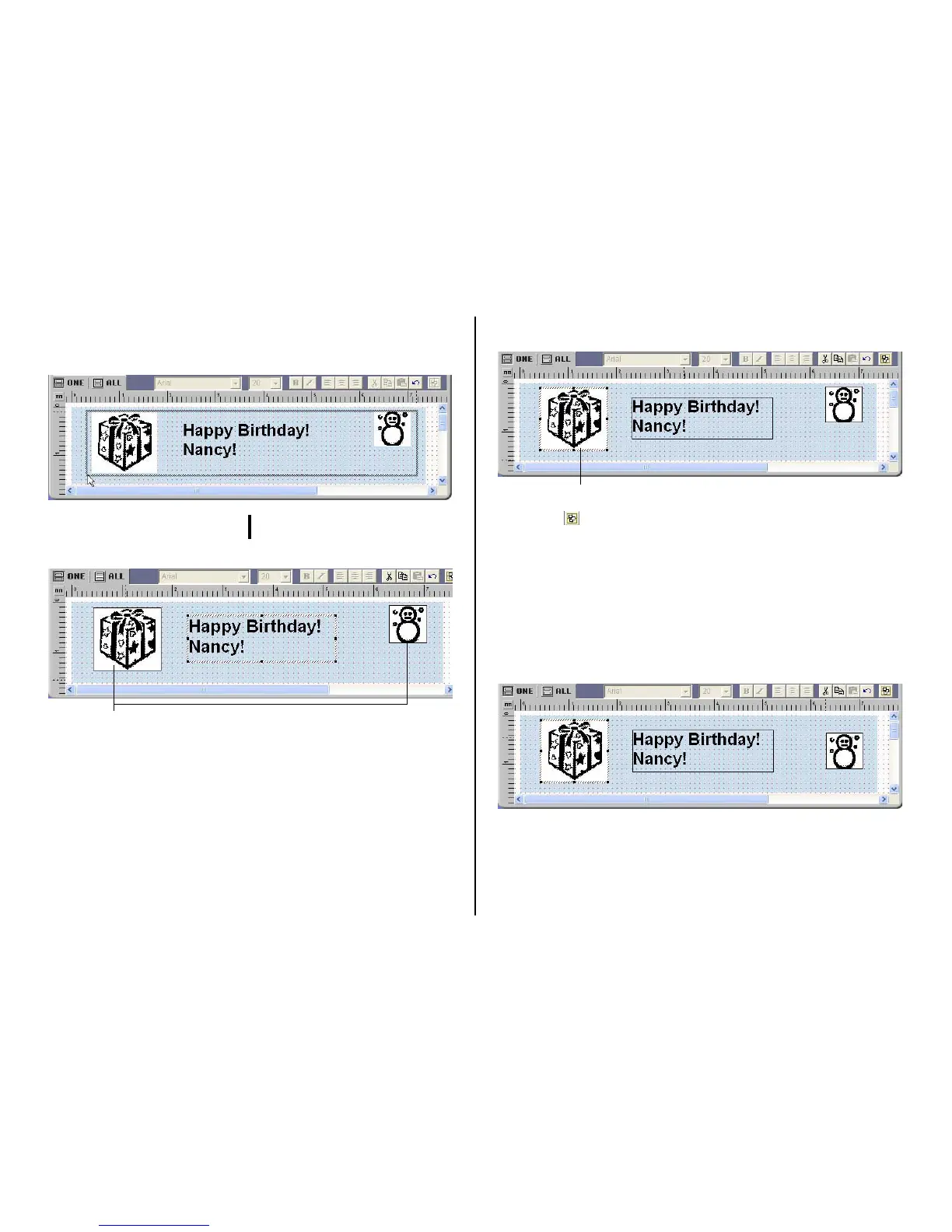
1. Drag the mouse on the label so the fields you want to align or resize are
enclosed in the selection boundary.
Selection boundary
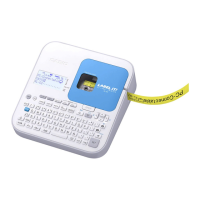
• The reference field is surrounded by a relatively thick gray boundary, while
other selected fields are surrounded by thin boundaries.
NOTE
• You can also select and deselect fields using Shift + click.
• To deselect all of the currently selected fields, simply click anywhere outside
of the selected fields.
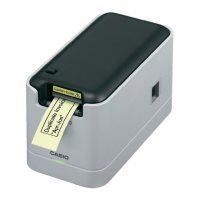
2. To make a different field the reference field, hold down the Ctrl key as you
click the new reference field.
3. Click the button.
This displays a menu.
Note
• See “Toolbars” on page 56.
4. On the menu, select Alignment.
5. On the submenu that appears, select the command you want.
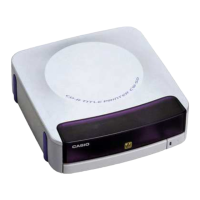
The selected fields are aligned in accordance with the command you se-
lect.
The
The above shows the result of Alignment – Center Vertically
LL
LL
L
Thin boundary
This is the reference field.


 To Next Page