30
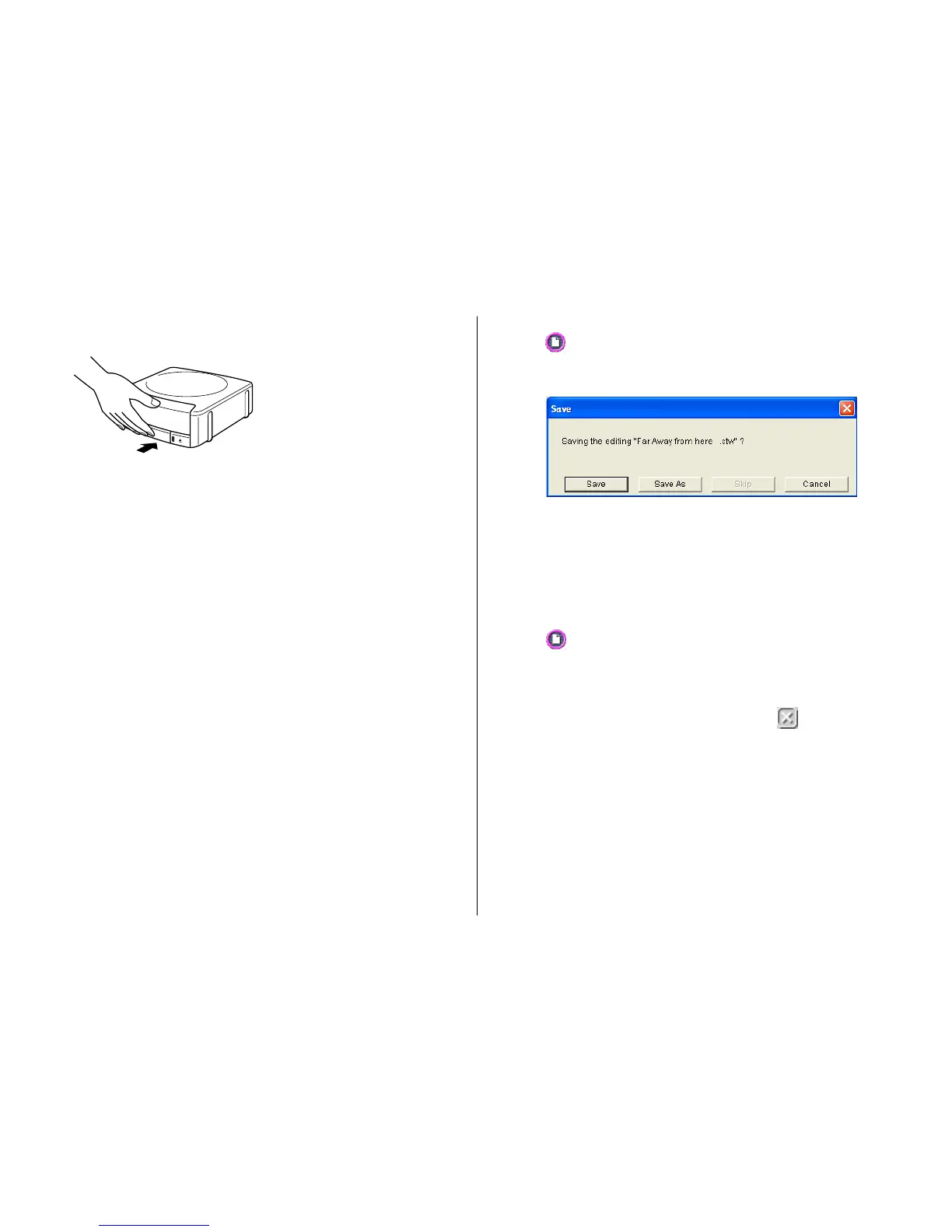
3. Close the disc tray.
Press the disc tray with your hand until it clicks.
4. Click Start printing.
• This starts the print operation.
• The disc tray opens automatically after printing is complete. Carefully
pull out the tray and remove the disc.
Important!
Never disconnect the AC adaptor, power cord, or USB cable while a print
operation is in progress. Doing so creates the risk of malfunction.
Note
See page 67 for details about printing.
To save label data
1. Click .
2. On the menu that appears, click Save.
3. Check the file name and then click Save.
The label data is saved in your Windows My Documents folder.
Note
See page 43 for details about saving label data.
To quit the DISC TITLE PRINTER application
1. Click .
2. On the menu that appears, click Exit.
Note
You can also quit the application by clicking the button in the upper
right corner of a main window.
Important!
You cannot quit the application while a print operation is in progress. Wait
until printing is finished before you quit.


 To Next Page