72
Using Help
The online help feature lets you access the following type of information.
• Information about functions and supplementary information
• Software version information
• Connection on the CASIO Website
To use Help
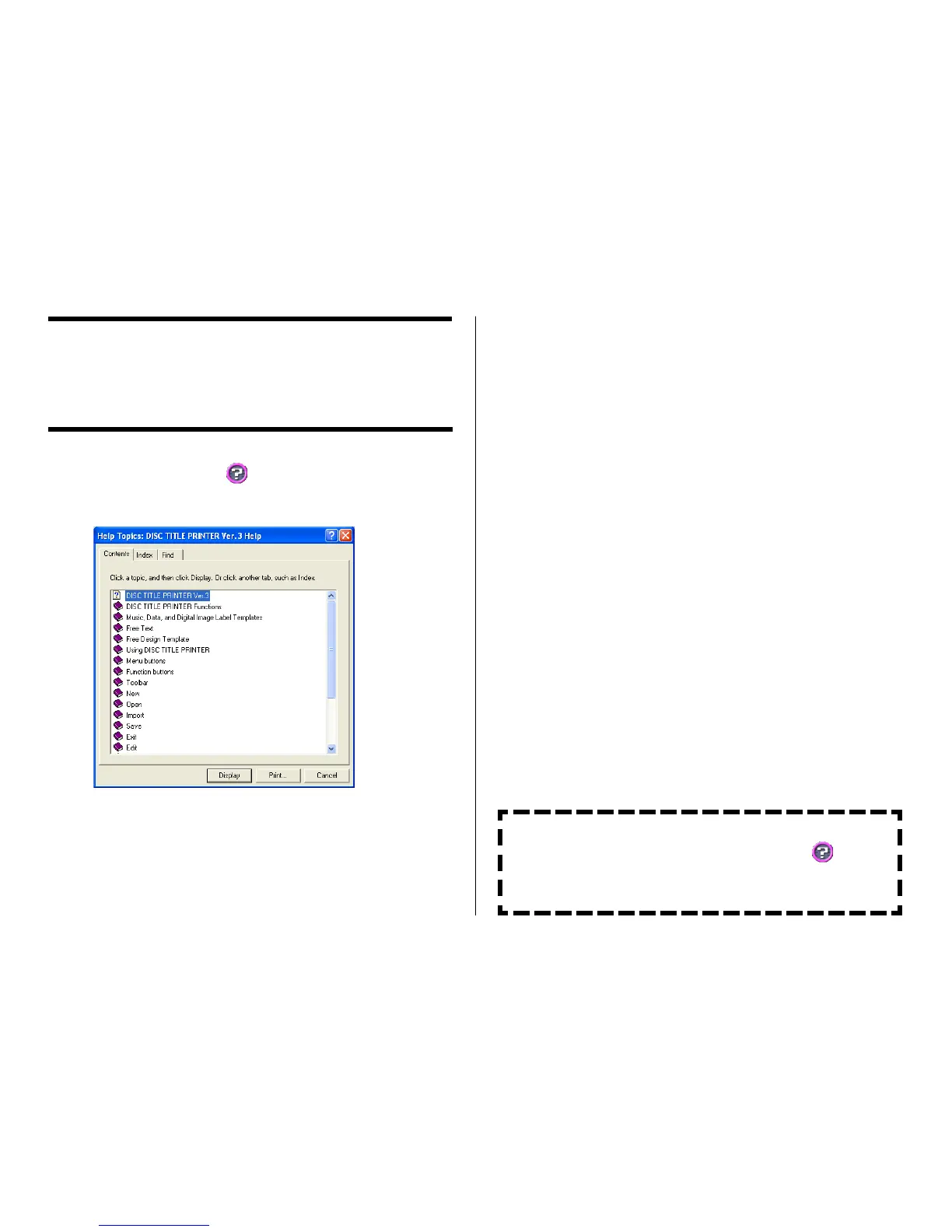
1. On the main window, click the button.
2. Click Help.
3. Use standard Windows online help procedures to find the information you
need.
You can also obtain assistance by accessing the CASIO Website.
While your computer is connected to the Internet, click and then
click CASIO Website. This will take you to the CASIO Website where
you will find the latest news and other information about CASIO or
USB peripheral products.


 To Next Page