14-7
u To delete a file
1. Perform the following operation: 1(File) – 2:Open.
• This displays a menu of existing files.
2. Use c and f to move the highlighting to the file you want to delete and then press
1(DELETE).
• This causes a confirmation dialog box to appear.
3. Press 1(Yes) to delete the selected file or 6(No) to cancel the delete operation.
4. To exit the file menu, press J.
u To save a file under a different name
1. While the file you want to save is open, perform the following operation: 1(File) – 3:Save
as.
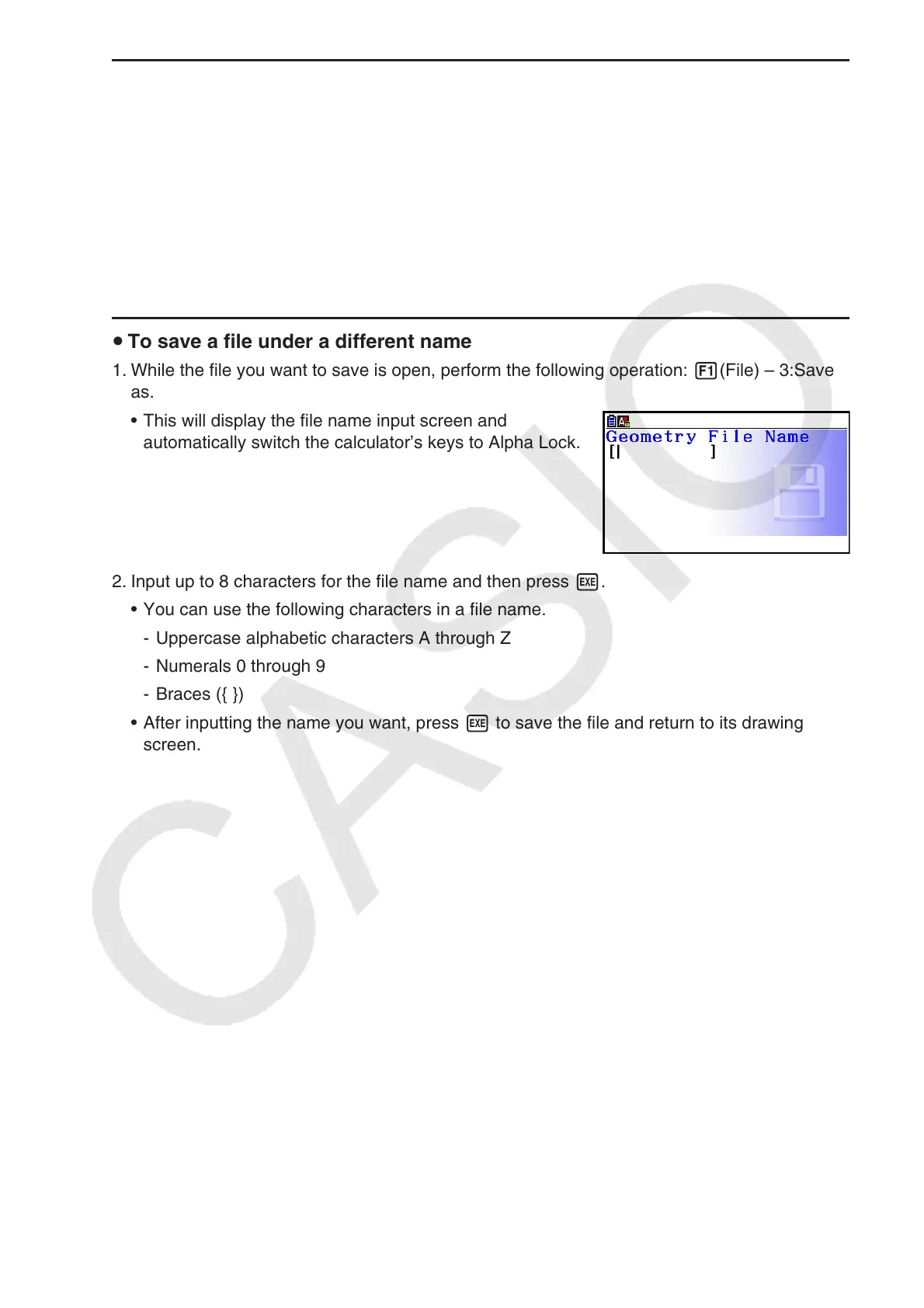
• This will display the file name input screen and
automatically switch the calculator’s keys to Alpha Lock.
2. Input up to 8 characters for the file name and then press w.
• You can use the following characters in a file name.
- Uppercase alphabetic characters A through Z
- Numerals 0 through 9
- Braces ({ })
• After inputting the name you want, press w to save the file and return to its drawing
screen.

















 To Next Page