14-1
Chapter 14 Geometry
1. Geometry Mode Overview
The Geometry mode allows you to draw and analyze geometric objects.
From the Main Menu, enter the Geometry mode.
k Geometry Mode Menus
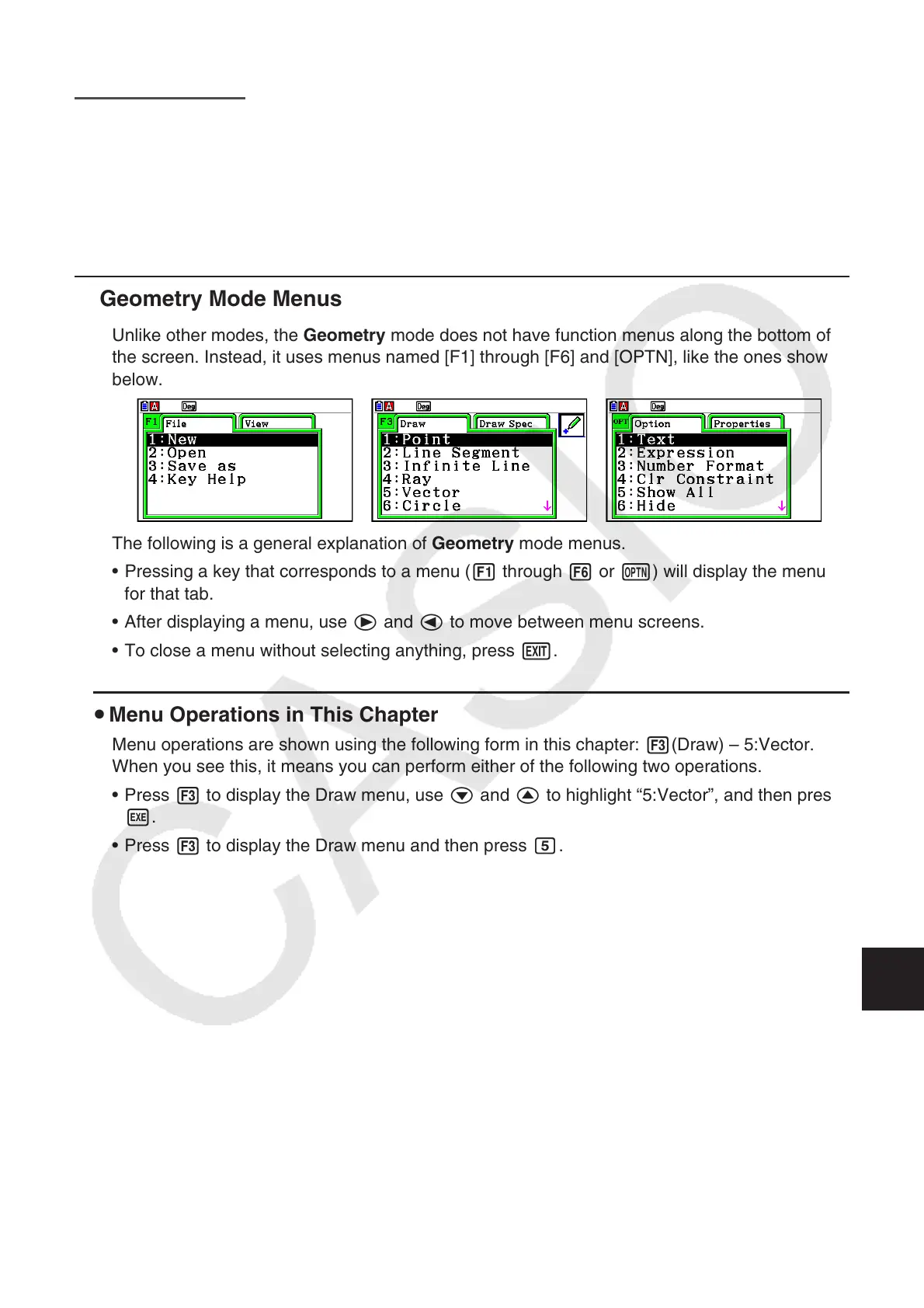
Unlike other modes, the Geometry mode does not have function menus along the bottom of
the screen. Instead, it uses menus named [F1] through [F6] and [OPTN], like the ones shown
below.
The following is a general explanation of Geometry mode menus.
• Pressing a key that corresponds to a menu (1 through 6 or K) will display the menu
for that tab.
• After displaying a menu, use e and d to move between menu screens.
• To close a menu without selecting anything, press J.
u Menu Operations in This Chapter
Menu operations are shown using the following form in this chapter: 3(Draw) – 5:Vector.
When you see this, it means you can perform either of the following two operations.
• Press 3 to display the Draw menu, use c and f to highlight “5:Vector”, and then press
w.
• Press 3 to display the Draw menu and then press f.
14

















 To Next Page