14-2
k Menu Reference
The following tables describe the menu items that appear on each of the Geometry mode
menus.
u 1(File)
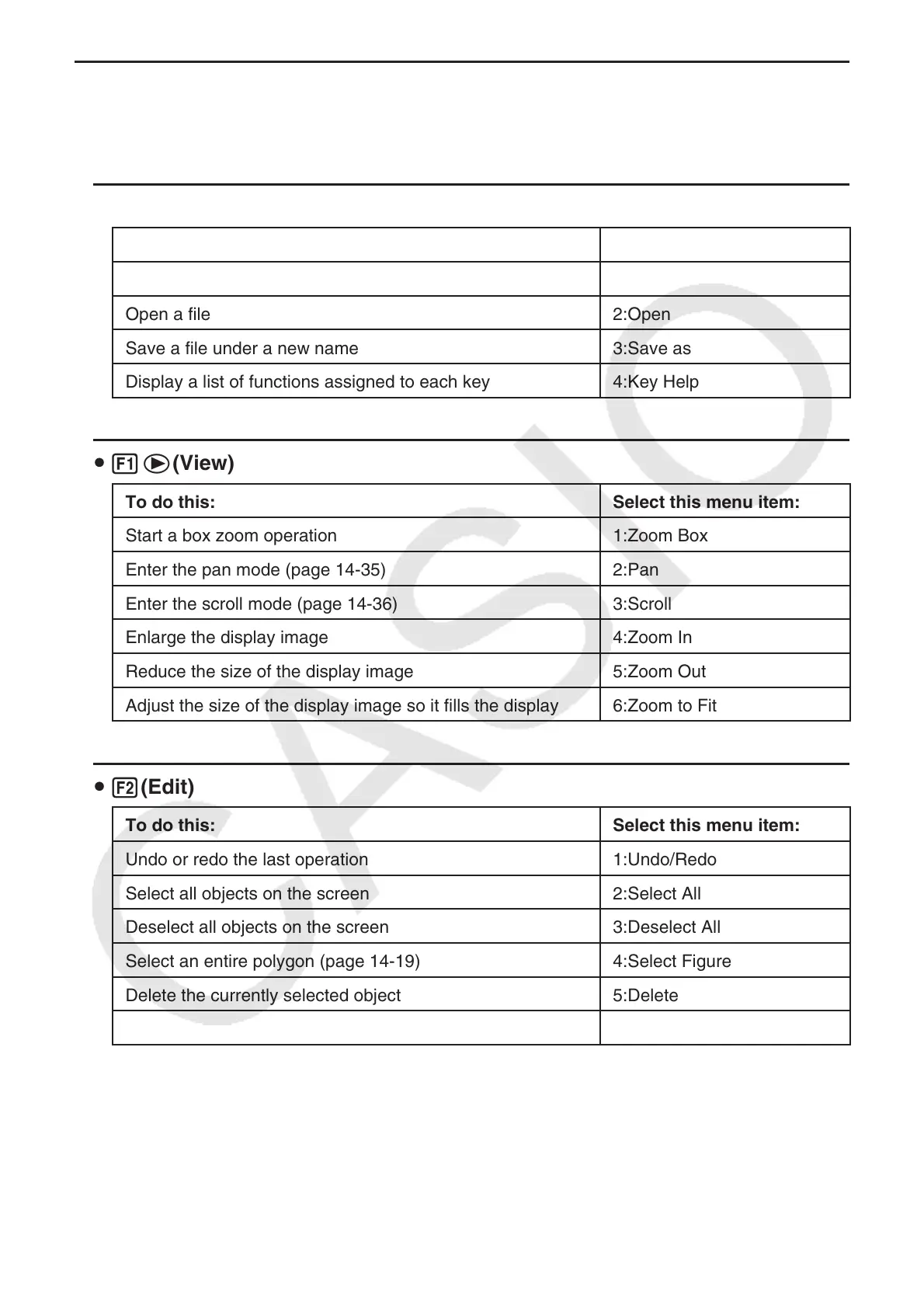
To do this: Select this menu item:
Create a new file 1:New
Open a file 2:Open
Save a file under a new name 3:Save as
Display a list of functions assigned to each key 4:Key Help
u 1e(View)
To do this: Select this menu item:
Start a box zoom operation 1:Zoom Box
Enter the pan mode (page 14-35) 2:Pan
Enter the scroll mode (page 14-36) 3:Scroll
Enlarge the display image 4:Zoom In
Reduce the size of the display image 5:Zoom Out
Adjust the size of the display image so it fills the display 6:Zoom to Fit
u 2(Edit)
To do this: Select this menu item:
Undo or redo the last operation 1:Undo/Redo
Select all objects on the screen 2:Select All
Deselect all objects on the screen 3:Deselect All
Select an entire polygon (page 14-19) 4:Select Figure
Delete the currently selected object 5:Delete
Clear the screen 6:Clear All

















 To Next Page