17-21
get_pixel()
Description: Gets color information at the specified coordinates on the drawing screen.
Syntax: get_pixel(x, y)
x• argument, y argument
Specifies the x- and y-coordinates of the pixel whose color information is to be
gotten. The range and type of value that can be specified are the same as the
x-argument and y-argument of set_pixel (page 17-20).
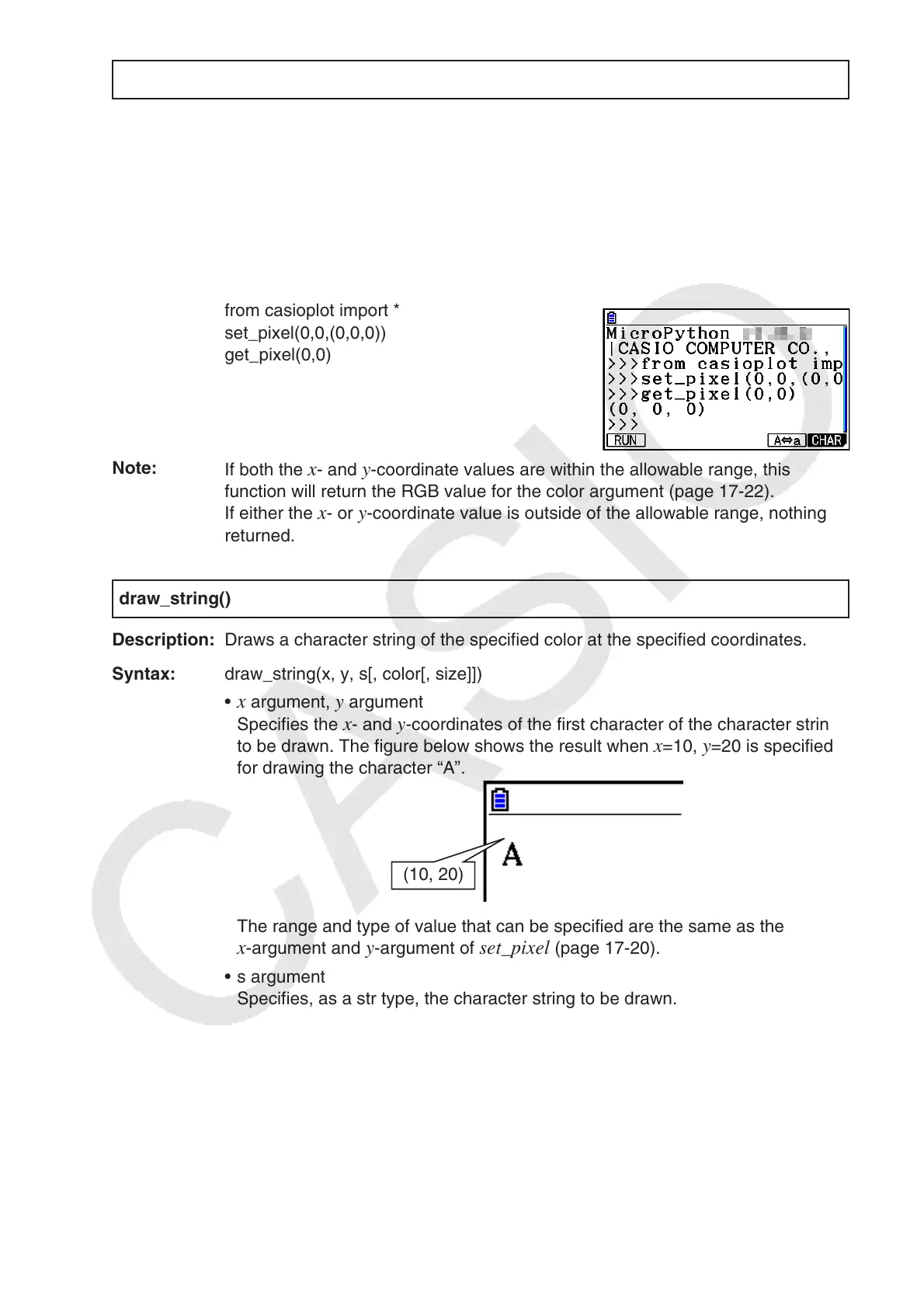
Example: To get color information (0, 0, 0) of coordinates (0, 0)
from casioplot import *
set_pixel(0,0,(0,0,0))
get_pixel(0,0)
Note:
If both the
x- and y-coordinate values are within the allowable range, this
function will return the RGB value for the color argument (page 17-22).
If either the x- or y-coordinate value is outside of the allowable range, nothing is
returned.
draw_string()
Description: Draws a character string of the specified color at the specified coordinates.
Syntax: draw_string(x, y, s[, color[, size]])
x• argument, y argument
Specifies the
x- and y-coordinates of the first character of the character string
to be drawn. The figure below shows the result when
x=10, y=20 is specified
for drawing the character “A”.
(10, 20)
The range and type of value that can be specified are the same as the
x-argument and y-argument of set_pixel (page 17-20).
s argument•
Specifies, as a str type, the character string to be drawn.
color argument •
Specifies, as a 256-gradation RGB value (0, 0, 0 to 255, 255, 255), the
character string to be drawn. For details about this argument, see “Draw
Function color Argument” (page 17-22).
size argument•
Specifies one of the following as the character size of the character string to
be drawn: “large”, “medium”, “small”. “medium” is applied when this argument
is omitted.

















 To Next Page