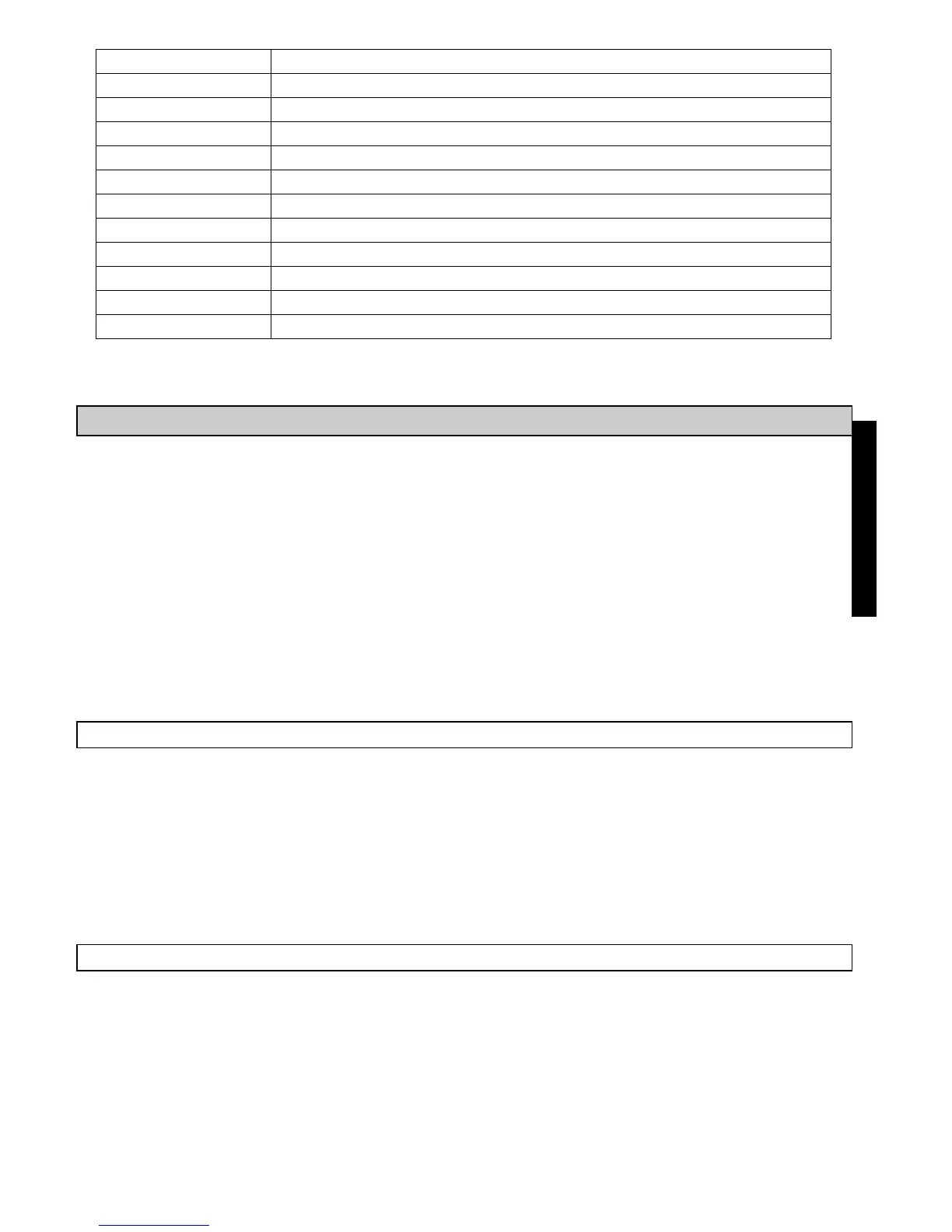
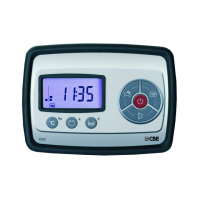
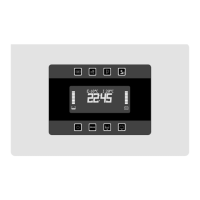
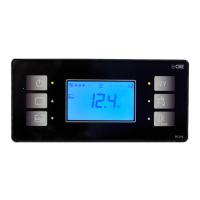
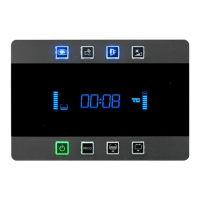
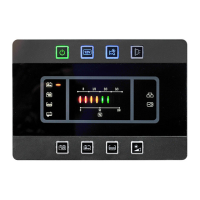
CLOCK
ALARMCLOCK
OPTIONAL
Segnalachelafunzionenonèimpostata.
230VCONNECTED!
Itdisplaysthatthe230Vnetisconnectedwhenengineison
SOSLIGHTSON
Itdisplaysthatlightemergencyfuseisinserted.
BATTERYSAVER
Itdisplaystheinterventionofminimumvoltagedevice.
s
s
s
s
s
s
s
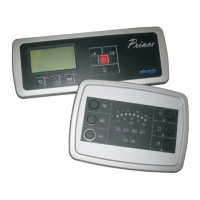
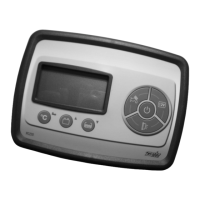
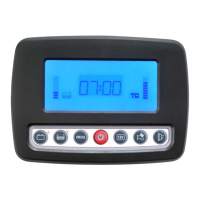
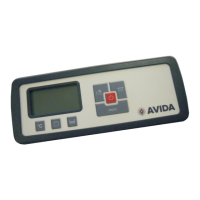
To run through the menu press arrow keys (ref. 05).
To select a function press the “PROG” button (ref. 04).
To save the settings, press the “PROG” button (ref. 04); to exit without saving wait 10 seconds
for automatic exit without pressing any key.
To go back to previous menu select “ MENU ”.
To exit the set mode, select “EXIT” in main menu (exit is confirmed by the message “PROG. OK
!”).
á á
To be set the control panel must be in “ON” mode.
To enter the set mode, press the “PROG” button (ref. 04) for more than 2 seconds.
ALARMCLOCK
Selectthefunction
-ALARMCLOCKREGULATION
Setalarmclocktime(hh/mm).
-ALARM
Activation/deactivationofalarmclock(ON/OFF).
MENU à
à
CLOCK
Selectthefunction
-CLOCKREGULATION
Setclocktime(HH/mm).
-DATEREGULATION
Dateset(dd/MM/ YYYY).
MENU à
à
33
SEATSALARM
Alarm:cabinseatsinwrongpositionfordriving.
ENGLISH
L/HLKROPEN
ItindicatesthatLEFT lockerisopenwhenengineison.
R/H-BKLKROPEN
ItindicatesthatRIGHT and/orrearlockerisopenwhenengineison.
DOOROPEN
Itindicatesthatcab'sand/orvan'sdoorisopenwhenengineison.
ALMLKRL/H
AlarmincaseofLEFT lockerforcing.
ALMLKRR/H-BK
AlarmincaseofRIGHT and/orrearlockerforcing.
ALMDOOROPEN
Alarmincaseofcab'sand/orvan'sdoorforcing.
ALMVOLUMETRIC
Volumetricsensorsalarmwithactivatedburglardevice.
USER SSETTINGS’


 To Next Page