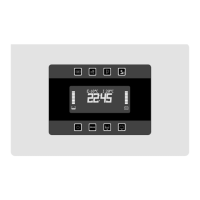
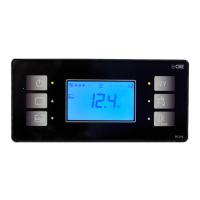
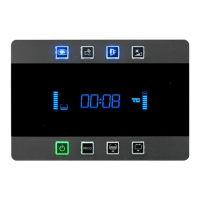
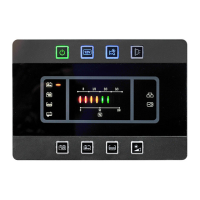
HEURE
REVEIL
OPTIONNEL
Ilsignalequelafonctionn'estpasétabli.
230VBRANCHE!
Ilsignalequelaréseau230Vestinséréeavecl'aprescontactactivé.
SOSLUMIERESACTIF
Ilsignalel'emplacementdufusibled'urgencelumière.
PROTEGEBATTERIE
Ilsignalel'interventiondudispositiftensionminimum.
w
w
w
w
w
w
w
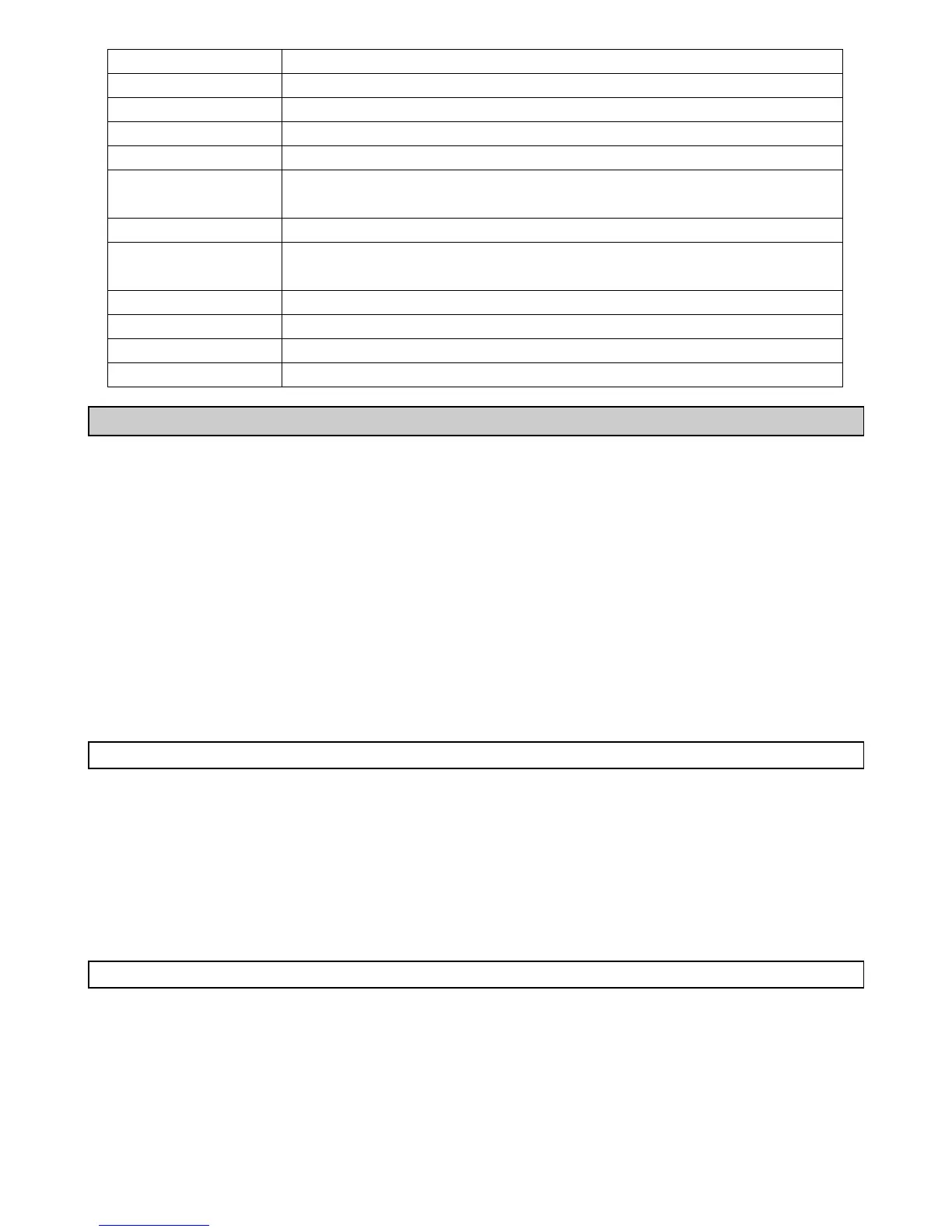
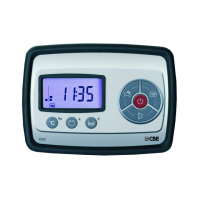
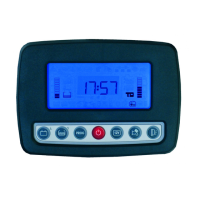
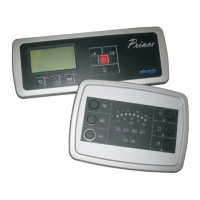
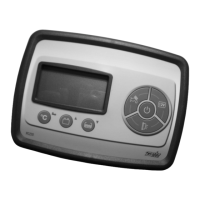
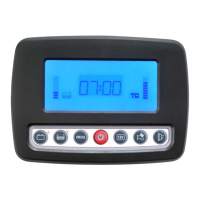
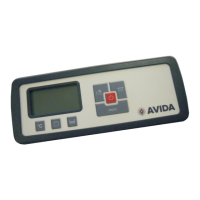
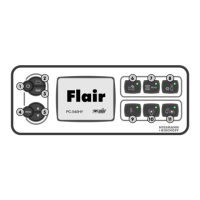
Pourlaprogrammationilfautquelepanneaudecommandesoitalluméenmodalité ALLUME .
Pourentrerenprogrammationappuyerpourplusdedeuxsecondeslebouton PROG réf.04.
Pourcoulerlesvoixdumenuappuyerlesflèchesréf.05.
Pourselectionnerlafonctiondumenuappuyerlebouton PROG réf.04.
Poussauverleschangementsappuyerlebouton PROG réf.04,poursortirsanssauverla
modificationattendre10secondeslasortieautomatiquesansappuyeraucunbouton.
Pourretourneraumenuprécédentselectionnerlavoix MENU .
Poursortirdelaprogrammationselectionnerlavoix SORTIE dumenu(lasortieestconfirméepar
l'écrit PROGOK! ).
“ ”
“ ”
“ ”
“ ”
“ ”
“ ”
“ ”
á á
REVEIL
-REGLAGEREVEIL
(HEURE/MINUTES).
-ALARM
(ON/OFF).
MENU à
à Selectionnerlafonction
Etablirdel'heuredelaréveil
Activation/désactivationdel'alarmeréveil
HEURE
-REGLAGEHEURE
(HEURE/MINUTES).
-REGLAGEDATE
(JOUR/MOIS/ ANNEE).
MENU à
à Selectionnerlafonction
Etablirl'heure
Etablirladate
54
ALARMESIEGES
Alarmesiègescabineenpositionnoncorrectepourlamarche
COFFREGAOUVERT
IlsignalequelecoffrederangementGAUCHEestouvertavec
moteurdémarré.
COFFREDR/AROUV
IlsignalequelecoffreDROIT et/ouarrièreestouvertavecmoteurdémarré.
PORTEOUVERTE
Ilsignalequelaporteaccèscelluleet/oulaportecabineestouverte
avecmoteurdémarré.
ALMCOFFREGA
AlarmecoffrederangementGAUCHEforcé.
ALMCOFFREDR/AR
AlarmecoffrederangementDROIT et/ou forcé.arrière
ALMPORTEOUV
Alarmeporteaccèscelluleet/ouportecabine .forcée
ALMPRESENCE
Alarmecapteursvolumétriquesavecdispositifantivoldéclenché.
PROGRAMMATIONUTILISATEUR


 To Next Page