4
FIG. A
Switching on the welding
machine and initial screen
1) Start the welding machine by pushing the switch on the
rear panel to position I.
2) The welding machine carries out a short MACHINE CHECK
(all the LEDs switch on and off, one at a time, following a
preset, established start-up procedure. Then the display
shows the following message “---”).
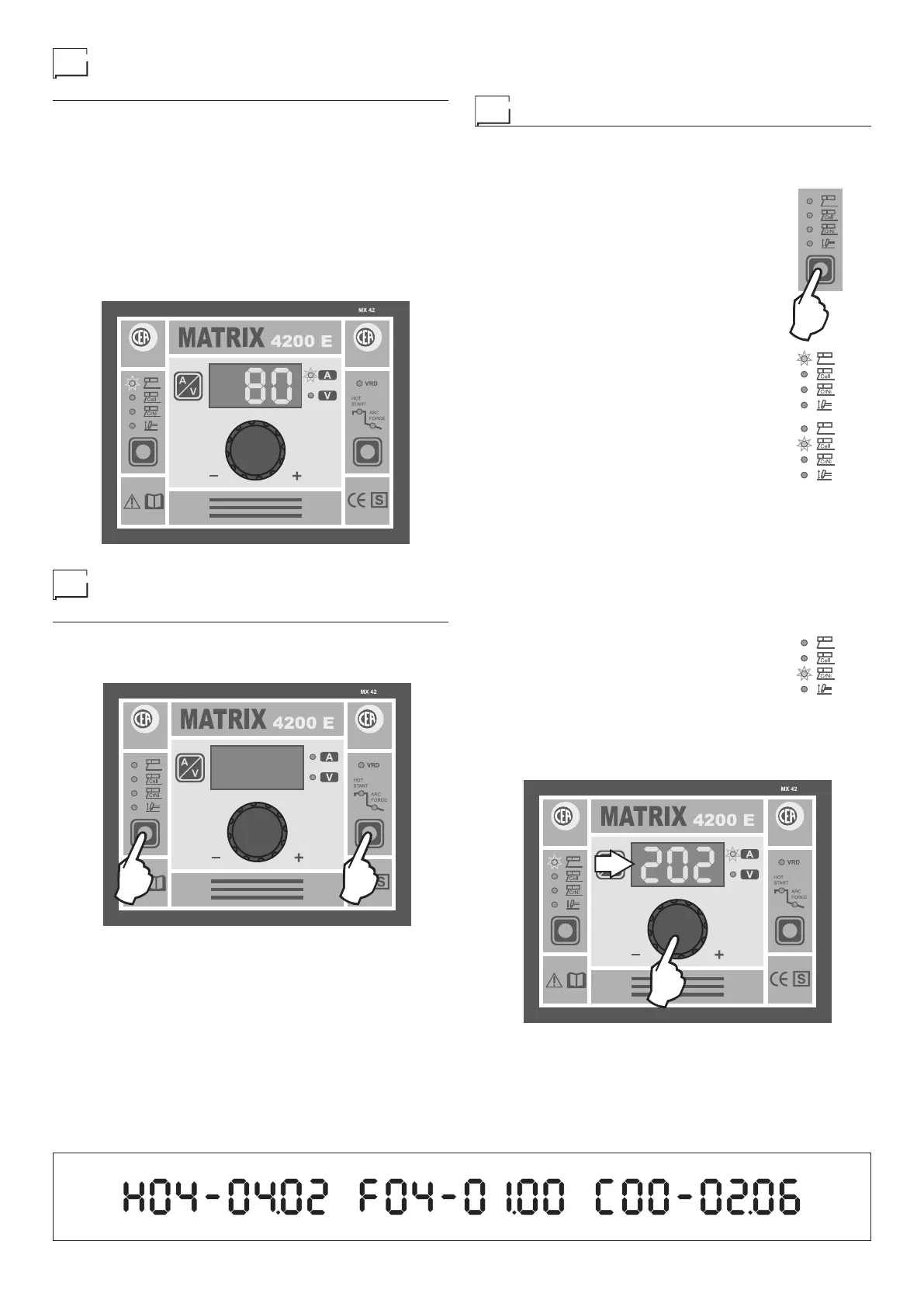
3) Next the control panel display’s the INITIAL SCREEN for
the machine, which is then ready to weld, and the DISPLAY
shows the last numerical value set (example: 80) for the
CURRENT. Remember that since the welding machine is
in stand-by mode this value (in Amps) is not real but is the
setting.
2000HA87
Displaying the software
version installed
1) When the welding machine is running, hold the WELDING
PROCESS SELECTION key (T1) and FUNCTION SELEC-
TION key (T2) down simultaneously, for at least 3 seconds.
T1 T2
2000HA87
2) The DISPLAY continuously runs the message shown in Fig-
ure A, indicating the SOFTWARE VERSION INSTALLED
on the welding machine, until the two-key combination is
pushed again. In detail, the meaning is as follows:
•
H04-04.02 indicates the version of HARDWARE in-
stalled.
•
F04-01.00 indicates the version of FIRMWARE installed.
• C00-02.06 indicates the version of WELDING CURVES
installed.
MMA welding (Electrode)
1) Start the welding machine by pushing the switch on the
rear panel to position I.
2) Push the WELDING PROCESS SELEC-
TION key to select one of the 3 electrode
welding processes according to the elec
-
trode material you are using:
• ELECTRODE
For welding with coated electrodes: Rutile,
basic, cast iron, and aluminium.
• Cellulose ELECTRODE
For welding with cellulose electrodes.
NOTE: Only valid for the MATRIX 2700 E - 2700 E SV welding
machines. In order to optimise fusion and the stability of the cel-
lulose electrode weld, the welding machine automatically acti-
vates a booster in this position only, which provides the welding
machine with further power. This booster works at a MAX cur-
rent of up to 130 A. We therefore recommend using cellulose
electrodes for welding with currents up to 130 A. Once this val-
ue is exceeded the booster is deactivated automatically, and so
instability and interruptions in the arc may occur.
• Stainless steel ELECTRODE
For welding stainless steel. Thanks to the
special dynamic characteristic it is possible
to weld with a soft, extremely stable arc in
order to achieve high quality welds.
3) Turn the ENCODER Knob (E) until the DISPLAY shows
the CURRENT VALUE at which you wish to weld, in rela-
tion to the diameter of the electrode you are using.
E
D
2000HA90














 To Next Page