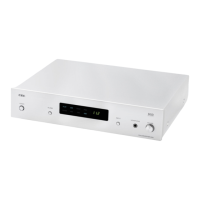
D/A CONVERTER / USB SOUND SYSTEM DA5
10
Digital Volume
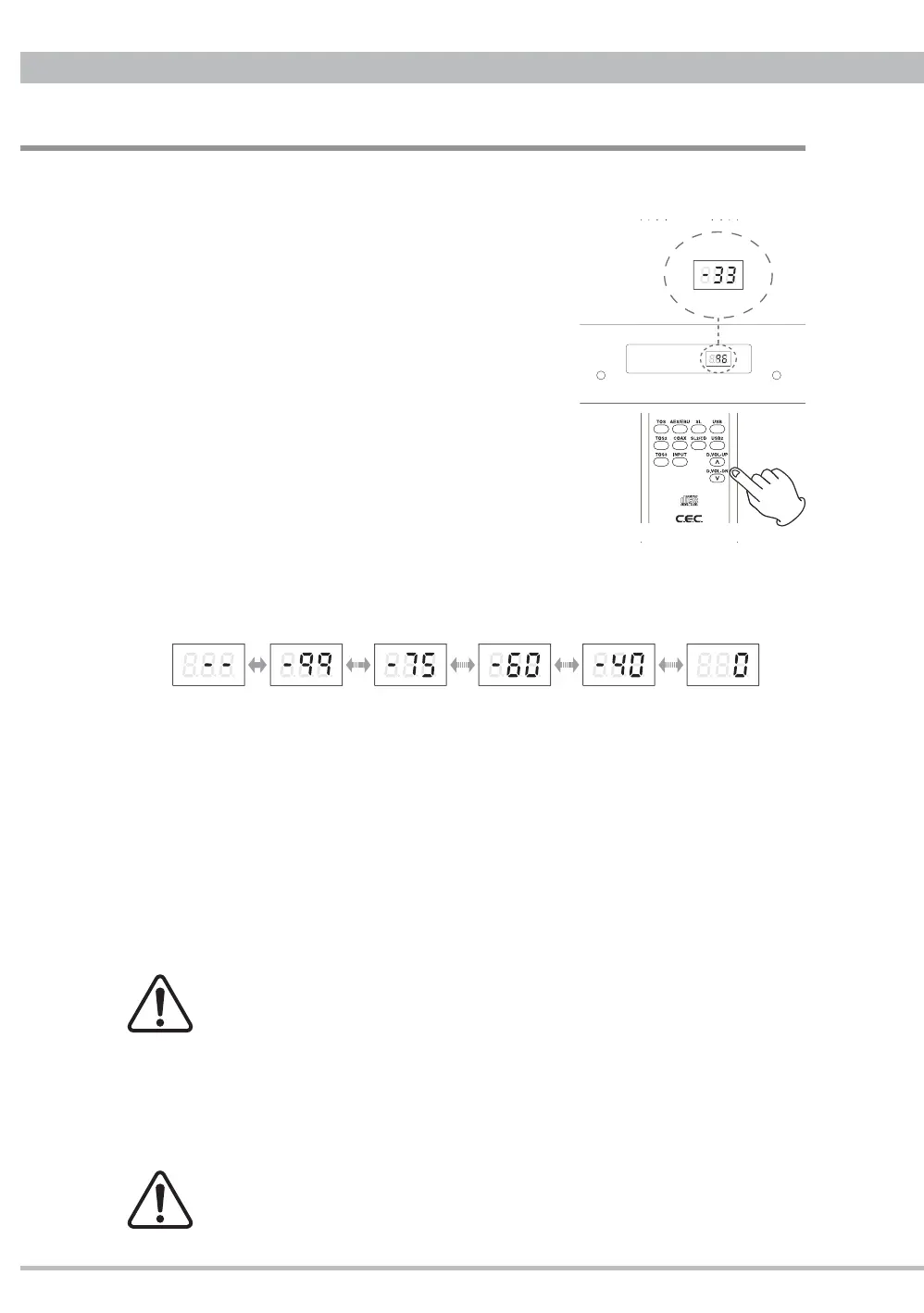
DA5 has a digital volume function which changes the analog outputs level at XLR, RCA and
headphones in the digital domain. Press the D.VOL-UP/DN buttons on the remote control
unit to change the volume between minimum -99(dB) and
maximum 0(dB). The last setting has been memorized after
power off.
Level indicator
Pressing the D.VOL-UP/DN buttons the sampling
frequency indicator will change to show the volume
level. Pressing once the button will jsut show the
current volume setting. Press successively to
change the volume. Press and hold the button for
fast changes.
Approximately 5 seconds later the display will
return to indicate the sampling frequency
Change rate
The volume change rate varies by the volume level. 6dB changes between -99(dB)
and -75(dB), 3dB between -75(dB) and -60(dB), 2dB between -60(dB) and -40(dB), and
1dB between -40(dB) and 0(dB).
Pressing the D.VOL-DN button at -99(dB) the volume will go to MUTE " - -".
Connect to pre-amplifi er
When connecting with an amplifi er with a volume control function, set the DA5 digital
volume at maximum 0(dB) which is the same output level as standard CD players.
Connect to power amplifi er
When connecting with a power amplifi er, the DA5 digital volume function controls the
amplifi er volume. Make sure that the DA5 digital volume is set to minimum or MUTE
before the amplifi er is turned on.
The last volume setting has been memorized after power off. It is
recommended to always minimize the volume when DA5 is powered off.
Bigger volume setting would cause an unexpected huge sound. Danger!
Headphones Listening
Adjust the headphones volume through the both of the digital volume operated by the
remote control unit and the analog volume operated by the volume knob on the front
panel.
In case that the XLR or RCA output is connecting to a power amplifi er, after
the headphones listening make sure to minimize the digital volume before
turning on the power amplifi er to avoid a sudden huge sound.
FLAT USB COAX PCM
PULSE AES TOS DSD
1dB 40 times2dB 10 times3dB 5 times6dB 4 times
maximum
MUTE
minimum


 To Next Page