D/A CONVERTER / USB SOUND SYSTEM DA5
16
Playback of a digital audio device at COAX, TOS or AES/EBU connection
䆨
Power on DA5 and CD transport or the other digital audio player connected to DA5.
Current digital volume level ex. "0" blinks and 5 seconds later the other current
settings are displayed.
䆩
Press the INPUT button on the front panel or remote control unit, or a direct input
selector button to select the input connected with the digital audio player. A sampling
frequency is displayed as soon as the input signal transferred from the digital audio
player is detected.
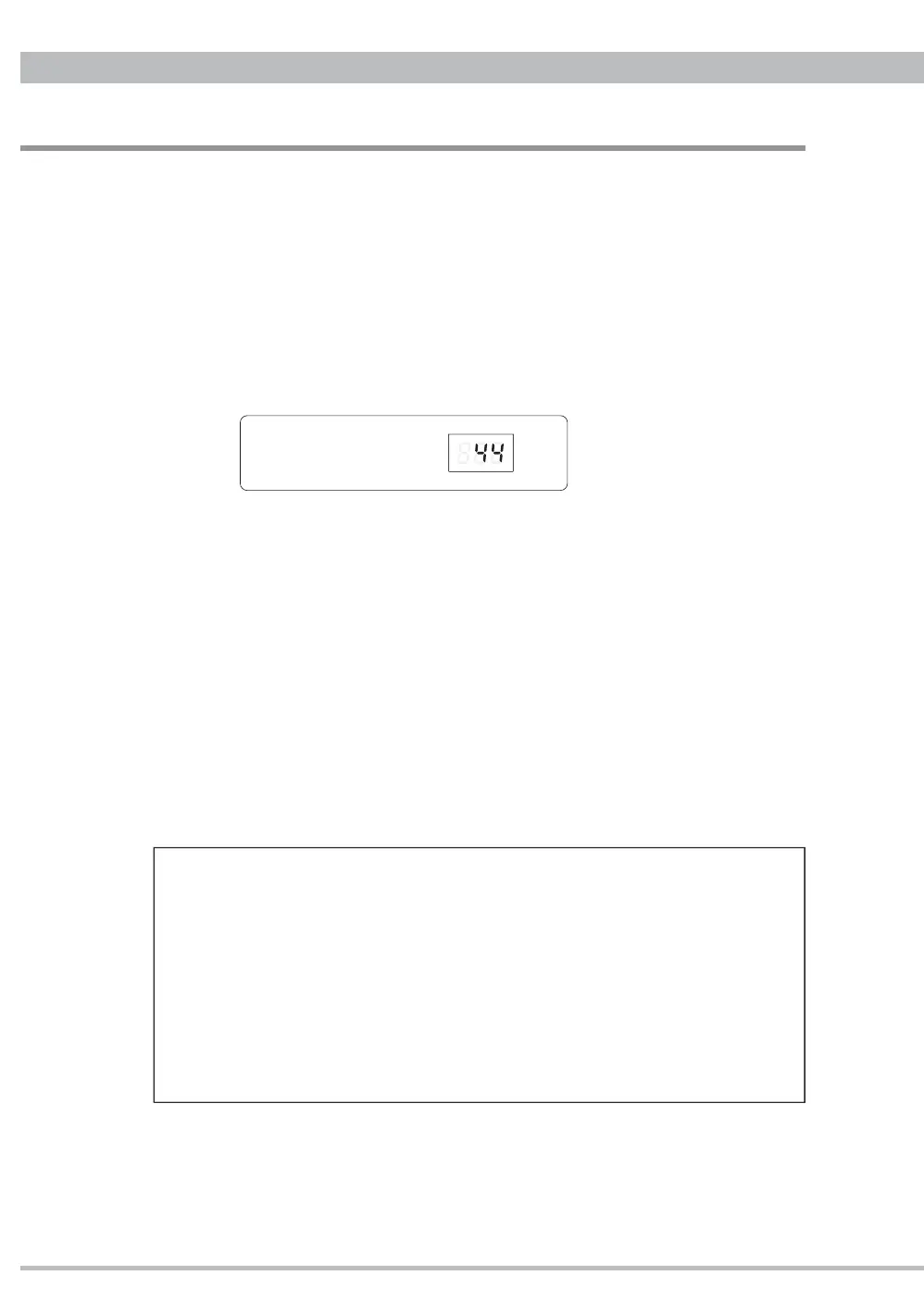
Ex. PCM 44.1kHz through COAX connection in FLAT digital fi lter
Note: Connecting with a digital audio player which generates the signal for locking
only under playback, the sampling frequency indicator may show three bars "- - -"
ᴾ
during stopping or skipping. Even playing a music does not indicate any sampling
frequency DA5 should be unlocking with the player. Check the connection and player
condition carefully again.
䆪
Power on the amplifi er after lower the volume on the amplifer or DA5.
䆫㩷
Start the playback on the digital audio player, and adjust the volume on the amplifi er
or DA5.
Playback of PC music at USB connection
䆨
Ready PC connected via USB will recognize DA5 as CEC DA5 HS USB Audio.
䆩
Press the INPUT button on the front panel or the USB button on the remote control
unit to select USB. USB indicator and a sampling frequency of the input signal will
Basic Operation
Mac PC (X10.6.8 or newer) does not require any additional driver for USB 2.0
audio device but Windows PC (XP or newer) needs to install CEC specialized
USB driver to recognize DA5 as USB audio device and play PCM music fi les.
Compatible PC-Music player should be prepared yourself.
Installing ASIO and DSD drivers to a freeware PC-Music player foobar2000
for Windows, DSD64/128/256 files can be reproduced as well. Those drivers
are appeared at download site in CEC home page.
Visit at www.cec-web.co.jp/service/download/driver/index_ex.html to download
the drivers and setup before connecting with a PC. Refer to “Installation and
Setup for USB drivers on Windows PC” from page 22.
FLAT USB COAX PCM
PULSE AES TOS DSD


 To Next Page