DA5 User's Manual
19
Troubleshooting
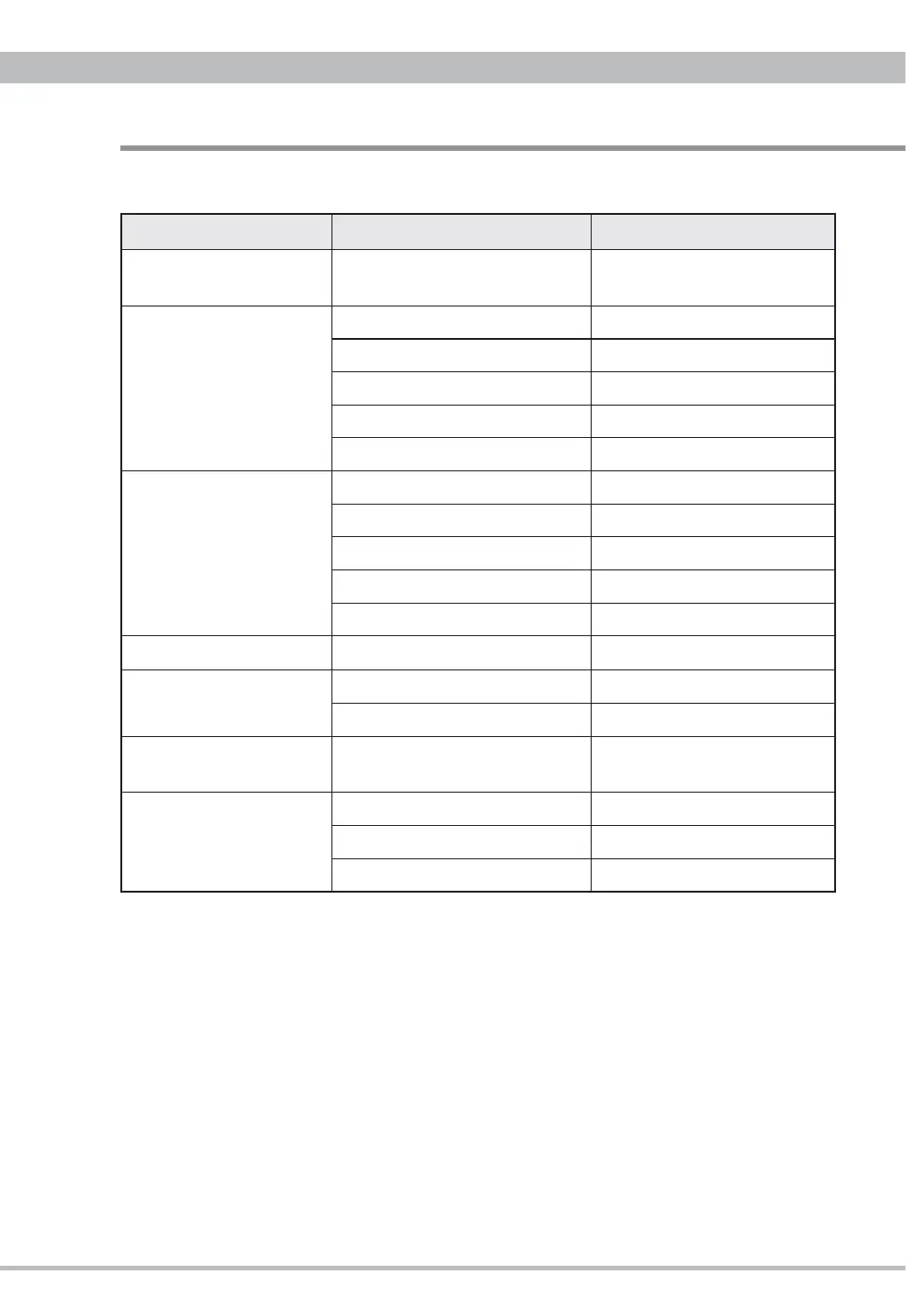
If you suspect a malfunction in this appliance, please check the following chart before calling
your dealer.
Malfunction Possible cause Solution
No power
AC power cord loosen
Connect completely the both ends
of the AC power cord
No sound but
Sampling frequency
displayed
Wrong connection with amplifi er Correct the connection
Playback stops Begin playback
Small volume on DA5 Increase the volume
Small volume on PC or amplifi er Increase the volume
Wrong input selected on amplifer Correct the input
No sound and no sampling
frequency displayed
Wrong connection with player Correct the connection
No power on player Turn on and begin playback
Wrong input on DA5 Correct the input
Digital cable broken Replace the cable
Failure by interferences Turn off and on all the devices
Hum noise
RCA plugs loosen Connect the plugs completely
Sound skipping
Shock or vibration to player Place the player on stable board
Disc surface soiled Clean up the disc
Interference on tuner
Very close to the tuner
Install DA5 away or turn off the
tuner
Unresponsive to remote
control
No power on DA5 Turn on DA5
No batteries in the RC unit Install batteries
No enough power on batteries Replace with new batteries
DA5 contains a microcomputer that can malfunction due to the external noise or interference.
If this seems to be the case, turn the unit off and wait for a short while before turning it back on
and trying again.


 To Next Page