EasyManua.ls Logo

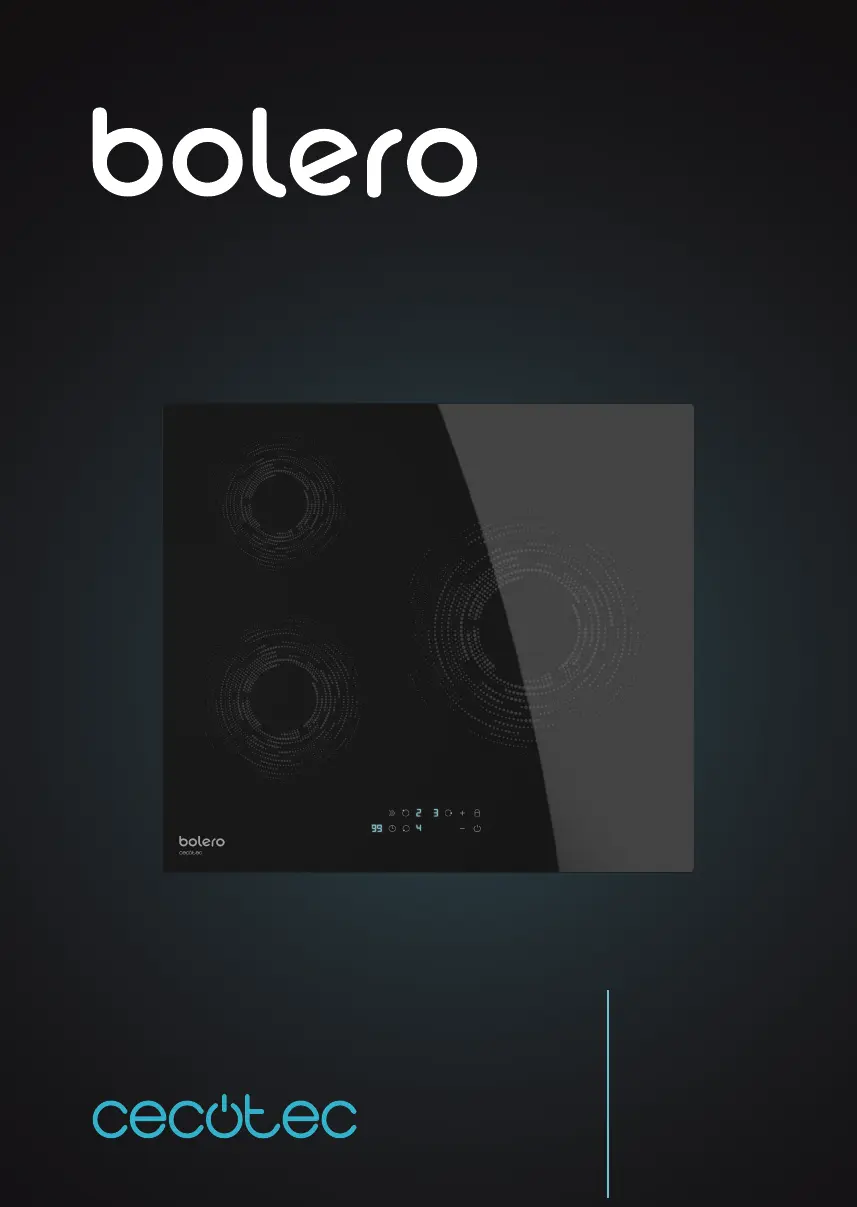
cecotec bolero SQUAD 3000 - User Manual

cecotec bolero SQUAD 3000
218 pages
Go to English
Print Icon
To Next Page IconTo Next Page
Loading...
Manual de instrucciones
Instruction manual
Manuel d’instructions
Bedienungsanleitung
Manuale di istruzioni
Manual de instruções
Handleiding
Instrukcja obsługi
Návod k použití
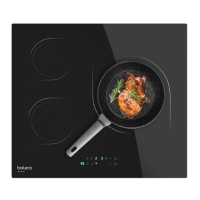
SQUAD I 3000
Placa inducción / Induction hob
02502_Placa Bolero Squad I 3000 _IM_YV_01220125.indd 102502_Placa Bolero Squad I 3000 _IM_YV_01220125.indd 1 10/2/22 17:3610/2/22 17:36

Table of Contents

Questions and Answers

  • M
    Mary SnowSep 2, 2025
    Why isn't the LED turning on when my cecotec bolero SQUAD 3000 Hob is connected?
    • A
      Austin KelleySep 2, 2025
      If the LED on your Cecotec Hob isn't turning on when connected, there could be several reasons: * There is no electricity. Check if the plug is correctly fixed in the mains and if the latter works. * The auxiliary power supply board and the board connected to the display malfunction. Check the connections. * The auxiliary power supply board is damaged. Substitute the power supply board. * The display is damaged. Substitute the display board.
  • S
    steven97Aug 31, 2025
    How to improve touch button response on cecotec bolero SQUAD 3000?
    • C
      christopheradamsAug 31, 2025
      If you're finding it difficult to use the touch buttons on your Cecotec Hob, it might be because there's a slight film of water on the buttons or you're using your fingertip to press them. Ensure the touch control area is dry and use your finger base to press the buttons.
  • A
    Alexis BlackburnAug 29, 2025
    Why does my cecotec bolero SQUAD 3000 Hob stop heating and show a flashing 'u'?
    • C
      catherinebrownAug 30, 2025
      If your Cecotec Hob stops heating suddenly and shows a flashing 'u', it could be due to the following reasons: * The cookware is not suitable. * The hob has overheated. Wait for the hob temperature to return to normal. Press the On/off button to restart the product.
  • C
    Charles WigginsAug 27, 2025
    Why is my Cecotec Hob's cooking power indicator on but not heating?
    • J
      Joshua SantiagoAug 28, 2025
      If the cooking power indicator is on but the heating doesn't start, it could be due to several reasons: * The hob may be overheating because the room temperature is too high. * The air inlet or outlet may be blocked. * The fan might be faulty. Check if the fan operates as usual, if not, substitute the fan. * The power supply board might be damaged, in which case substitute the power supply board.
  • D
    David DaltonAug 27, 2025
    Why does my Cecotec Hob turn off unexpectedly and show an error code?
    • H
      Heidi BrownAug 27, 2025
      If your Cecotec Hob turns off unexpectedly, emits a sound, and displays an error code, it indicates a technical fault. Write down the letters and numbers of the error, disconnect the induction hob from the mains and contact the official Cecotec Customer Service.
  • K
    Kimberly WarrenAug 25, 2025
    What to do if touch controls don't work on cecotec bolero SQUAD 3000?
    • J
      Joel GonzalesAug 25, 2025
      If the touch controls on your Cecotec Hob aren't working, the buttons may be locked. Unlock the buttons. Check the ‘Buttons lock’ section for instructions.
  • S
    Sharon ColeAug 22, 2025
    Why doesn't my cookware heat up on my Cecotec Hob?
    • R
      Randall RobinsonAug 23, 2025
      Your cookware might not be heating up on your Cecotec Hob for a couple of reasons. First, ensure you are using cookware specifically designed for induction hobs. Second, the hob may not detect the cookware if it's too small for the cooking area or not centered. Center the cookware and ensure its base matches the size of the cooking area.

Summary

Parts and Components

Control panel

Overview of the control panel and its buttons.

Before Use

Installation

Selection of the installation tools

Guidance on selecting tools and preparing the worktop for installation.

Proper ventilation

Requirements for adequate airflow around the hob for safe operation.

Before installing the hob

Checks and preparations required before mounting the hob.

Fixing brackets

How to attach the hob securely to the worktop using brackets.

Operation

Connection to the mains

Instructions for safely connecting the hob to the electrical supply.

Touch controls and basic operation

How to use touch controls, select cookware, and start cooking.

Advanced features

Using Boost, Timer, Auto-off, and Buttons lock functions.

Cooking advice and settings

Tips for cooking, heat settings, and specific recipes.

Cleaning and Maintenance

Cleaning the glass surface

Instructions for cleaning usual dirt from the glass surface.

Cleaning the touch controls

How to clean the touch controls area properly.

Troubleshooting

Error codes

List of error codes and their meanings or solutions.

Specific faults and solutions

Common issues and their corresponding solutions for the hob.

Technical Specifications

Installed electric power

Details on the hob's power consumption and origin.

Disposal of Old Electrical Appliances

Technical Support and Warranty

Copyright

cecotec bolero SQUAD 3000 Specifications

General IconGeneral
Brandcecotec
Modelbolero SQUAD 3000
CategoryHob
LanguageEnglish

Related product manuals