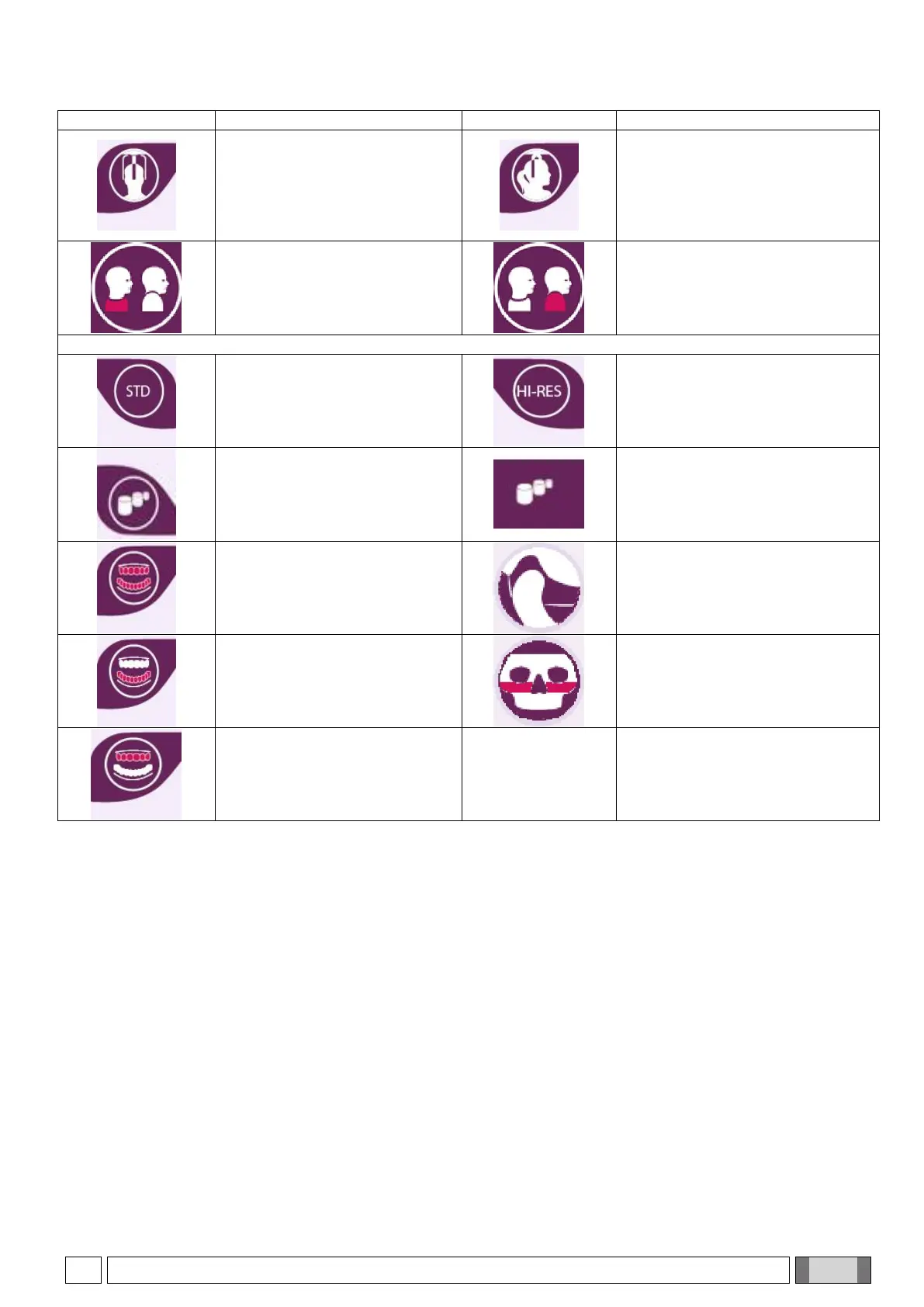
Front Ceph
Allows selecting the frontal tele-
X-ray examination mode
Side Ceph
Press to select the side tele-X-ray
examination mode
Shoulder anti-collision option
disabled (default), for side Ceph
examinations.
Press to enable patient shoulder
anti-collision option.
Shoulder anti-collision option
enabled, for side Ceph
examinations
Press to disable patient shoulder
anti-collision option
High resolution CBCT
acquisition mode
Maximum resolution CBCT
acquisition mode
FOV
Press to access SET-FOV menu
and select among the various
sizes of the scan area
FOV reference
Icon in Examination Summary
Screen that allows going back to
SET-FOV menu
Selection of both dental arches
Selection of temporomandibular
joint (TMJ) in CBCT mode
Selection of lower dental arch
Selection of maxillary sinuses in
CBCT mode
Selection of upper dental arch



 To Next Page