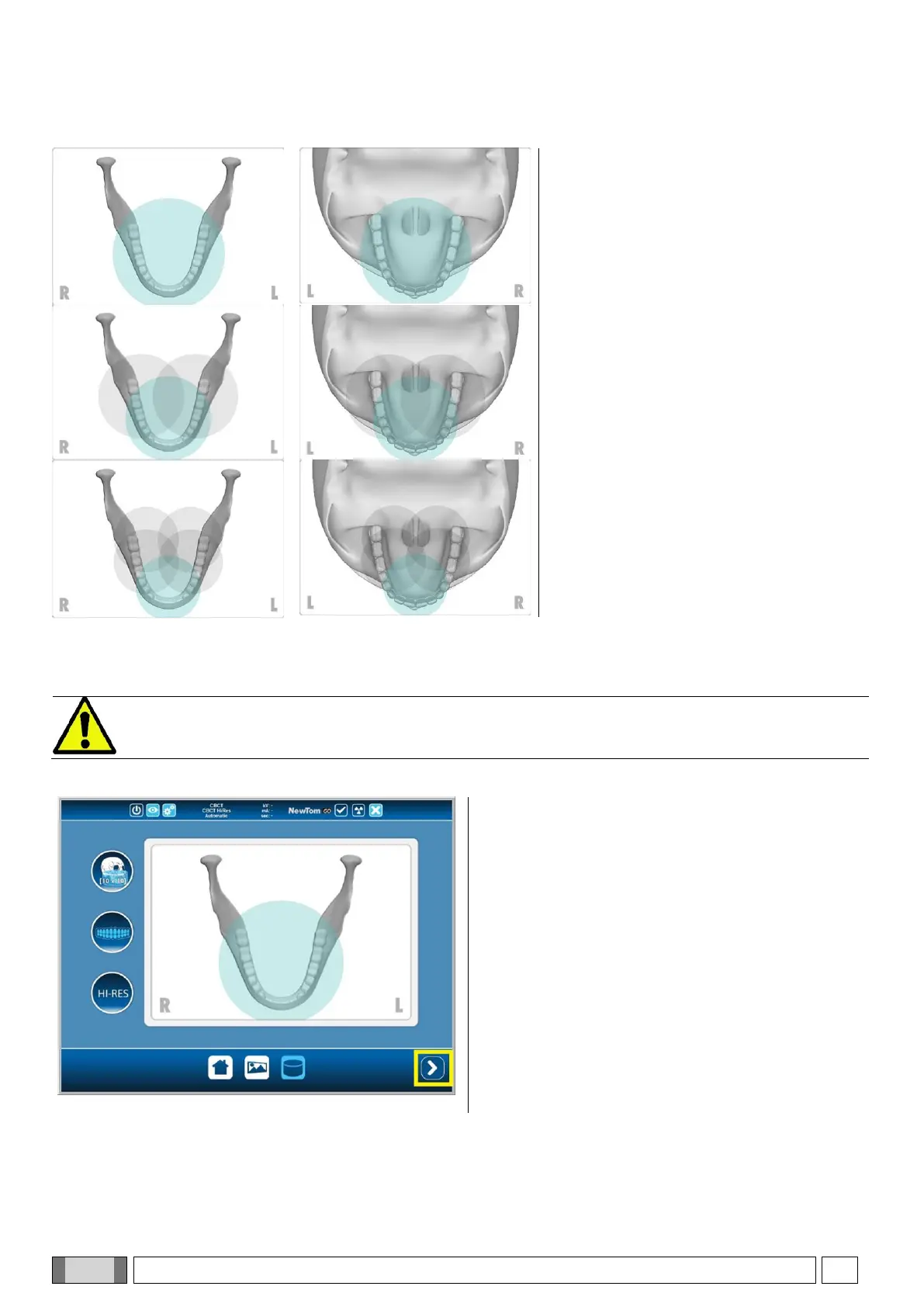
4) Selection of the volumetric reconstruction
centre
Select the centre of the CBCT reconstruction
in the EXAM screen by touching the region
to be reconstructed. A red circle will highlight
the selected area.
The choice of the reconstruction centre is only preliminary: at the end of the patient positioning, the final selection of
the anatomical region for the 3D exam will be realised via a guided procedure on the PC workstation.
Changing the factors of the X-ray exposure technique (kV, mA, s) is not required nor permitted, because the
system will automatically fine-tune them during the exam.
5) Device reset
After selecting the CBCT reconstruction centre and
the required resolution, press the NEXT button
(enclosed in the yellow rectangle in the image on the
left) to continue.



 To Next Page