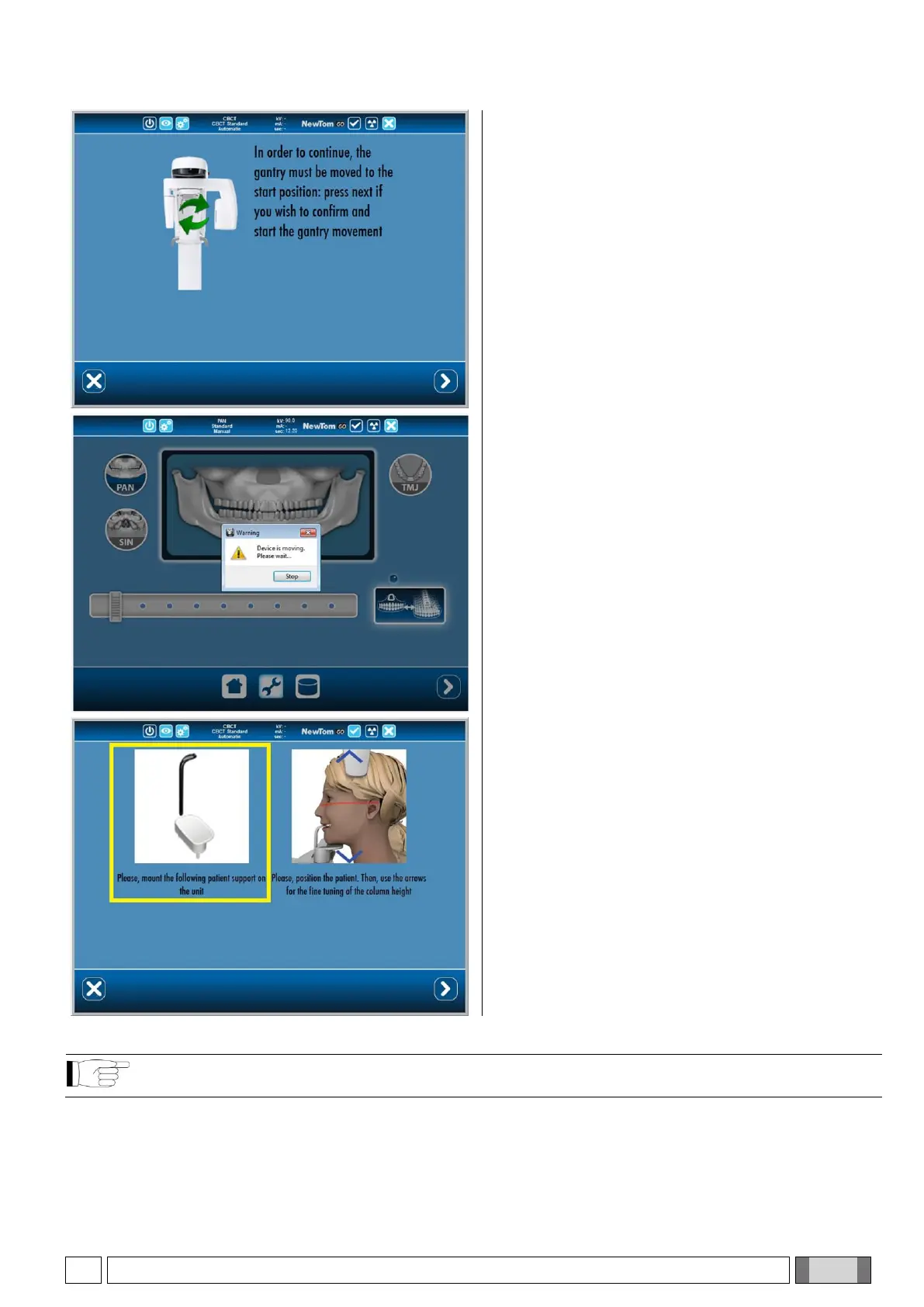
The following screen requires you to reset the device
to the default position. In order to start the reset, press
the NEXT button once again.
After pressing NEXT, wait for the device to complete
the automatic reset procedure.
6) Support selection and patient positioning
Once the reset is completed, follow the instructions
displayed in the left-hand box and, if necessary,
mount the specific patient support on the unit.
It is now possible to let the patient in and position him/her as described in paragraph 6.2 "Positioning the
patient for 3D exams".



 To Next Page