12 UFED System
Chapter 4. Extract Phone Data
4.1. Overview
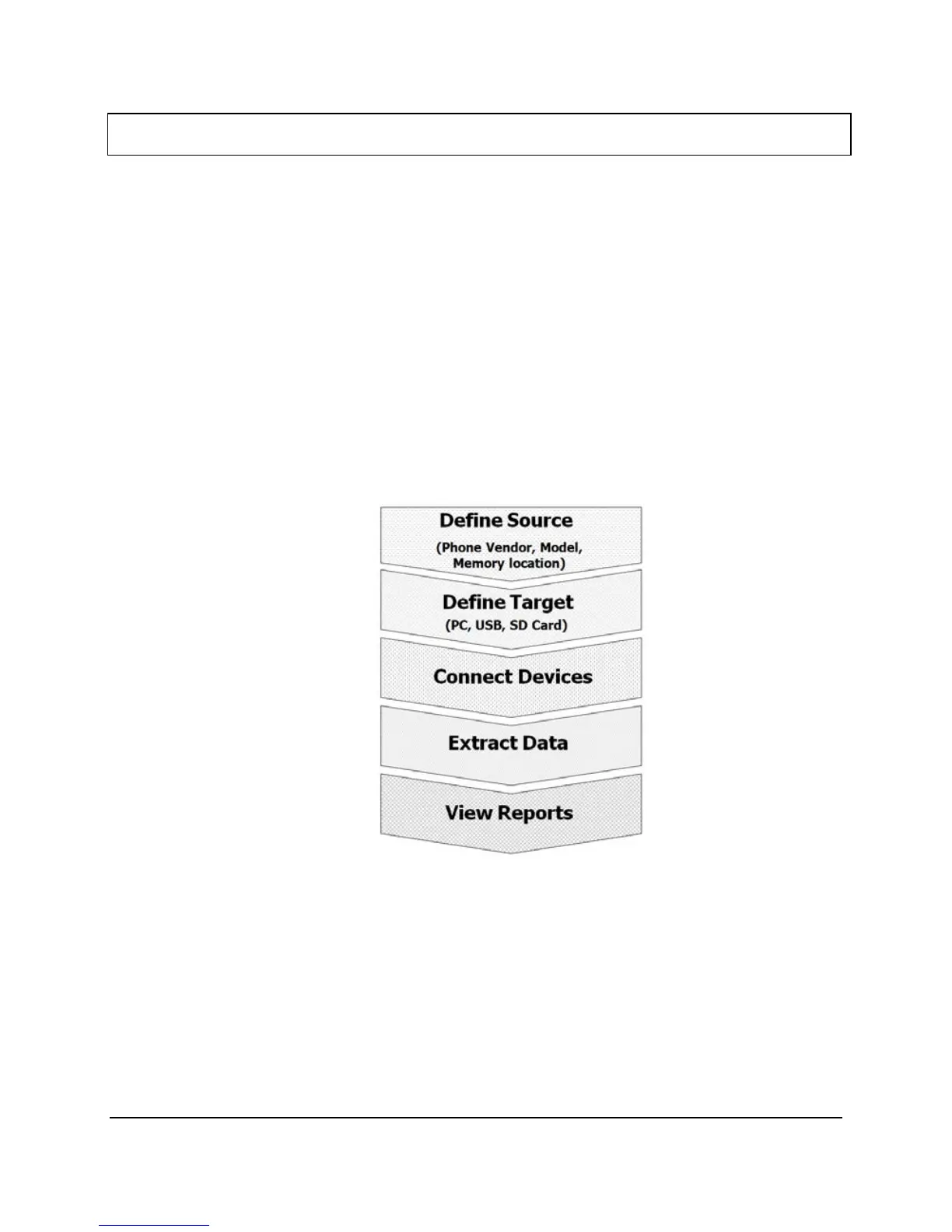
Select Extract Phone Data from the main menu in order to copy data from a
phone (the source) to a PC, USB or SD card (the target).
Use this function to extract phonebook, SMS text messages, pictures, etc.
from mobile phone memory to a USB disk drive, SD card or directly to a
PC.
The UFED guides you each step of the way during this process.
4.2. Flowchart
There are only slight differences in the procedure when the target is a USB
disk drive or a PC. Both procedures are described below. Refer to the
procedure relevant to you.



 To Next Page