Chapter 4 –Extract Phone Data
User Manual 13
4.3. Extract Phone Data to USB Disk Drive or SD Card
Follow the steps below to perform a data extraction from a mobile phone to
a USB disk drive or an SD card.
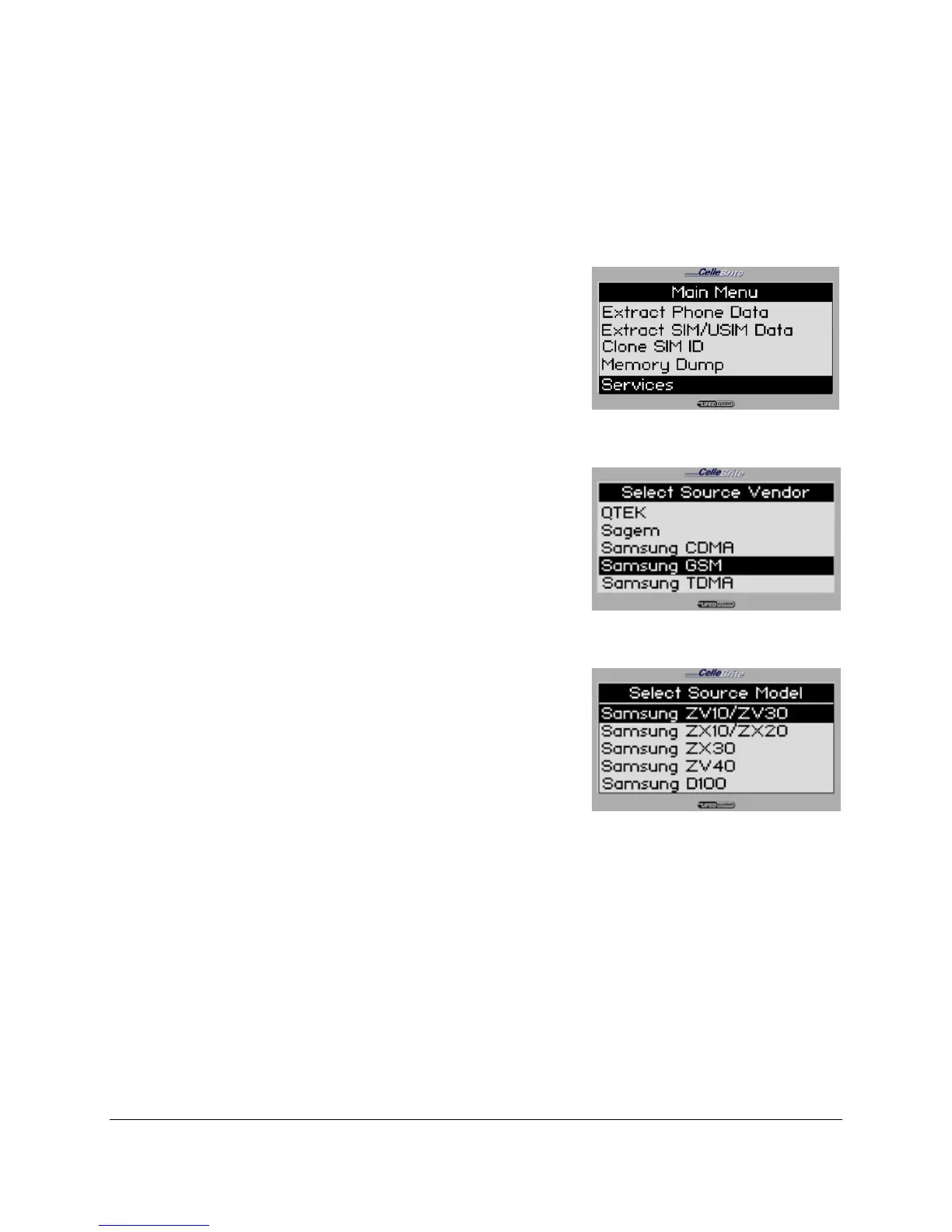
1. Main Menu
Select Extract Phone Data from the
main menu.
Use the ▲▼ keys to move between
options. Press OK or ► to continue.
2. Source Vendor
Select the vendor (manufacturer) of the
source phone.
Use the ▲▼ keys to move between
options. Press OK or ► to continue.
3. Source Model
Select the source phone model.
NOTE: If you do not know the model,
you can often find the phone model on
a sticker beneath the battery.
Use the ▲▼ keys to move between
options. Press OK or ► to continue.
To return to the previous menu, press
◄.



 To Next Page