Chapter 11 - Upgrade
User Manual 45
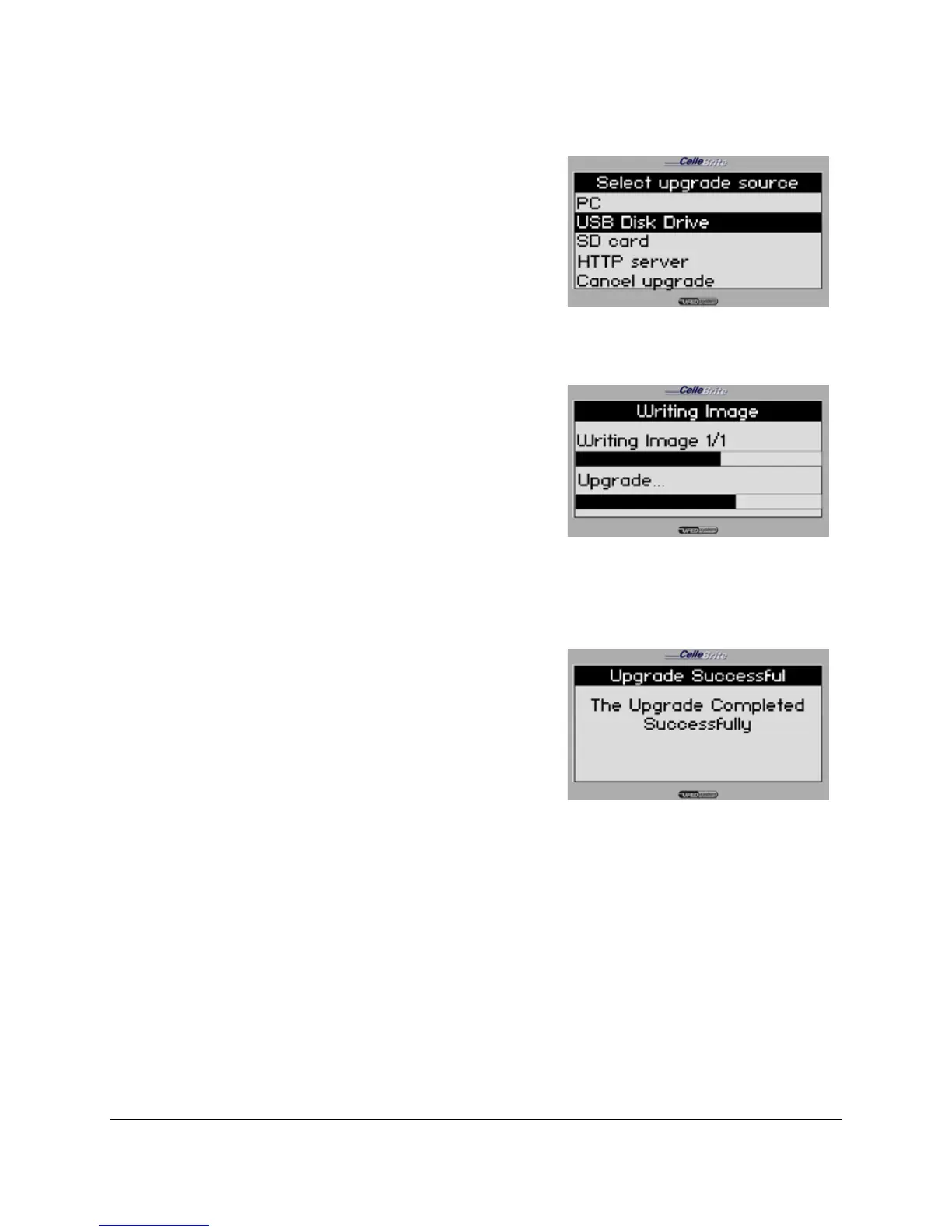
4. Select Upgrade Source
Choose USB Disk Drive or SD Card,
according to where you have copied
the upgrade files.
Use the ▲▼ keys to move between
options. Press OK or ► to continue.
5. Upgrade
The UFED will display the available
upgrade files. Select the correct file,
Press OK or ► to continue The
UFED now performs the upgrade.
Do not interrupt the UFED until the
full process is complete.
6. Finish
After finishing the upgrade process,
the UFED displays a message
indicating that it completed the
update. It will then restart
automatically, and return you to the
main menu.
11.3. Upgrade from PC
In order to upgrade from PC, the Upgrade Utility is required on your
PC. If it is not already installed, run the installation located on the
CD in the UFED Kit.



 To Next Page