Chapter 6 –Clone SIM ID
26 UFED System
6. Finished
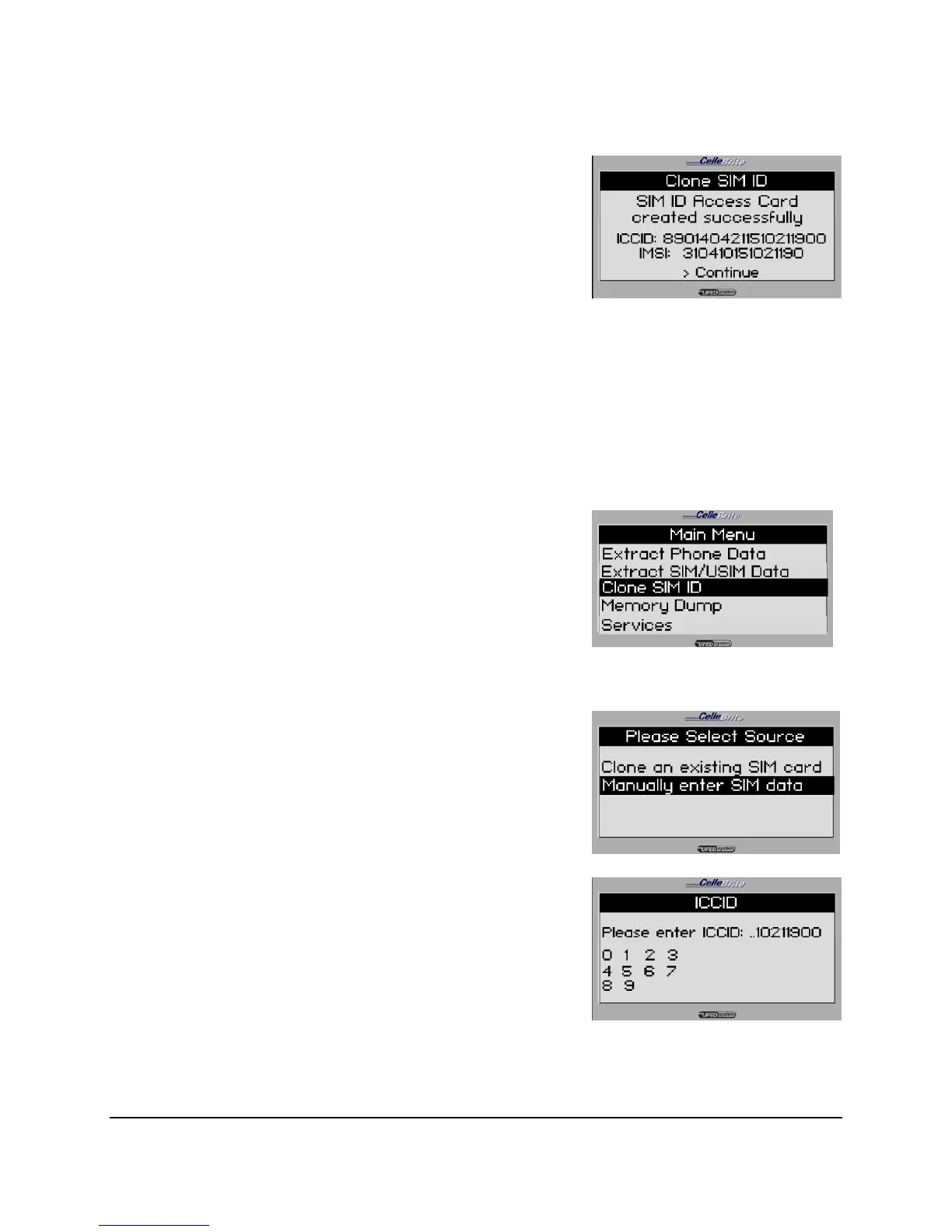
The UFED next completes the SIM
Cloning process.
ICCID and IMSI data is shown on
screen.
At this point, you can insert the cloned
SIM card into the phone, and continue
evaluating the phone.
6.4. Manually Creating a Clone SIM Card - Steps
1. Main Menu
Select Clone SIM ID from the main
menu.
Use the ▲▼ keys to move between
options. Press OK or ► to continue.
2. Select Source
Select Manually enter SIM data from
the Select Source menu.
3. Enter ICCID and IMSI
When prompted, enter the ICCID
number and the IMSI number.
Use the arrow keys to highlight a digit.
Press OK to add the digit. Press F3
when finished.



 To Next Page