Chapter 6 –Clone SIM ID
User Manual 27
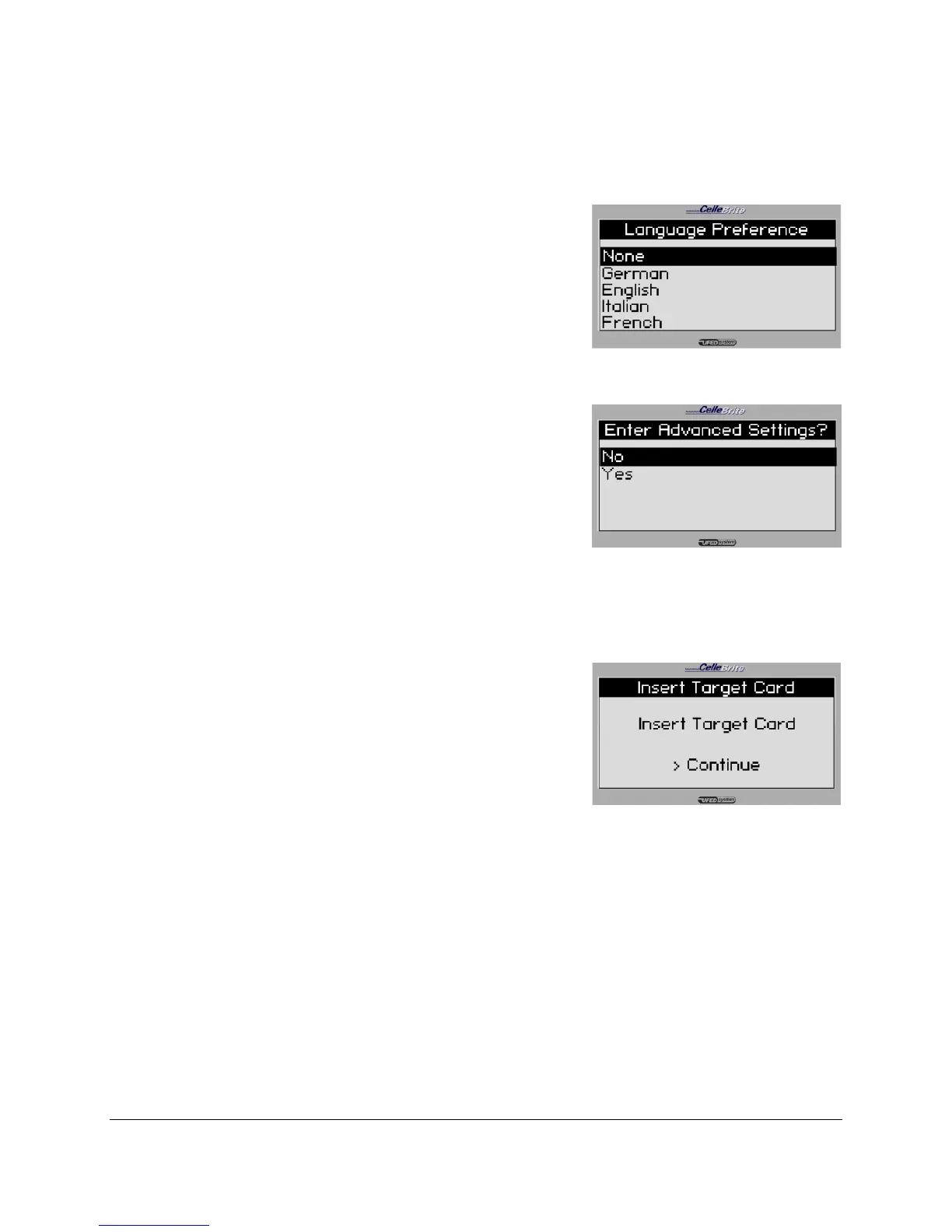
4. Language Preferences
Optionally, you may specify the default
language preference for the SIM card.
Use the ▲▼ keys to move between
options. Press OK or ► to continue.
5. Advanced Settings
If you wish to add SPN, GID1 and GID2
settings to the SIM card, select Yes at
the Advanced Settings menu.
Otherwise, select No.
Use the ▲▼ keys to move between
options. Press OK or ► to continue.
6. Insert Target Card
The UFED then asks you to insert the
target card. Insert the Cellebrite UFED
SIM ID blank card into the SIM reader,
with the gold side facing down and the
cut corner facing outwards and press ►
to continue.
The slot for the SIM card is located at
the bottom of the UFED device.



 To Next Page