User Manual 39
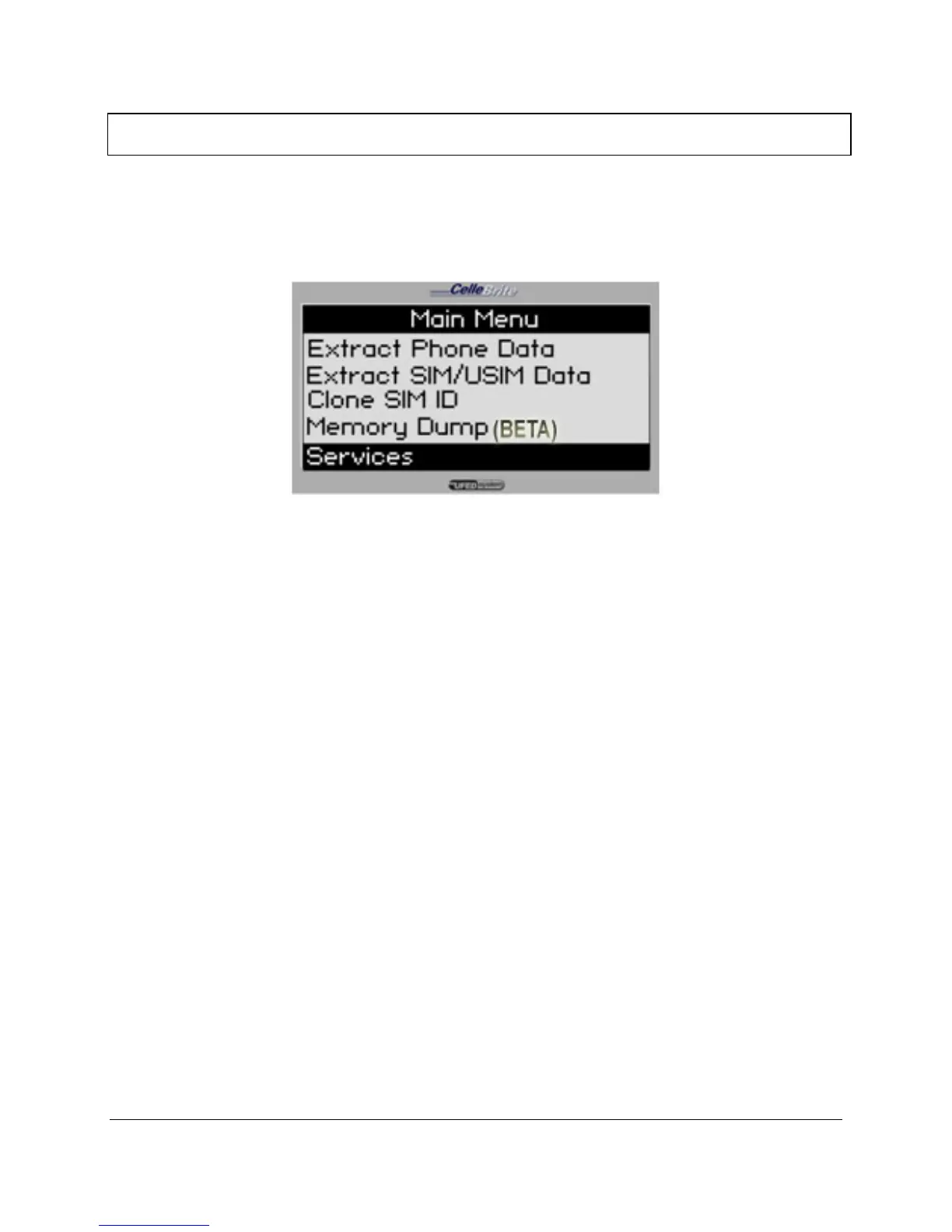
Chapter 10. Services
The Services option on the main menu allows you to perform various
administrative tasks for the UFED.
10.1. Upgrade
The Upgrade process enables you perform software upgrades for the
UFED. This process is detailed in full in Chapter 1.
10.2. Software Versions
Displays the current version numbers and system information.
• App – The application version
• Full and Tiny – The software image versions
• S/N – The UFED Serial Number
• ID – The unique identifier, used during the activation process
10.3. Counters
• Show Counters - Shows the number of transactions performed by the
UFED device
• Reset Counters - Resets all counters to zero
• Set Counters - Allows you to set the counters to a specific value



 To Next Page