Chapter 9 –UFED Report Manager Software
38 UFED System
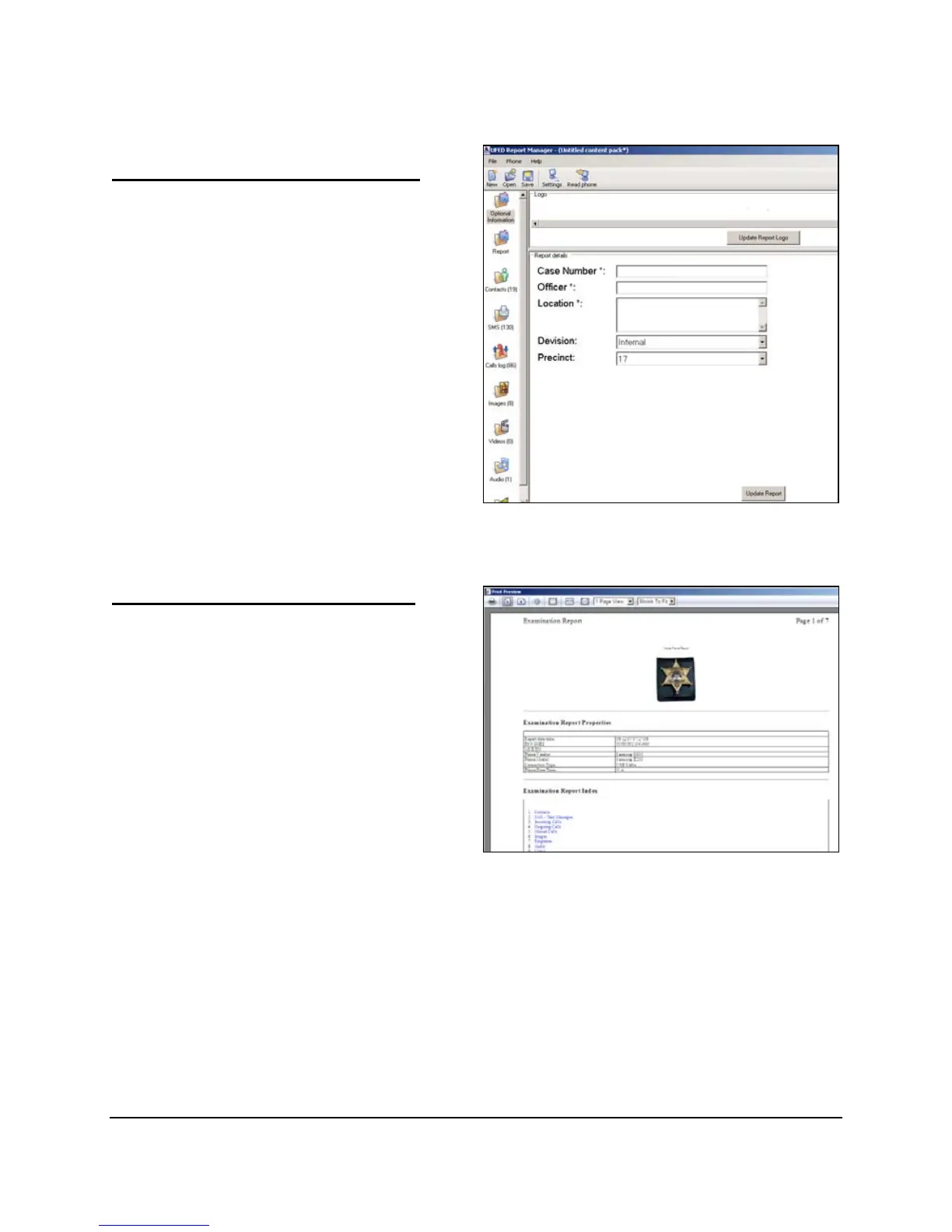
According to the settings defined in
the Forensics Settings screen, the
user will be prompted for the
optional information when producing
a report. Click on the Optional
Information tab, and enter the
information in the fields provided.
Mandatory fields are marked with a
‘*’.
Entering Optional Information
At any stage, you can view and print
reports. Click on the Report icon on
the left side of the window. The
report contents appear on the
screen.
Viewing and Printing Reports
To print the report, choose Report /
Print. A print preview option is also
available.



 To Next Page