Chapter 5 –Extract SIM/USIM Data
22 UFED System
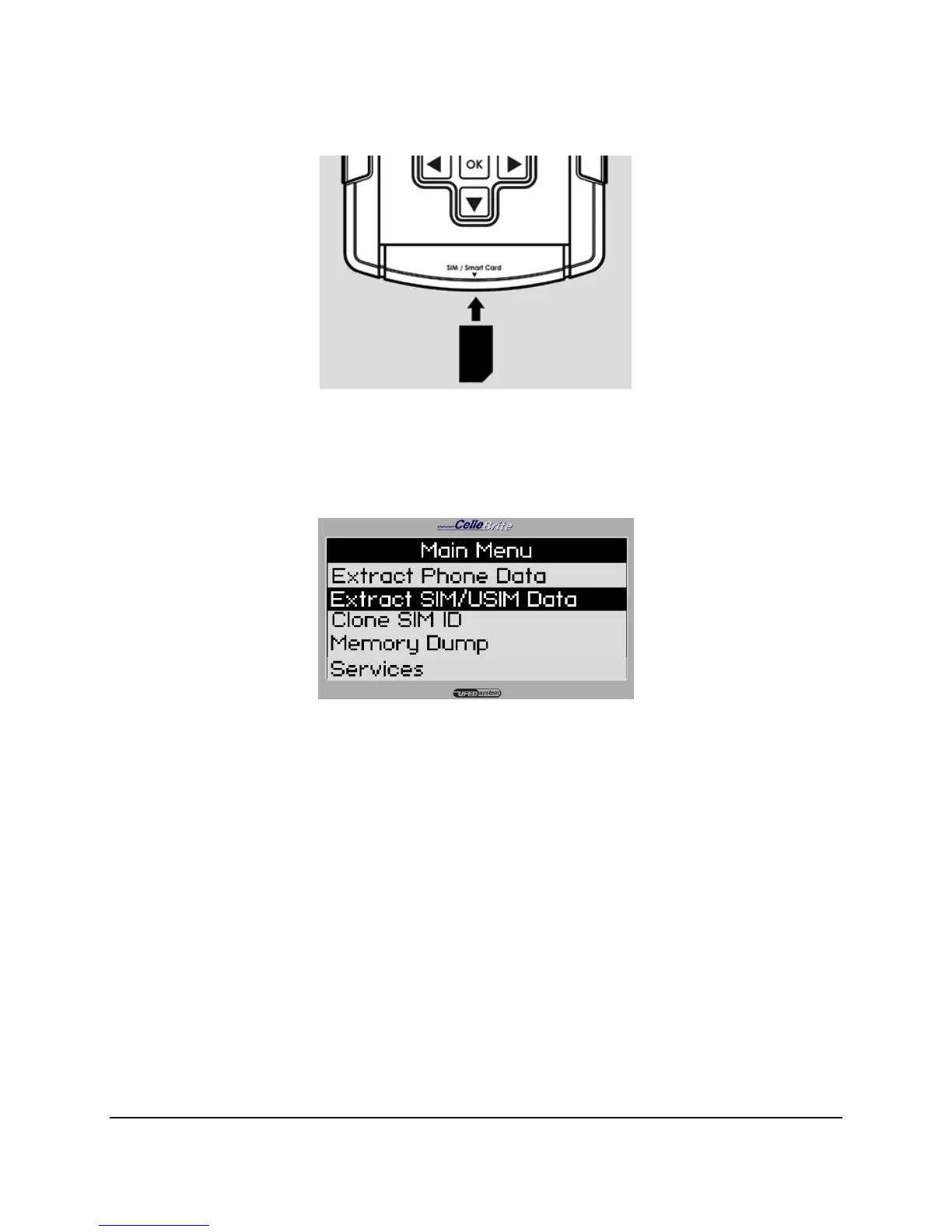
The procedure for transferring data to a SIM card is similar to the data
extraction procedure from a phone described in Chapter 4. Select Extract
SIM Data from the main menu.
Insert the SIM card as described above, and continue exactly as described
for phone extraction in Chapter 3.
NOTE: If the SIM is protected with a PIN, you will need to enter the PIN
during the transfer process. To enter the PIN code, use the
▲▼keys
to move the cursor to the required digit, and press OK to select that
digit. Repeat this for each digit of the PIN. To delete a digit, press the
© key. When complete, press F3



 To Next Page