22
5.1 First me set up of your INKREDIBLE 3D
bioprinter
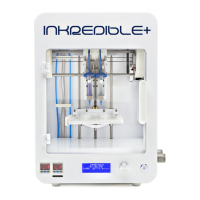
The following steps should be followed the rst me the INKREDIBLE 3D Bioprinter is
used, as well as every me it is moved from one place of operaon to another.
5.1.1 Calibrang the Printbed
It is important to ensure that the printbed is completely leveled compared to the internal
axes of your INKREDIBLE 3D Bioprinter.
1. Verify that the INKREDIBLE 3D Bioprinter is disconected from both the power outlet,
the compressor, and your computer.
2. Insert an empty cartridge with nozzle into printhead 1 [2a] and push
that printhead manually to the boom most posion.
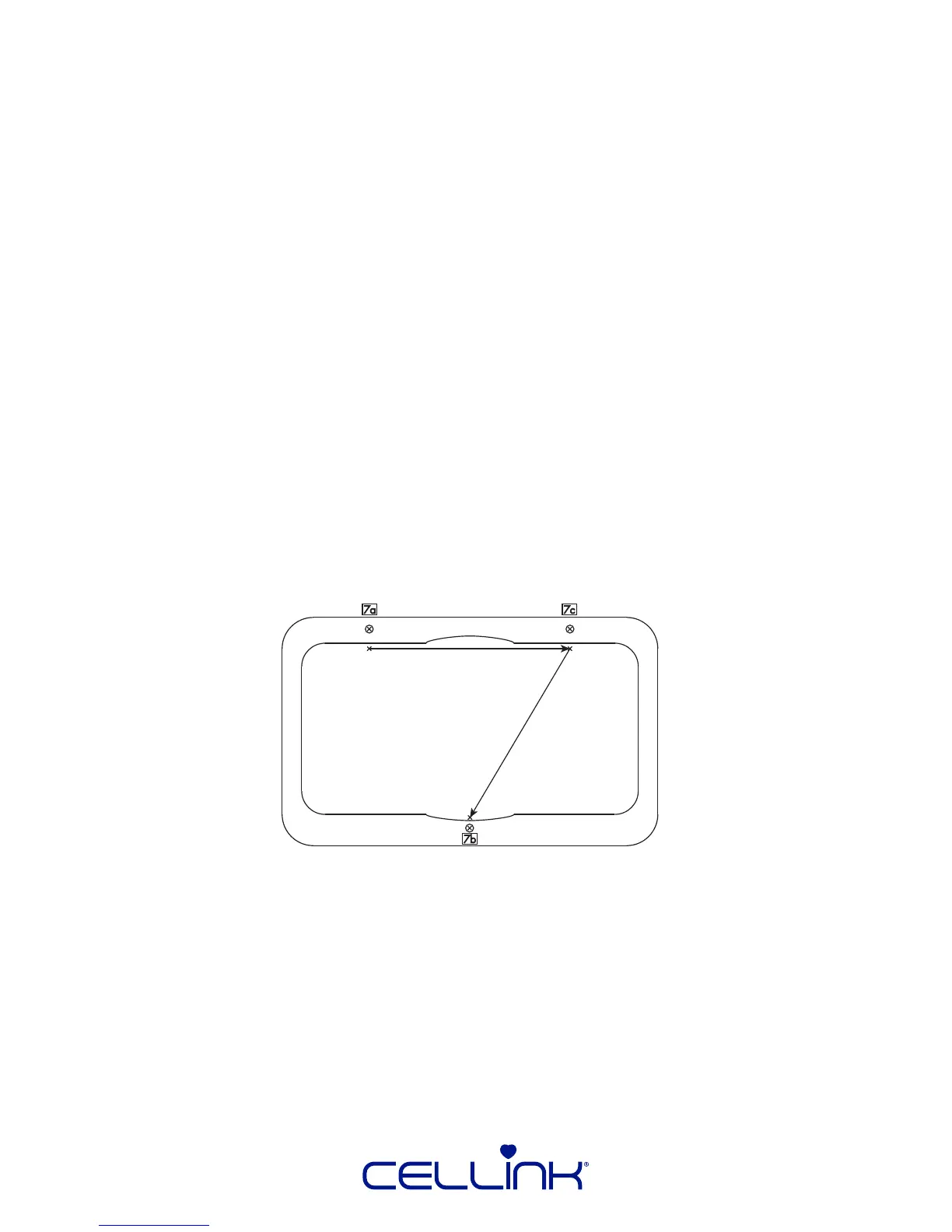
3. Move the printbed manually, so the p of the nozzle touches the surface
of the printbed right in front of the adjustment screw to the back le [7a].
4. Leaving the printbed where it is, move the printheads manually so that nozzle is right in
front of the adjustment screw to the back right [7c]. Adjust the buery screw unl the
nozzle touches the surface of the printbed.
5. Again, leaving the printbed where it is, move the printhead so that the nozzle is right
behind the front adjustment screw [7b]. Adjust the buery screw unl the nozzle
touches the printbed.
5.1.2 Supplying Power and Air
1. Plug the power cord into the back [11] of the of the INKREDIBLE 3D Bioprinter and
then into the power outlet.
2. Connect the air tube (provided) to the air compressor and then to the back of the
INKREDIBLE 3D bioprinter [12].
3. Turn on the air compressor and regulate the air pressure of the air compressor to 300
kPa, using the knob on the top of the unit.



 To Next Page