31
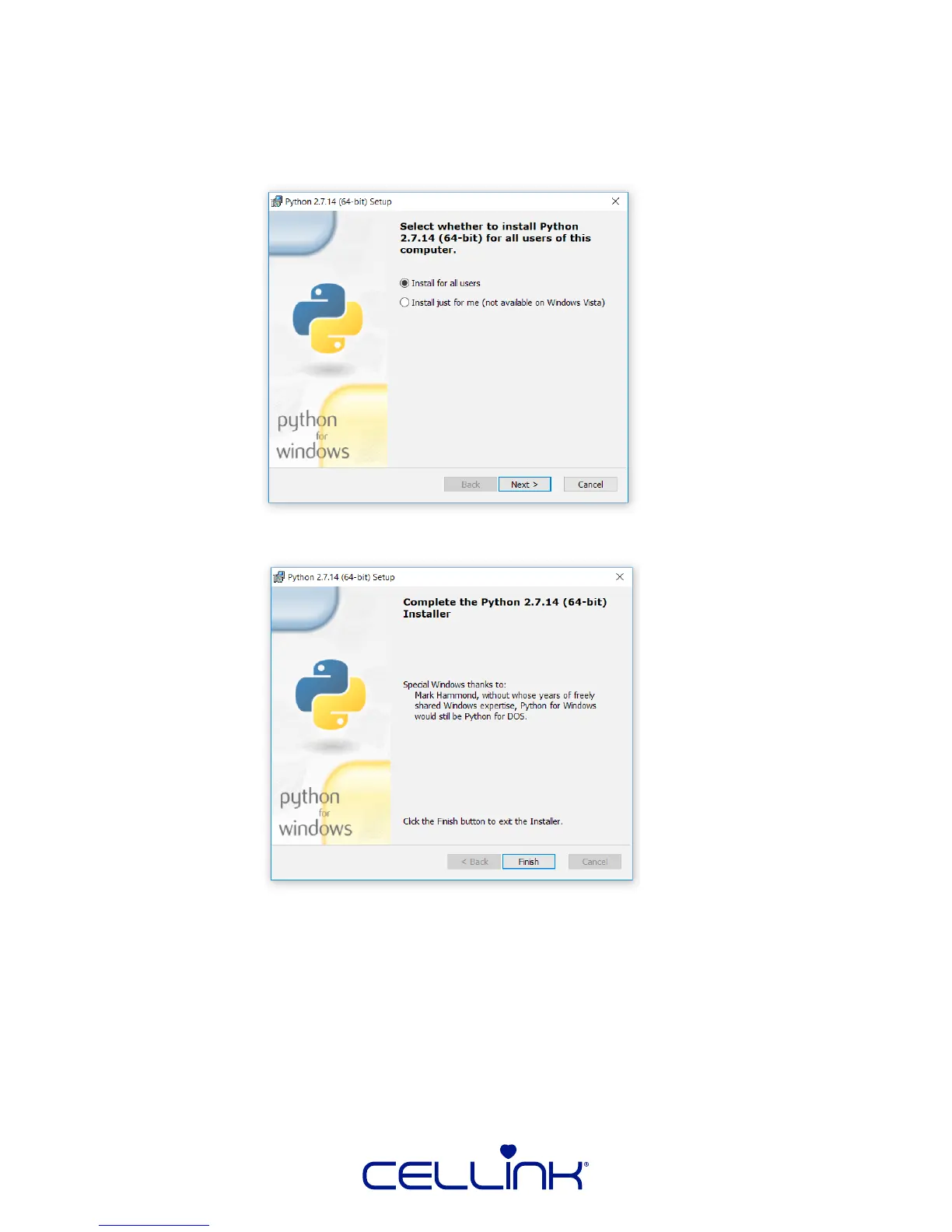
5. Click “Next” aer the next three prompts unless you need to customize:
•The users for which Python is installed
•The path in which Python is installed
•The components of the Python package you want installed
However, leaving the default opons is strongly recommended.
6. Click “Finish” to connue the installaon of HeartWare.
7. You may select “Next” past the next several prompts unless you need to customize:
• The path for HeartWare
• The components of HeartWare
• The tle of the Start Menu folder
• The opon to create a shortcut upon installaon



 To Next Page