32
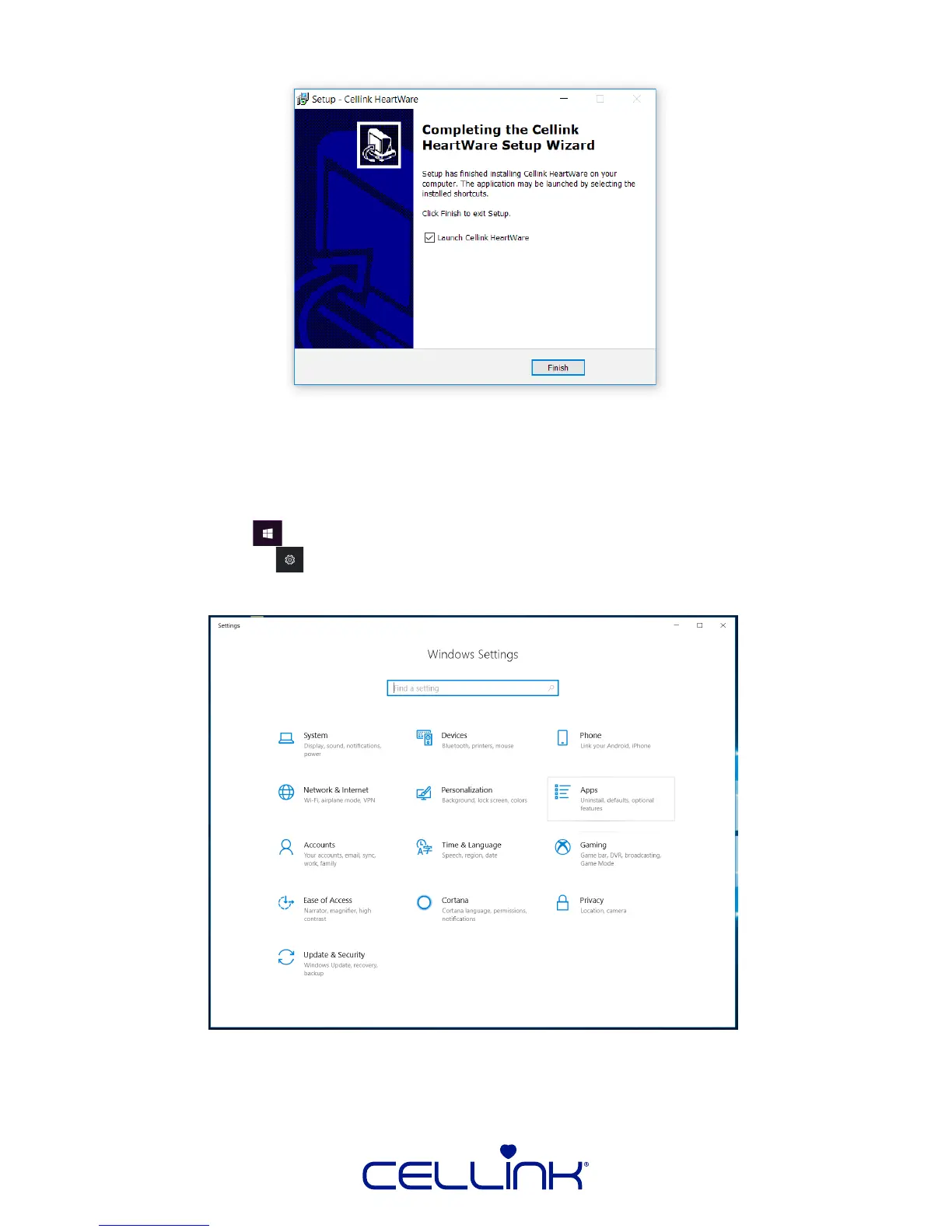
8. Click “Finish” to complete the installaon.
6.1.1 Uninstalling HeartWare
Somemes, issues with the funconality of HeartWare can be resolved by completely
uninstalling and reinstalling HeartWare. In addion, to update HeartWare, the old version,
must be completely uninstalled.
1. Click the “Start” icon on the boom le corner of your desktop.
2. Click the “Sengs” icon on the le side of the Start Menu.
3.Select “Apps”.



 To Next Page