46
Toggle Log – Hide and unhide the Log [5] window.
Show Filament – Hide and unhide the appearance of printed material in
generated G-Code within the View Window [3].
Show Travel – Hide and unhide the appearance of printer movement with no
extrusion (non-print moves) in generated G-Code within the View Window [3].
7.2.2 Le Tool Bar
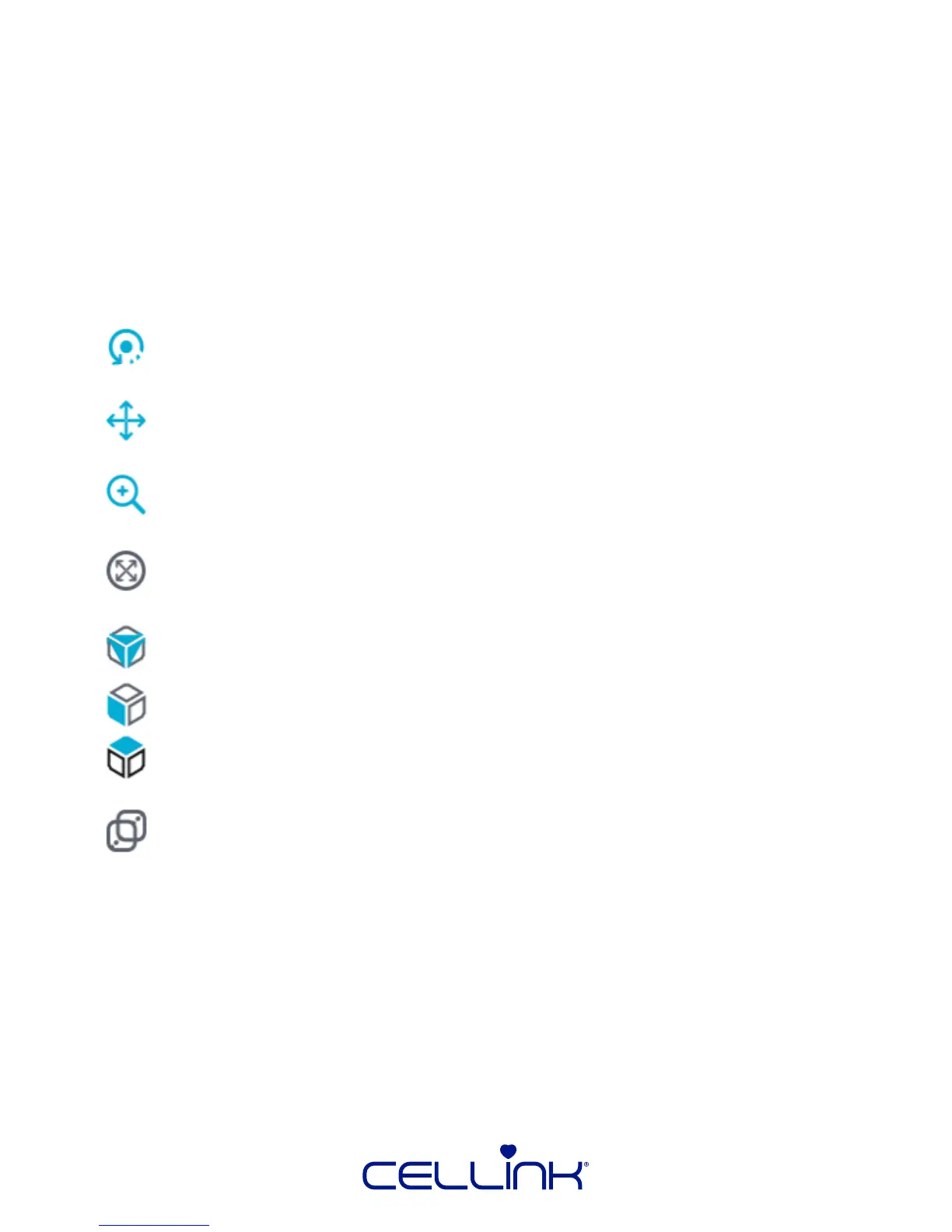
The Le Tool Bar contains many of the same funcons available within the View buon
of the Top Tool Bar [1], in addion to other buons. Below, you will nd the capabilies
of these buons:
Rotate – Sets the le click + drag behavior of the mouse to move the camera
around the print area
Move Object – Sets the le click + drag behavior of the mouse to move
selected models across the printable area in the XY plane only.
Zoom – Sets the le click + drag behavior of the mouse to move the camera
closer and further from the print volume.
Zoom Objects to Fit – Sets the camera distance from models such that the
objects ll the dimensions of the View Window.
Isometric View – Aligns the camera with the top-front-le corner of the print
volume.
Front View – Aligns the camera orthogonally to the front of the print volume.
Top View – Aligns the camera orthogonally to the top of the print volume
Use Parallel Projecon – Alters the perspecve of the camera such that
models closer to the camera do not appear larger than objects further away.
Useful for qualitavely examining the relave size of objects.



 To Next Page