11Perform a Digestion
8. Place the gripper on the assembled vessel(s).
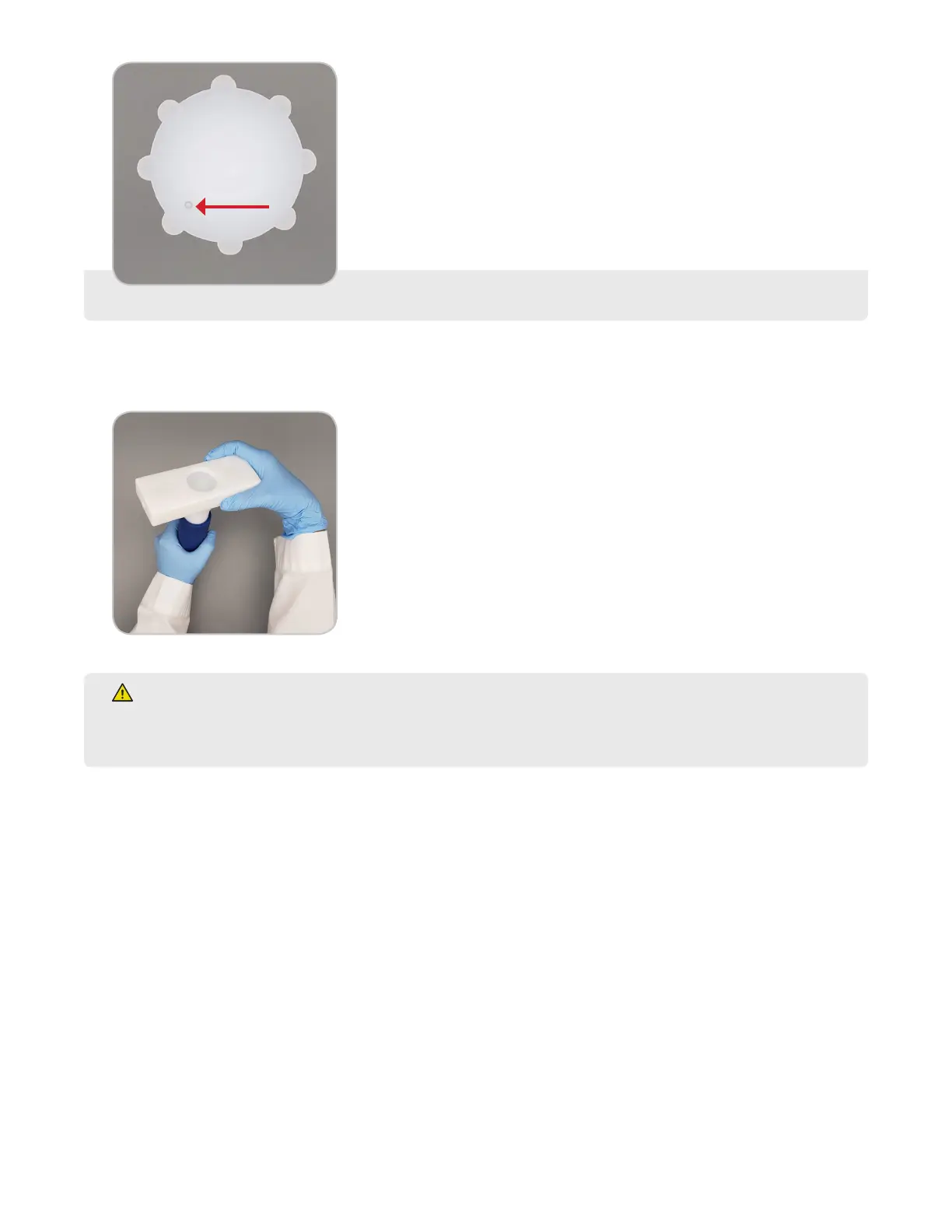
9. Use the gripper to hold the vessel then tighten the cap using the provided preset torque tool until a single click
is heard or felt. An optional bench mounted manual torque station to hold the torque tool is available.
WARNING
Vessel torquing is critical to optimize controlled venting of the system and for the integrity of the vessel.
Over or under torquing may lead to sealing issues. If any issue is noted, contact CEM Corporation.
Turntable Setup
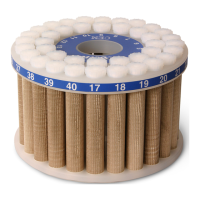
1. Load the control vessel in position "1" of the turntable.
2. If the control vessel has ber optic temperature control, insert the ber optic probe into the control vessel.
• The ber optic probe should slide easily into the thermowell through the cap until the probe reaches the
bottom of the thermowell.
• Do not force the ber optic probe.



 To Next Page