13Perform a Digestion
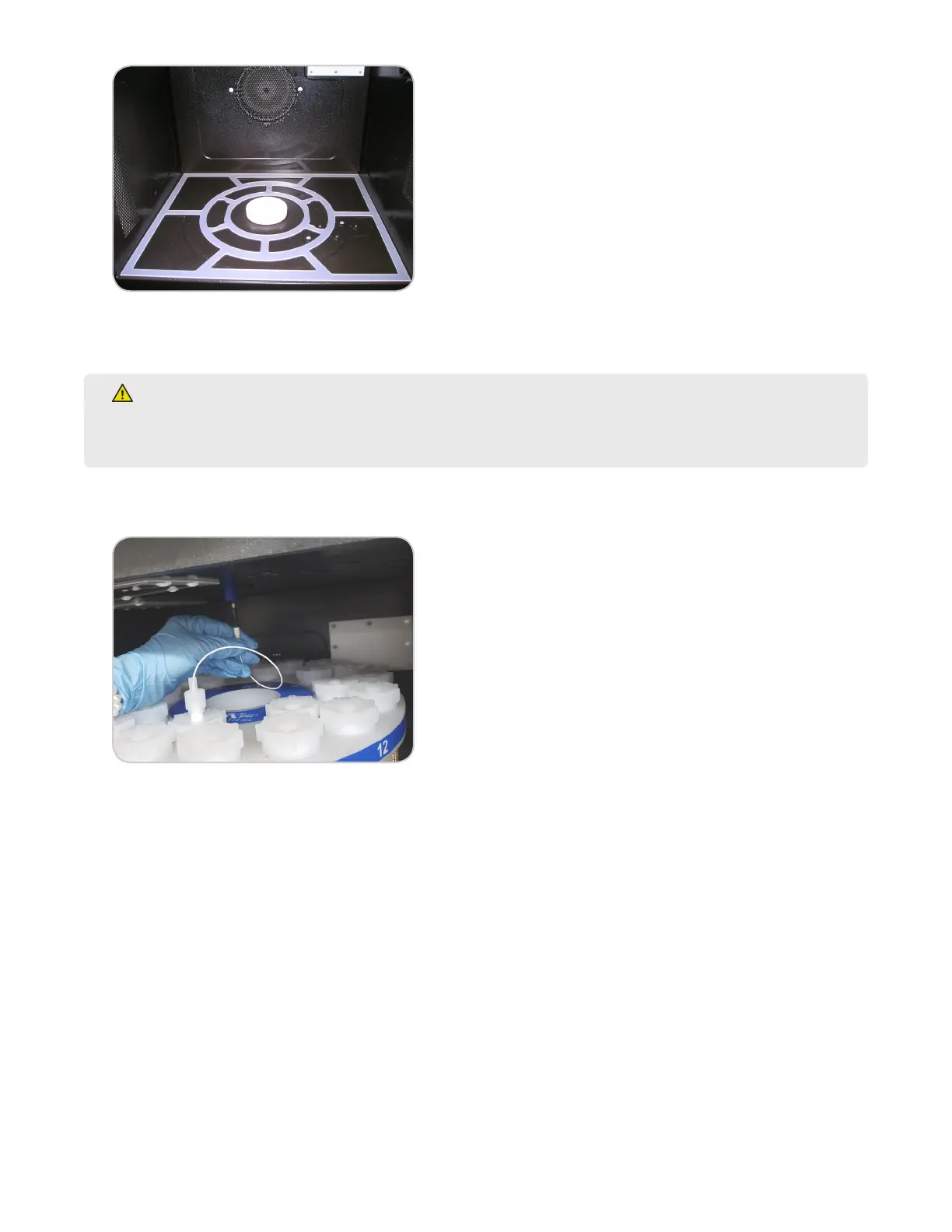
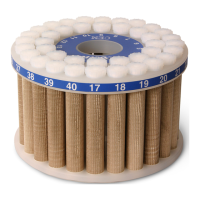
6. Load the turntable into the instrument by aligning position “1” with the front of the instrument. The turntable
must be seated down on drive lug.
WARNING
The fully loaded turntable without sample may be heavy (>25 pounds (11 kg)). Use caution when lifting
and loading into the cavity. Do not place ngers beneath the turntable when placing in the cavity.
7. If applicable, connect the ber optic probe to the port in the top center of the MARS 6 cavity by pushing in the
plug until it snaps into place.
8. With the door open, use the Turntable icon to rotate the turntable. Observe the positioning and balance of
the turntable. If applicable, ensure the ber optic probe stays in position. Make adjustments by re-seating the
turntable if necessary.
Load and Perform a Method
1. If applicable, verify ber optic temperature.
1.1. Select the System Settings icon in the bottom right corner of the screen.
1.2. Select Tools.
1.3. Select the "System" tab. The "FISO Temperature (ºC)" will appear under "Status".



 To Next Page