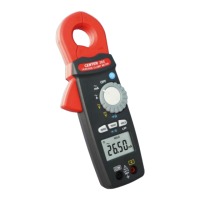
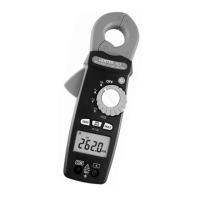
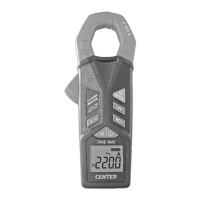
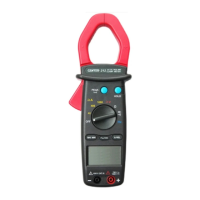
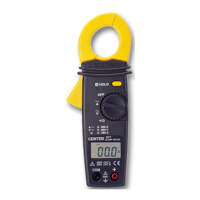
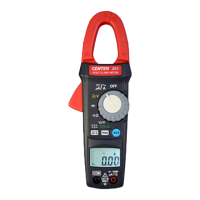
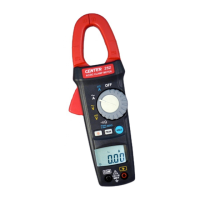
TRMS AC/DC Low Current Clamp Meter
8
5. BUTTON INSTRUCTION
5-1 HOLD function:
It is possible to freeze the value displayed by pressing the
"HOLD" button.
Press the "HOLD" button again to exit the Hold mode.
5-2 Shift Function:
Press "
" shift button to change functions in each
selector.
5-3 ZERO function:
Press "ZERO" button to enter the Zero mode, then
indicator will appear on the display. The reading is stored as
reference value for subsequent measurement.
Press the " ZERO " button again to exit the zero mode.
5-4 BACKLIGHT function:
When the "
" button is pressed, the backlight and
flashlight will be turned on.
To disable the function, the button is pressed again. The
backlight and flashlight will be automatically turned off about
180 seconds after it turned on.



 To Next Page