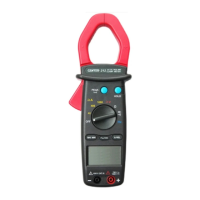
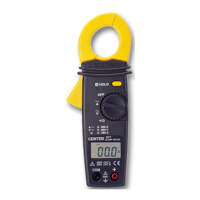
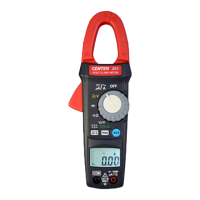
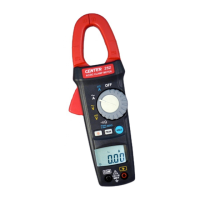
TRMS AC/DC Low Current Clamp Meter
11
6-4 ACV
、AC+DCV measurement:
WARNING!
Maximum Input Voltage is 660V AC/DC. Do not
attempt to take any voltage measurement that may
exceed this maximum to avoid electrical shock hazard
and/or damage to this instrument.
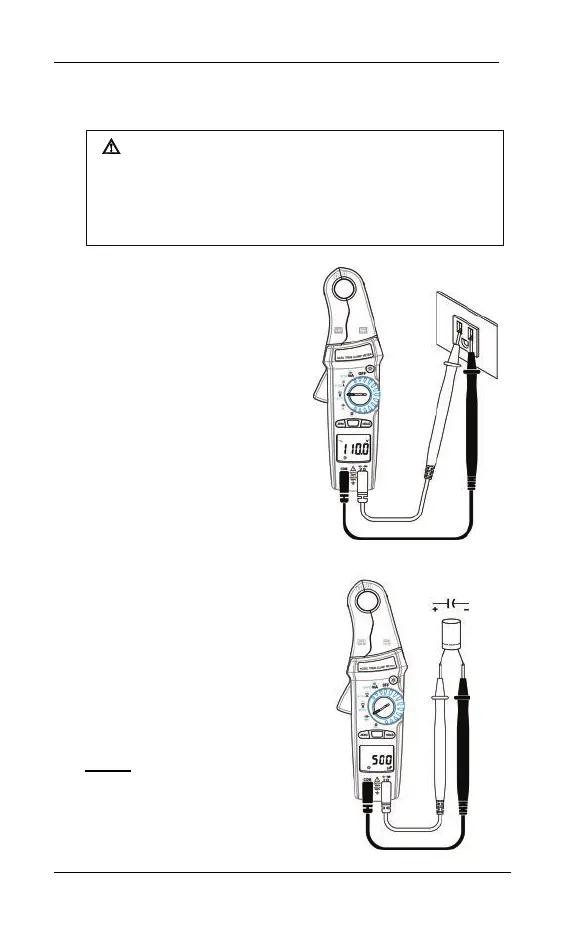
Switch the main function
selector to ACV or AC+DCV
range.
Connect red test lead to “
”
terminal and black one to the
“COM” terminal.
Measure the voltage by touch
the test lead tips to the test
circuit where the value of
voltage is needed.
Read the result from the LCD
panel.
6-5 Capacitance measurement
:
Switch the main function
selector to capacitance range.
Connect tip of the test leads
to the points where the value
of the capacitance is needed.
Read the result from the LCD
panel.
Note:
To avoid damage to the
meter,disconnect circuit
power and discharge all
capacitors before measuring



 To Next Page