74 – Monitoring – User manual – v1.2
Monitoring - CanDis
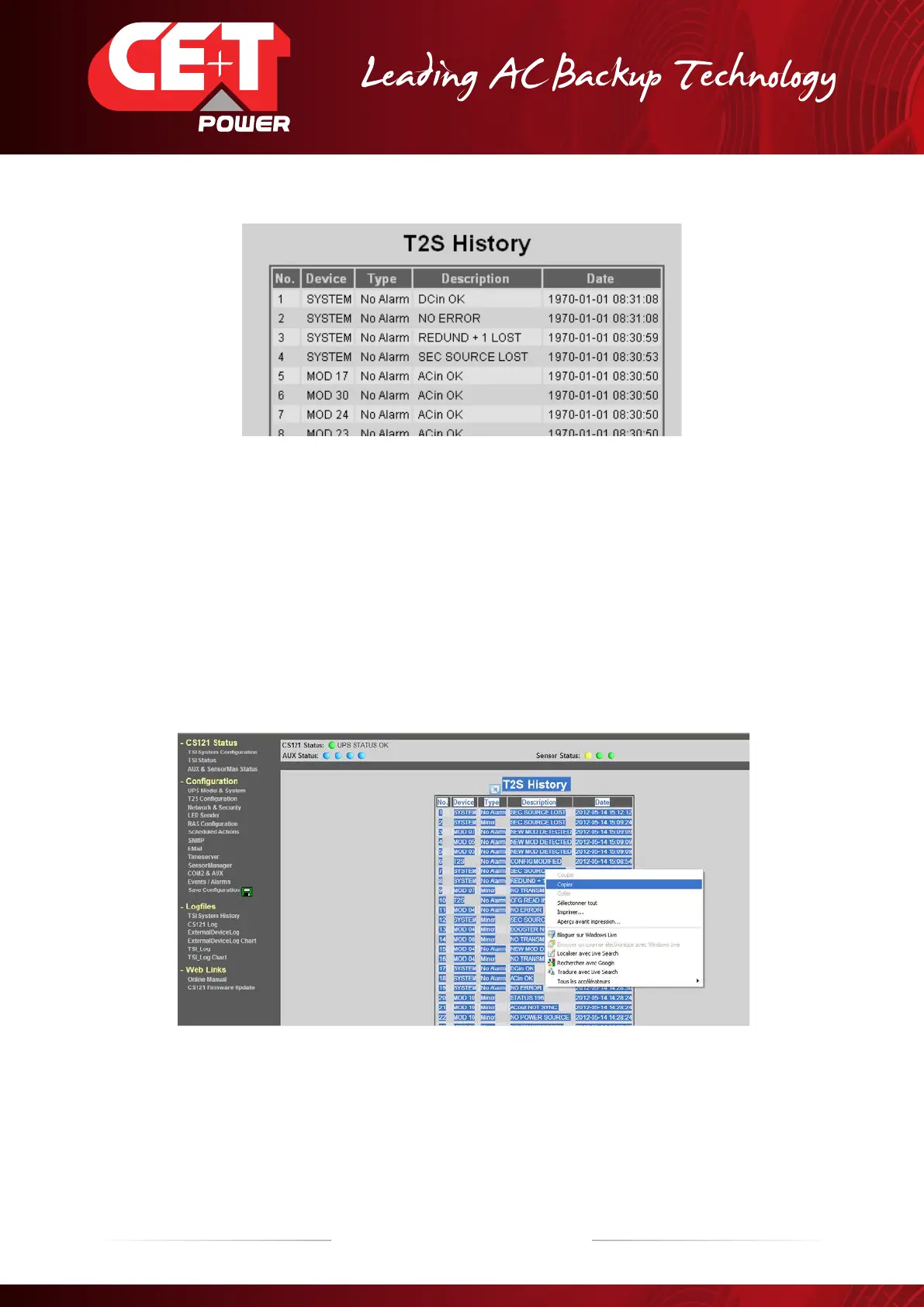
Up to 200 events are recorded and the newest supersedes the oldest.
Customer can copy the history log file in an .xls file.
Procedure:
A) After retrieving the history log file.
B) Press on right mouse button.
C) Press on “select all” menu.
D) Press on right mouse button again.
E) Press on “copy” menu.
F) Open an .xls file and past the data as “Paste Special”.
G) Save your new file.


 To Next Page