C-net 2000 MULTI
16
4. Multi Data Information
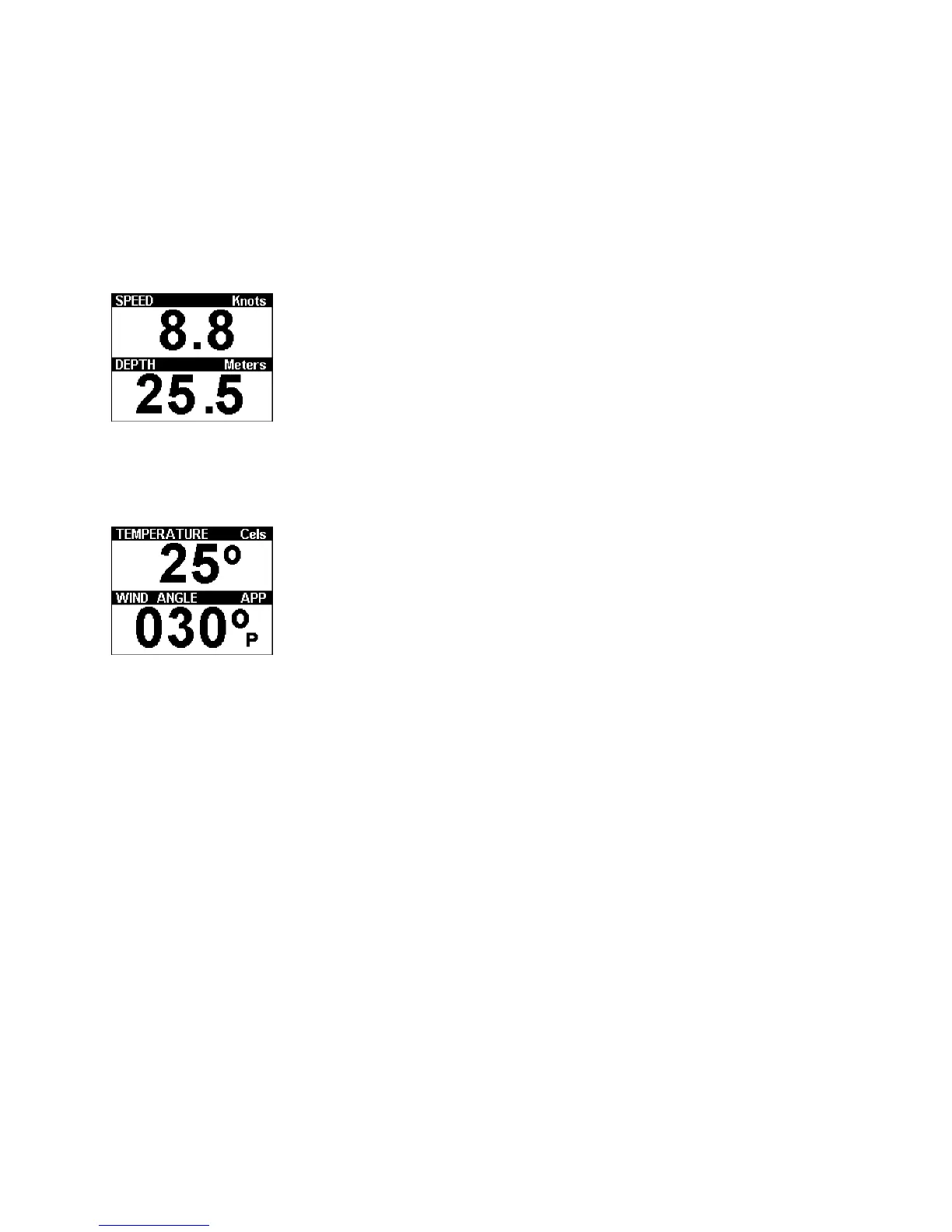
MULTI Data1
Displays two windows, press a grey key for adjust option.
The black box represents the window changed by that key.
Press the key repeatedly to step through the options that
can be displayed in that window. Stop at the one required.
This selection will be stored for future use.
MULTI Data2
A second display of two windows, adjusted as above.
Choices for display, if the system has the information, are:
Coastal: SPEED, DEPTH, TEMP, DISTANCE.
Ocean: SPEED, DEPTH, TEMP, DISTANCE, HEADING,
POSITION, SOG, COG, WIND_SPEED, WIND_ANGLE.



 To Next Page