C-net 2000 MULTI
30
CONFIG MENU
The settings in this menu should only be used with caution
by trained personel.
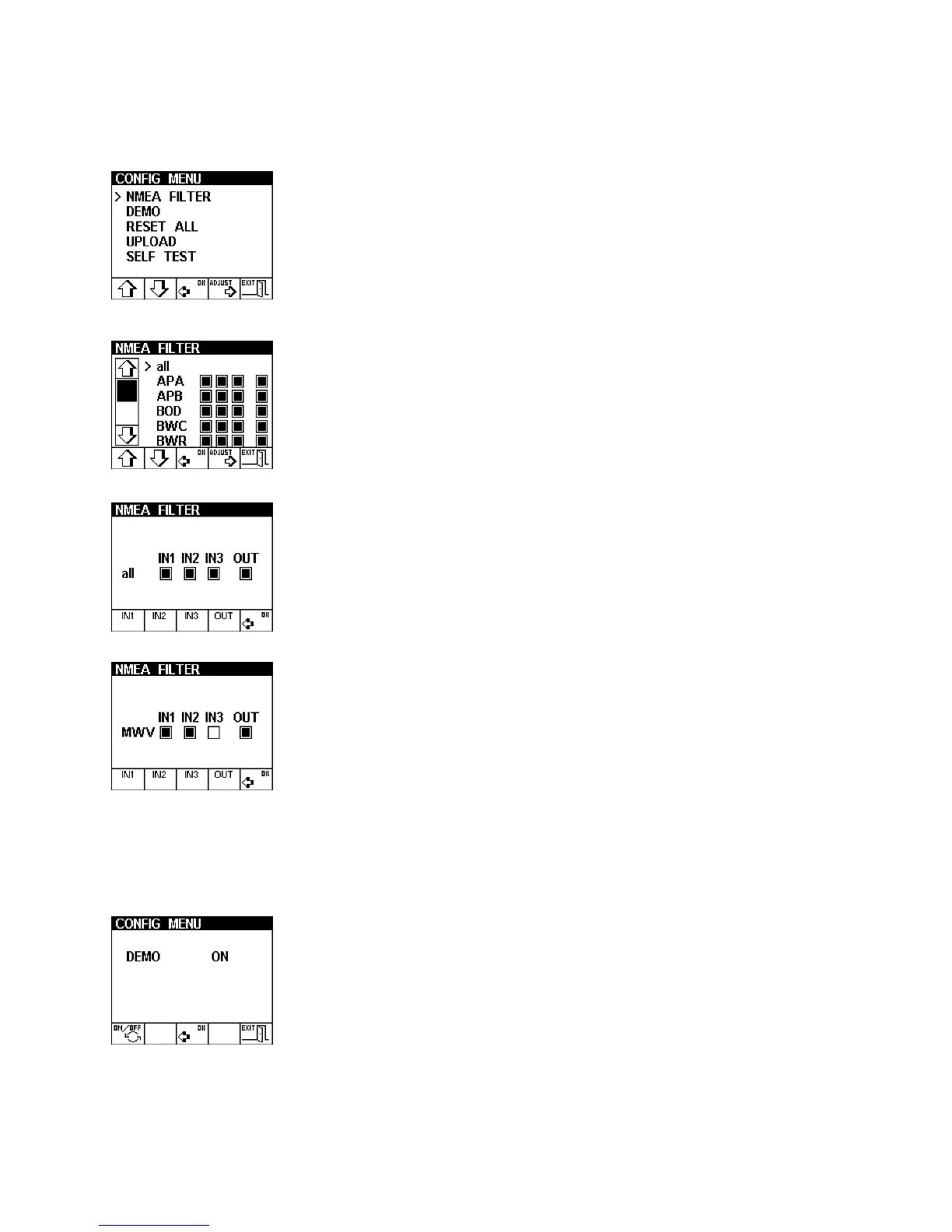
The NMEA Filter is an extremely powerful method of
controlling the NMEA 0183 input and output data flow.
Individual messages can be masked to ON or OFF for each
of the three input channels and the single output channel.
The messages are listed individually or all messages can be
masked on or off with the all option.
Here all the NMEA messages are turned on for all
channels.
Here the MWV message for input three has been removed.
This message is then ignored on that input channel.
This can be used to break message loops that some
system configurations cause.
The Demo option selects a demonstration display that will
run without having any transducers connected.



 To Next Page