31
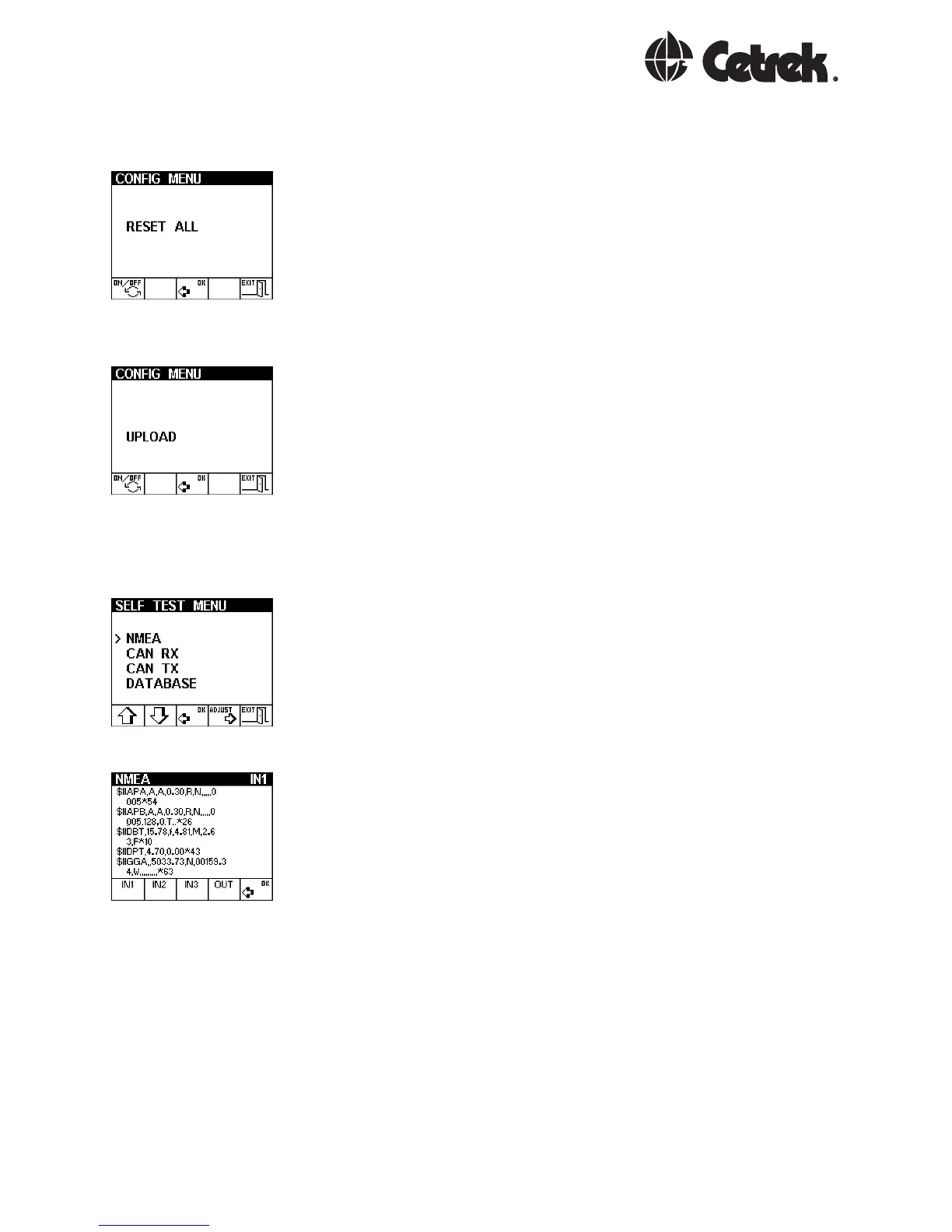
The Reset All option resets all settings back to a default
value and should be used with caution as all calibration
data will be lost.
The programme from one MULTI can be copied across the
CAN bus to other MULTIs and also to WIND or TACKs. The
Upload feature will be described with the upgrade kits.
The Self Test provides diagnostic information and has a
very useful NMEA viewer.
The other options are for factory use only.
Press the key to select the required NMEA channel.
Press the same key again to freeze the display for
examination of the data.



 To Next Page