19
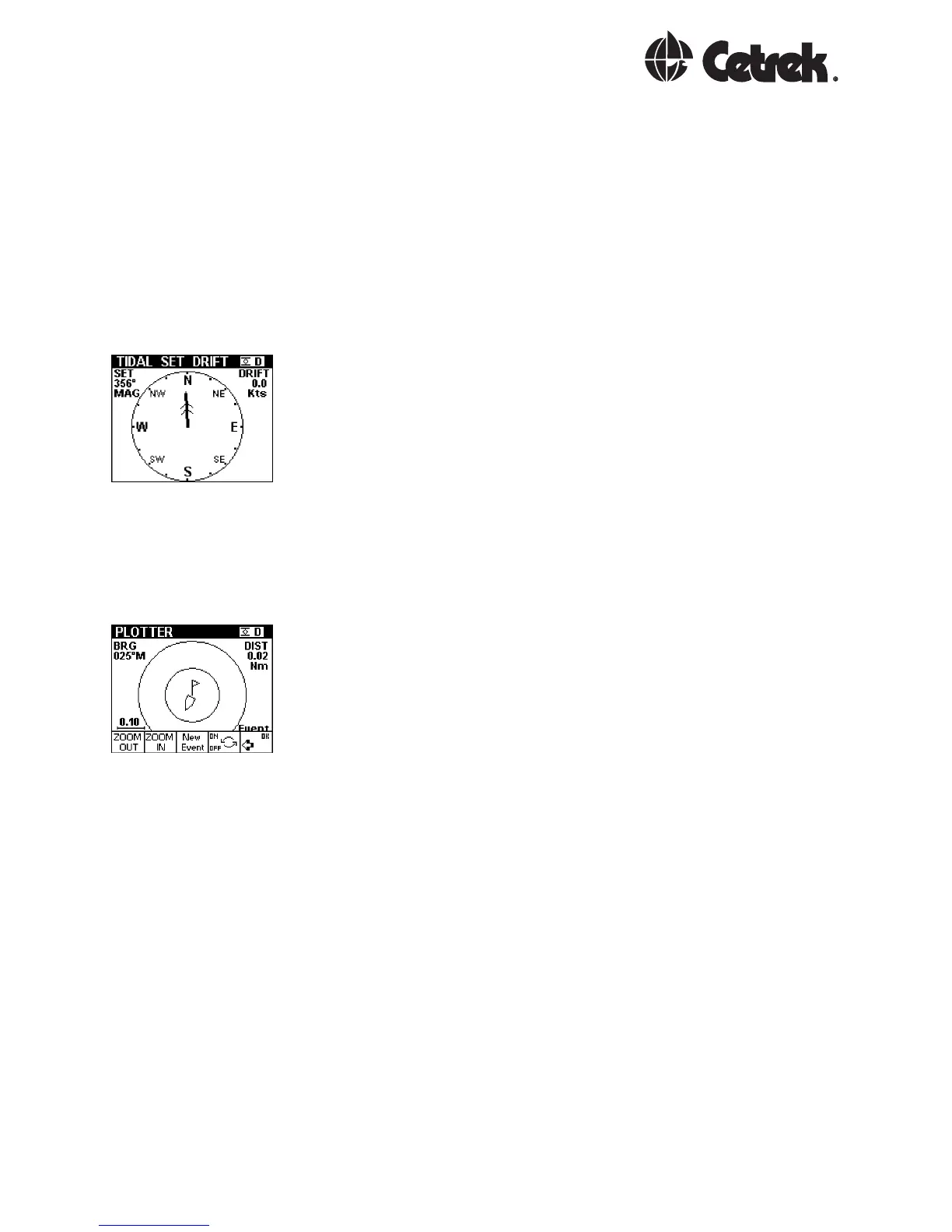
NAV Tide
The display shows the strength and direction of the tidal
flow.
This requires information from the Navigation System
(better with GPS or best with DGPS), an accurately
calibrated water speed sensor and heading input. The
difference between these sensor inputs allows the tidal
stream to be measured.
NAV Plot
A basic plotter screen, showing the recent history of
positions taken once per second. An ADJUST mode
provides a Zoom feature and the ability to store a single
event.
When an event has been stored and is turned on, the
display will indicate the distance and bearing back to the
event. The event data is lost when the power is removed.
The event data is local and is not shared between other
MULTIs in the system.



 To Next Page