Chapter 2
Cylinder and Components
28 SAFETY FIRST Edition 1 – December 2019
MSA G1 Electronic Breathing Apparatus
Checking battery status
When the BA is pressurised (active mode) the battery status can be checked by
toggling from the primary screen to the secondary screen using either of the green
RESET buttons.
When the BA is not in use (sleep mode) the battery status can be checked on the
control module LCD screen by pressing and holding either of the green RESET buttons
for five seconds to view the battery level status.
Do not check the battery status via the charging cradle. Placing a battery
on a charging cradle will start another charge cycle, which will limit the life
of the battery.
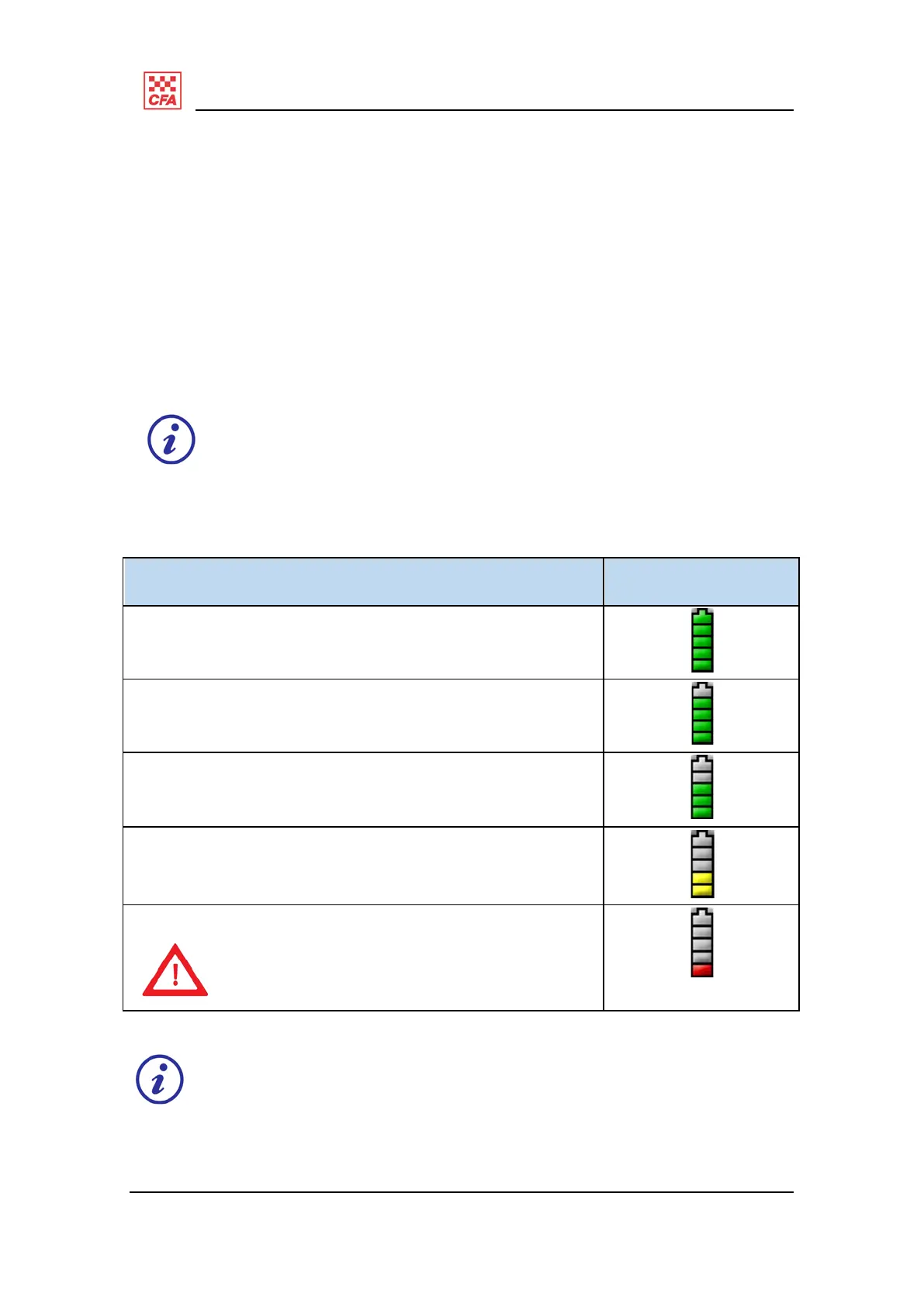
Table 1 summarises the battery charge status and icons.
Description Illustration
Five green segments mean 80 to 100% battery charge
Four green segments means 60 to 79% battery charge
Three green segments means 40 to 59% battery charge
Two yellow segments means 20 to 39% battery charge
One red segment means 0 to 19% battery charge.
Change or exchange the battery.
Do not use the BA.
Table 1 – battery charge status
Even when at the low battery warning (one red segment), there are still two
hours of continuous use available to the operator (with all electronic
components enabled).


 To Next Page